




ScrimpyData
Members
-
Joined
-
Last visited
Everything posted by ScrimpyData
-
Happy Birthday! :D
-
Well, you can easily make one yourself :P You can download the trial version of Adobe After Effects, and then go to this YouTube channel (he has free After Effects intro templates). A template is easy to work with. You open the file, and the only thing you have to do is change some text (and maybe some images :P) Feel free to PM me if you need any help :D -Scrimpy
-
I heard food...
-
Happy New Year everyone! Cya in 2014
-
I'll PM you :)
-
nVidia Geforce GT620, I'm lucky to get 20-30FPs with an ENB xD (I ordered a GTX 660 ti though)
-
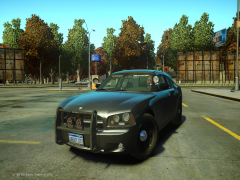 Looks great!
 -
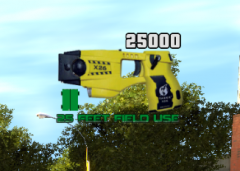 Looks really good! :D
 -
I thought we were all hoping and waiting for Mongolian Independence Day?
-
Happy birthday Sniper296 and Harper. I hope you guys have a great day! :D
-
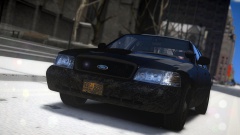 Great Picture :D
 -
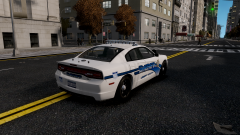 Looks great! :D
 -
You can also just PM me the details (colours, text, extras, etc...) so I can work on it ASAP :)
-
Well, using one of the ones I showed is a bit of a problem :P But I can make you one :)
-
Thanks!
-
Just PM me with the details if you want one
-
Thanks! Thanks!
-
I don't think I'm the first with the blur idea, so I can't forbid you to do the same
-
Sure, PM me the details (colours, text, etc...) and I'll make you one
-
I assume that you mean the old one with the GTA one. That one is not used anymore, and is just to show the progress :) Anyways, thanks for the feedback :D
-
Thanks! :D
-
The dimensions are the perfectionist in me, I made my own template to make sure I never get the dimensions wrong :P Thanks ninja!
-
Thanks! :D
-
I made some YouTube banners for people on a YouTube forum yesterday, and I got some really good feedback on them. As I would like some more feedback on my work, I decided to show them right here. So feel free to post your opinion about them :) (and here's an old banner I made, just to show off the progress I made)
-
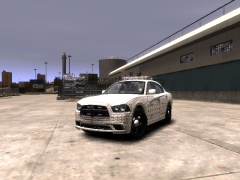 That's good to know :)


