




ScrimpyData
Members
-
Joined
-
Last visited
Everything posted by ScrimpyData
-
Happy Birthday LCPDFR! :D (I know I'm late :P )
-
Looks great!
-
 I really need to learn how sarcasm works over the internet...
 -
 Thanks!
 -
- nvm - -_-
-
 Thanks! I would also drive it (if I was abvle to get one :P )
 -
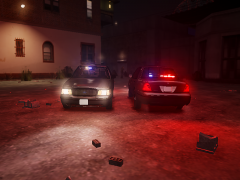
From the album: Scrimps Mods
Please leave some feedback :) -
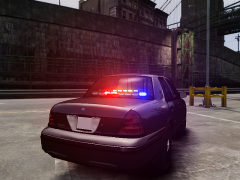
From the album: Scrimps Mods
Please leave some feedback :) -
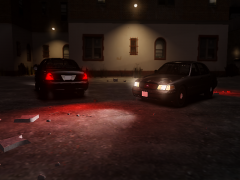
From the album: Scrimps Mods
Please leave some feedback :) -
Thanks!
-
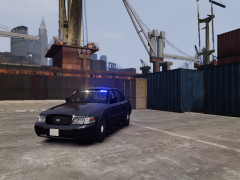
From the album: Scrimps Mods
The Front of the FBI CVPI -
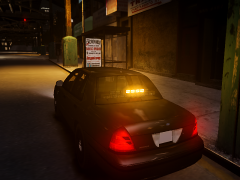
From the album: Scrimps Mods
Placed the TA on the lightbar Feedback is always appreciated :D -
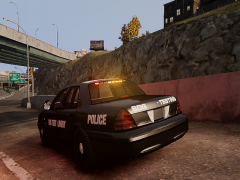
From the album: Scrimps Mods
And it turned out to look pretty good imo :) Feedback is always appreciated! -
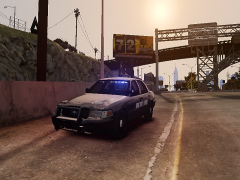
From the album: Scrimps Mods
And it turned out to look pretty good imo :) Feedback is always appreciated! -
Happy Birthday!!!
-
I can only wish to have a G27, it's too expensive for me, but I'm saving up for a Logitech Driving Force GT :P
-
That's a nice truck :) This is mine:
-
I love this game :) But if you get bored while playing, you can always try some mods. One of the best mods (imo) is TSM map mod, wich adds more than 100 new cities into the game. You can find it with a quick google search :) There is a post on their blog that reveals an American truck that may be used in a future project, and they already parked the domain americantrucksimulator.com for future use.
-
-
Me too! :P
-
For pylons and barriers: >PoliceHelper I don't know for the others
-
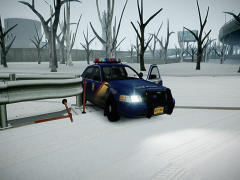 Yes it is! :) That doesn't surprise me :) I love the Code Zero skins :3
 -
From the album: Scrimps Pics
Just a random pic showing EMS that knocked the car out of his position :P -
From the album: Scrimps Pics
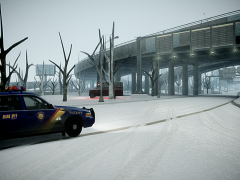
The morning after a horrible snow storm, LCPD Officer S.D. found an abandoned Sheriff CVPI on Broker-Dukes Expressway in the direction of the airport. He immediatly called for backup and started searching for the driver of the vehicle. They still didn't find the driver... -
Awweesssooommme!


