thegreathah
Friends of LSPDFR
-
Joined
Everything posted by thegreathah
-
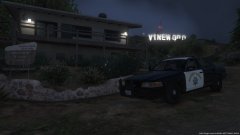 Love it! That Push bar looks great.
 -
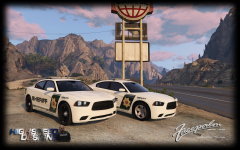 They look great! Hype
 -
 Oh my god, I love these and the models look good too :p
 -
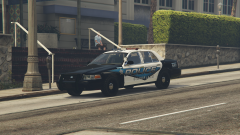 Looks really good!
 -
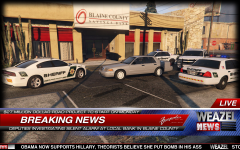 Nice! These are lookin better by the day!
 -
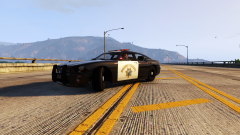 Looks sick!!
 -
-
Comment of the year award goes to...
-
-
 Congrats, and thank you!
 -
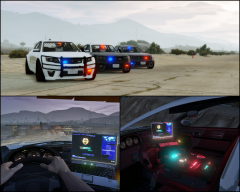 Looks amazing!
 -
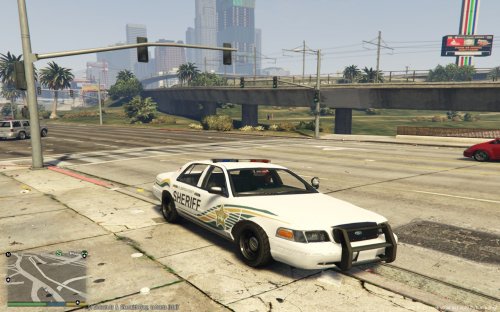 Really great! Very accurate, You should do one for the 2011 CVPI that was posted on GTAV mods!
- 22 comments
- 6 reviews
-
-

- 2
-
Are you spawning with a trainer or letting it spawn on its own. If it's the latter make sure you spawn in the city not the country, as police only replaces the LSPD stanier.NEW CVPI RELEASED It is locked though... I don't know what we think of that, but it is here. alrighy, try doing the same in patch4ng or 5ng they have pretty much the same root.
- 95 comments
- 38 reviews
-
-
- 1
-
No, go into the the folder: Main directory/update/x64/dlcpacks/patchday3ng/dlc.rpf/x64/levels/gtav/vehicles.rpf- 95 comments
- 38 reviews
-
-
- 1
-
My god, fucking brilliant (excuse my french) Those lights are AWESOME!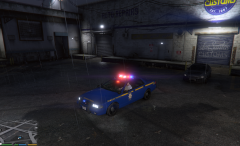 Wonderful!
try the patch3ng folder, Police 3 and 2 have to be replaced there, and it wouldn't hurt to put police there either.
Wonderful!
try the patch3ng folder, Police 3 and 2 have to be replaced there, and it wouldn't hurt to put police there either.- 95 comments
- 38 reviews
Agreed, it is pretty much a flat surface with a few bumps on it and TERRIBLE texturing. Probably the same guy who mapped the vehicles.Good news, thanks Jeff. Both you and Buggs been extremely helpful towards this community and we appreciate it!