thegreathah
Friends of LSPDFR
-
Joined
Everything posted by thegreathah
-
You need to put your mods in the update folder, in the patch4ng.
-
pinch me!
-
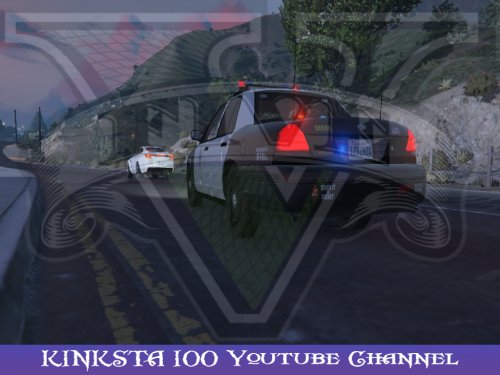 Hey man, I found one small "bug" that is somewhat bothering me... The wheels disappear. To me it's kinda weird and annoying to see a cruiser 20 yards in front of me in a pursuit start floating. Other than that, I am looking foward to further updates to this awesome model. Thank you!
- 26 comments
- 13 reviews
-
Thank you man, very impressive job for your first GTA V mod. Many things I thought wouldn't be done for a long time were done with this mod.
- 26 comments
- 13 reviews
-
Fartknocker is making one. Haven't seen it in a little while, but I think he will release it...
-
This is by FAR the best Crown vic that has been released. It has so MANY lights. Everything is so well done and very high quality. I have one request: Being able to run it slicktop and also add the default lightbars as I like to go more for realism. Thanks : ) BTW I haven't found any bugs so far which is really awesome!
- 26 comments
- 13 reviews
-
-

- 1
-
-
-
-
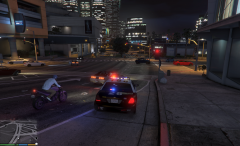 Huh, didn't know that. Thanks!
 -
Sweet. Thanks for the reply! I was wondering because, as you know, certain light set-ups don't work with certain cars.
-
Can't wait! Been watchin this for the last few days. I just can't wait to use an actual LAPD Lightbar on a high quality crown vic, Also those back dash lights look stunning! What Car will this be able to replace?
-
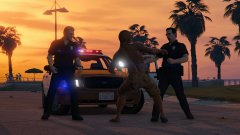 Woah! Did you make this? Looks amazing!
 -
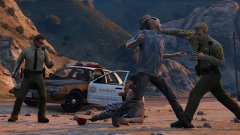 This is what I've been waiting for!
 -
Looks awesome!
-
Play further through the campaign, you are at the part where Trevor and Michael have a bounty on their heads from that one hispanic guy. You will be chased and shot at in the city till you get past that part of the story.
-
-
If you replaced "police3" it will not spawn in game, as LSPDFR doesn't dispatch police 3.
-
Do you know what car you replaced with it?
-
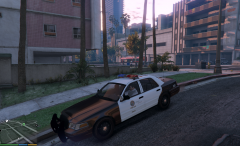 Sooo Pretty
 -
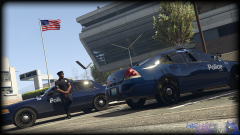 oooh sweet. Nice job man.
 -
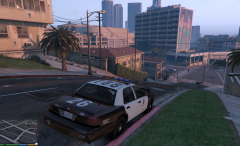 Damn, this looks amazing! Finally a true LAPD car :)
 -
-
 Beautiful as usual :)
 -
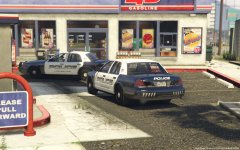 I like the skin!
 -
I saw that as well.