


thegreathah
Friends of LSPDFR
-
Joined
Everything posted by thegreathah
-
This looks awesome! I love the rambar lights. I can't wait, as the other explorer is plagued by bugs right now.
-
 Try putting it in an update folder, It's possible that there is a file conflicting with this in an update folder.
- 208 comments
- 59 reviews
-
-
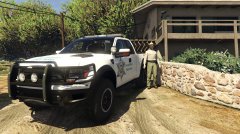 Awesome!
 -
It looks to me like the ytd file didn't install correctly, make sure to drag each file into open iv multiple times and seperately
- 208 comments
- 59 reviews
-
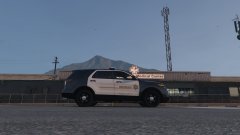 Awesome, I was literally about to ask you for this on the LAPD ones you made (Which are awesome btw)
 -
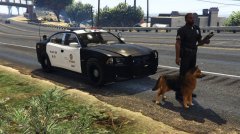 Nice! But that chrome trim has to go.
 -
NICE!
-
 I am so excited for this.
 -
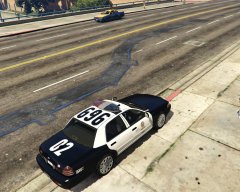 Holy poopy. This looks incredible, really impressive!
 -
-
 Wow! Frank, thank you so much, This vehicle looks so good. I really like the indicators in the back with the lights on. Has a few bugs (They have all been mentioned before) Again, thank you, you are freaking amazing for putting so much work in and really laying a foundation for the rest of V modding. Btw: I think a steel rim version of this would be good, as the LASD/LSSD has a similar setup but different wheels.
- 137 comments
- 22 reviews
-
-
That's strange, I could see that happening if you added it on. Did you delete anything in the .ytd?
- 208 comments
- 59 reviews
-
Look on page 7 of this forum
-
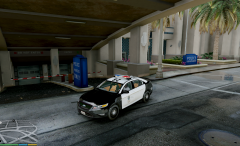 Wow, again, brilliant job!
 -
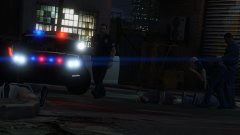 Thank god... I thought you uploaded a picture of the vanilla interceptor.
 -
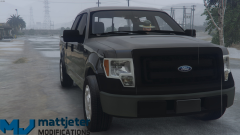 Now all we need is ELS and we will be set.
 -
You are just a machine lol.
-
hmmm, I would delete all your mods and verify your game cache.
-
It looks like you have some UI mods installed... Try getting rid of thise first. I would start with the mod that shows fuel levels.
-
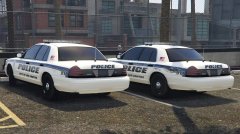 LOL Nice car and skin!
 -
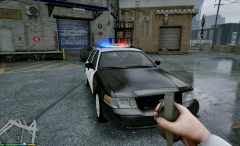 YAY I am so excited
 -
EEW is that an interceptor?
-
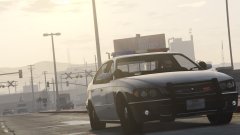 Looks good!


