


thegreathah
Friends of LSPDFR
-
Joined
Everything posted by thegreathah
-
What @Lunasious said is correct, I have a similar graphics card and I usually run it on high with around 40-45 fps. You have a better CPU than me, so you may be able to push for more performance and quality.
-
It tells everyone it will have damage, It just bases it on your gpu capacity. Unfortunately you have a pretty weak graphics card (For GTA V), so your performance will be mediocre at best if you turn the settings way up. If you decide to upgrade I would recommend the GTX960 or the GTX970. They are both really great for running games. Your CPU is perfect for GTA though so you are fine in that area.
-
I think the setting is something like "ignore suggested limit"
-
You should completely ignore the "more room" notification. It is really just suggested and even Nvidia put my optimization above it. Don't worry about upgrading, especially if it running well now. There is a setting to ignore that "more room" thing but I can't remember what it is called exactly; something like "Ignore suggested limit". If you need help, don't hesitate to contact me through steam or PM.
-
It is most likely your MSAA settings. Make sure they are at least 4x
-
-
You have to pull it out of Open IV onto your desktop and then edit it.
-
-
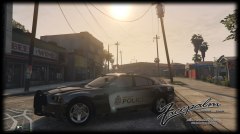 I'm in love!
 -
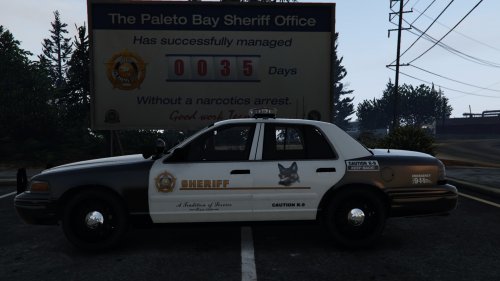 Not correct credits. This is my vehicle: http://www.lcpdfr.com/files/file/9312-lasd-arjent-cvpi/?tab=reviews#review-32626
- 4 comments
- 1 review
-
-
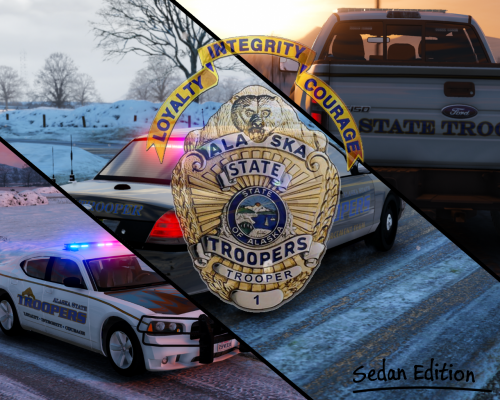 Hey quick question! How do I change the vehicle's alpha exactly? Thanks, and great work!
- 54 comments
- 12 reviews
-
-

- 1
-
-
I have been waiting a long time for someone to create this. You have outdone yourself. Every single texture looks incredible! Good work!
- 54 comments
- 12 reviews
-
-
- 2
-
-
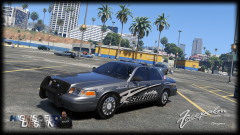 Alright, I will spread the word hehe
 -
-
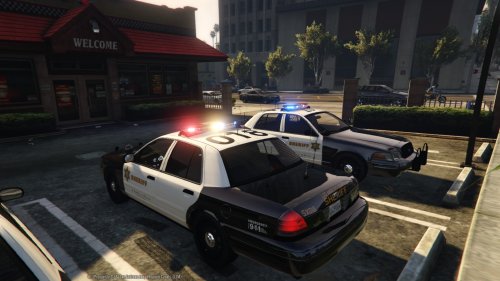 1) That is not the car from my file, that is Lundy's car 2) Go into your graphics settings (in the game itself) and turn "PostFX" up to Very High or Ultra.
- 110 comments
- 13 reviews
-
-
Just download an edited one from this site: RadianceV or LED Enhanced by GravelRoadCop.
- 110 comments
- 13 reviews
-
I'm not sure. I certainly don't have this problem and it doesn't seem anyone else does either. Maybe try turning up PostFX or replacing your visualsettings.dat
- 110 comments
- 13 reviews
-
That's exactly what I was thinking... The only way they spread ideas is through fear, hate, and violence, so it isn't a bad bet.
-
I 100% Agree with you. I hate that some idiots are actually condoning this kind of behavior.
-
Update: According to CNN's twitter there are, in addition to the officer killed, two civilians dead.
-
One Officer has been killed, sadly in this horrific shooting.
-
No problem :) Glad it is working!
-
You need to edit the carivations.meta file. That is why it comes included with those files. The readme will tell you how to install it.

