


thegreathah
Friends of LSPDFR
-
Joined
Everything posted by thegreathah
-
From the album: thegreatHAH's Screenshots
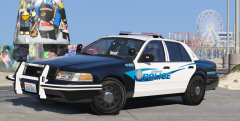
These are the best skins I have ever downloaded! Thanks to MikoFicitus -
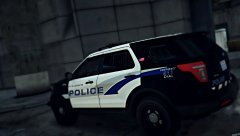 I like it a lot
 -
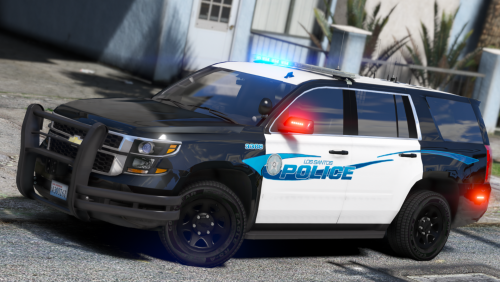 Fyi, not sure if you noticed but the blackjesus Explorer textures are not correct. Template: Your Textures:
- 34 comments
- 9 reviews
-
Unlike many skin packs, this has earned the 5/5 rating; The fact that even unmarked skins are included is incredible, it adds so much having matching licence plates and such. The skins just work, they fit with the Los Santos "beachy" theme and also with the Vinewood "hilly" theme. The coloring is perfect, there is variety within each car's packs. It is evident a lot of time and effort was put into this pack, not just simple skins thrown together at the last minute. Will definitely be doing a video or multiple videos using these, and I think I may have found my new favorite pack.
- 34 comments
- 9 reviews
-
-

- 2
-
-
-
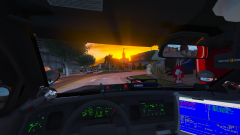 ;( Wish I got to play with this "things" and so called "stuff" btw loving the last few streams fam. Keep it up.
 -
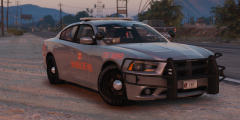
From the album: thegreatHAH's Screenshots
-
-
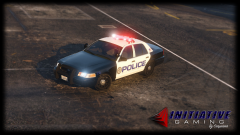 Jeeeeezzz that baby is hot. Love those steelies
 -
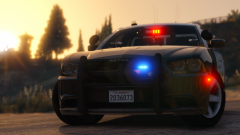 eeewww
 -
Amazeballs Love the valor.
-
Windows446 just released a car with full perms from Kevin.
-
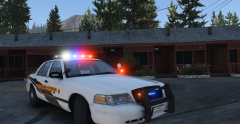 Thank you!
 -
Nope, Black Jesus's
-
From the album: thegreatHAH's Screenshots
-
It would be good to know all of your specs so that we can determine what will bottleneck and what won't. For instance: putting a FX-8350 with a GTX 950 won't do that much as even with a good processor it won't add much performance because of how bad the GPU is. Like Starmix said, It might be time for a new PC, especially since from what I can tell your computer is prebuilt and not at all made for gaming.
-
Gorgeous
-
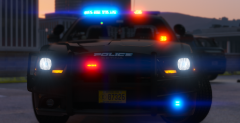 Guess it's good I'm working on one for your Sheriff Skins. :)
 -
I had a great time making it. So glad the pack has come out so well!
-
Go ahead!
-
From the album: thegreatHAH's Screenshots
-
Are you talking about GTA V or GTA IV? ELS hasn't been released yet in for V. If you are talking about default lighting systems then it is exactly as Steele has said. If you are talking about IV it is "J" to switch through different light modes (alt + "J" to go through the modes in reverse) and "G" to activate the siren, and then 1,2,3,4 for switching through siren sounds, "Y" for airhorn.
-
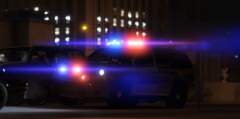 I'm also running with enb/reshade from Visual V and SyncFX
 -
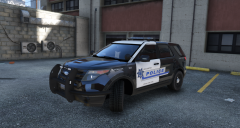 I wholeheartedly agree. We need more like you too. btw working on a video featuring your skins next.
 -
Thanks man!

