


thegreathah
Friends of LSPDFR
-
Joined
Everything posted by thegreathah
-
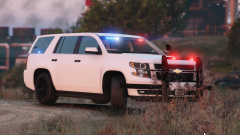 It had to be done :)
 -
Do you have an els.xml file for whatever the van is (Speedo I think?).
-
It's all comin' together
-
From the album: HAH's WIP Pics
-
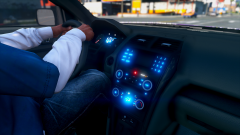 You're a god
 -
It's a known bug. I believe it's because it was originally not intended to be used in pursuits and just for responding to calls. You can get rid of the bug by disabling ELS ai reactions in the ini file, but it disables a lot of good stuff so... win/lose situation unfortunately.
-
Hey y'all, Just a quick update: So I have the FPIUs and the Tahoe (2015) done for the most part. The only car that is important to me, that is still unfinished is the Taurus. This is simply because I don't have a releasable base model yet. Now while a releasable base model will more than likely come sooner rather than later, I also have just been absolutely slammed in school this month and that will likely continue for the remainder of the school year. I am frankly not sure I will have time to finish if I don't release in the next few days, until possibly March. My plan right now, is to get the three cars I have completed, and get them into your hands asap, then add the Taurus and possibly the other Tahoe in later on, whenever I get time to work on it. I would expect a release sooner rather than later on the three completed cars!
-
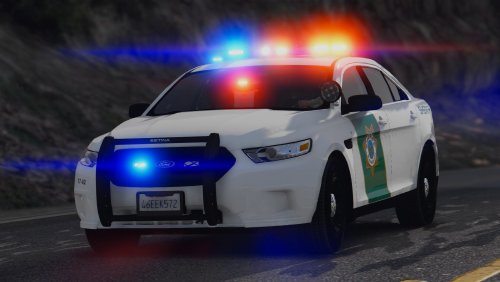 These are really great! I hope to see extended to more vehicles in the future!
- 18 comments
- 7 reviews
-
-

- 2
-
-
Nice! Glad to see more and more people starting this type of comment, and it already seems you have a pretty professional quality down!
-
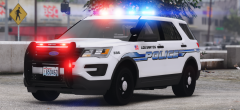
From the album: HAH's WIP Pics
soontm -
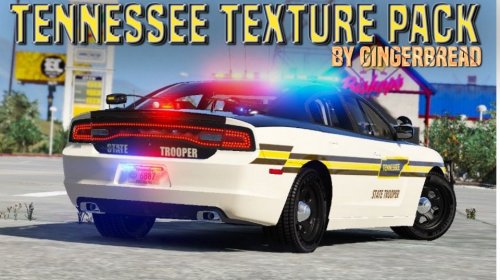 It's because it's a completely different base model. And it looks like this pack hasn't been updated since August, so I wouldn't expect it to be fixed.
- 34 comments
- 4 reviews
-
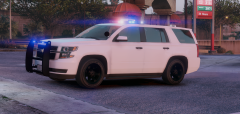
From the album: HAH's WIP Pics
-
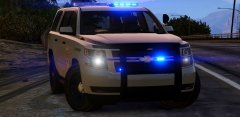 I was gonna do it. But I knew I had to let the legend himself create it. Nice work.
 -
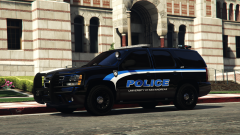 He returns!
 -
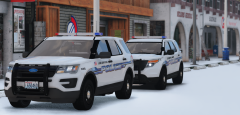 You know it Billy.
 -
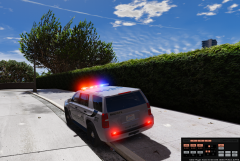 Looking good Maurice!
 -
I couldn't set up the cruise lights exactly how Mill Creek does, but it does have them, and is ELS enabled.
-
 1) Change the tint for your sheriff2 slot 2) The siren tone can be found here:
- 85 comments
- 28 reviews
-
From the album: thegreatHAH's Screenshots
© AndreKim101
-
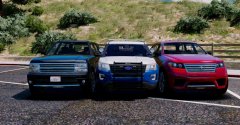 Is it different (Other than the wheels) from the non-ELS version? I haven't gotten a chance to try it yet :D
 -
Did you scale it down since the first version? Looks better than it was.
-
Now outfitted with proper textures, thanks to @getinmybelly0627
-
That's quite alright! We're all new. If you go into components look for which one lights up which side (Should be like 1 and 3 or 2 and 4) then you can go into the xml and down to the Primaries, and select which extras you want active at lighting stage 2.
- 85 comments
- 28 reviews
-
-
- 1
-
-
It's just the vcf file. If you scroll through the components you can pic what extras you want on during the second lighting stage.
- 85 comments
- 28 reviews
-
-
- 1
-
-
rename the vehicle yft/ytd files to police2, and rename the police.xml to police2.xml. Put them in the same place you put the police files.

