


vt1032
Members
-
Joined
Everything posted by vt1032
-
-
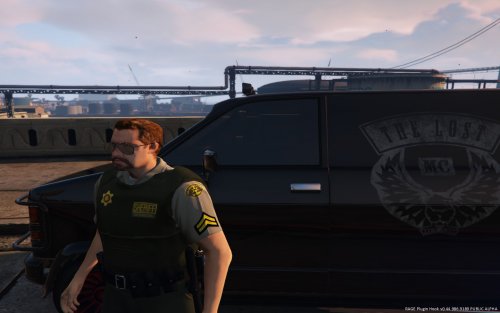 I'll be releasing a better version of those tonight, with updated badge and vest textures. Also, I'll be updating these LASD ones the same way.
- 16 comments
- 5 reviews
-
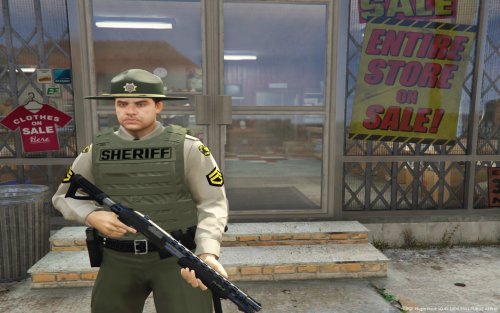 That likely has to do with the way your dispatch.meta is set up. I only use these with LSPDFR so I'm not sure how to get them to spawn with vests at a certain wanted level. I get them to spawn with the backup menu. I'll take a look at it when I get home.
- 17 comments
- 3 reviews
-
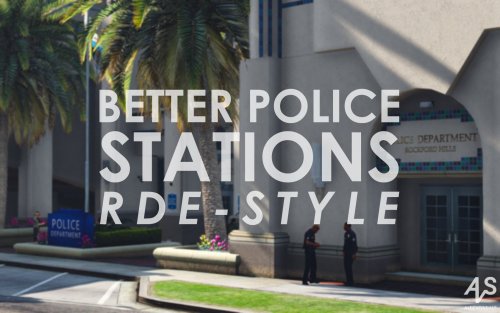 @AlexVonShep Any chance of adding a BCSO version for Paleto Bay? I have your original BCSO files but can't figure out how to get those to load over these. Thanks.
- 15 comments
- 2 reviews
-
That's unfortunately a limitation of the model. I just made the skins, not the model itself.
- 17 comments
- 3 reviews
-
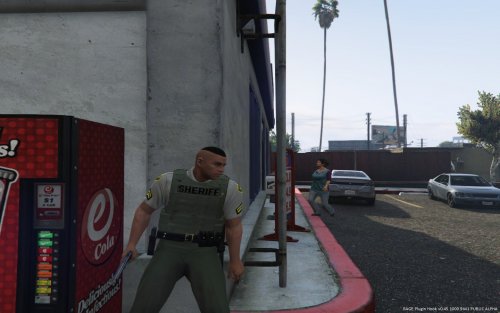 Using Sheriff units in the city? Tired of rednecks in cowboy hats rolling through the hood? These are reskins of Velactor's excellent BCSO models, reskinned to be LSSD deputies. I also changed the hat model to a different ballcap model to avoid the glare issue. They feature the badge textures from NefariousBonne's enhanced LSSD models as well as OfficerMcquade's hair textures. Velactor's original models:
- 5 comments
- 3 reviews
-
-

- 1
-
-
Tired of rednecks in cowboy hats? These are reskins of Yard1's excellent beta LSPD models, skinned to resemble BCSO deputies with outer vest carriers. The also have BCSO ball caps or Campaign hats and working ranks. They are designed to be worn with the vest on. There is a badge texture for just the shirts but it looks terrible. Yard1's original models: https://www.gta5-mods.com/player/beta-lspd-cop-ped-model
- 17 comments
- 3 reviews
-
-
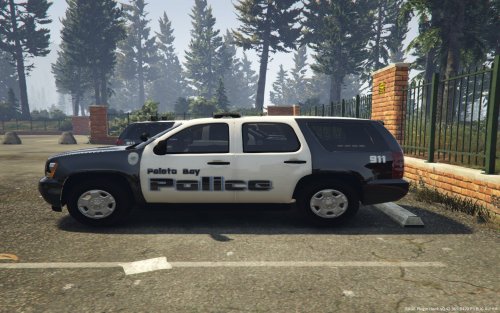 I had a hard drive crash last weekend, so unfortunately, I lost everything. It's a real shame because I had multiple uniforms set up, to include swat. They were based on the Morro Bay, CA Police, which is what Paleto Bay is based on. I'll probably be recreating them soon.
 -
That seems to be the case as I'm logged in now and can see it. Thanks.
-
definitely, that's awesome! PM me a download link and I'll add them. I'm likely going to be doing LSSD and BCSO versions of these soon, so there should be a good sized coming.
- 16 comments
- 5 reviews
-
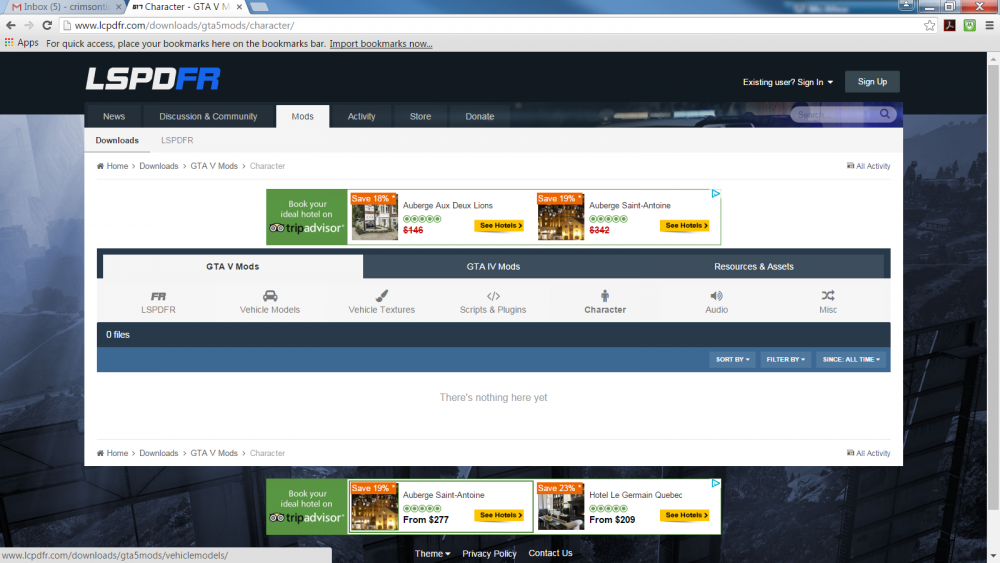
Like I said, it seems to be intermittent. This screenshot is from about 30 seconds ago.
-
Yes that. The icon is there, but when you click on it, it says there are zero files. It's been on and off for me. I noticed it a few days ago. It didn't work all day yesterday, but I was able to get in last night.
-
Place them in whatever file has your latest sheriffs. For some, it's patchday9, if you are using RDE, then it's in there. It really depends how you have your files set up. I use a mod folder and have both LASD and BCSO in game so I have a seperate folder for LASD. Make backups before you replace the originals.
- 16 comments
- 5 reviews
-
If you downloaded v1.0.3 of these, please redownload. I accidentally uploaded the original LSPD peds in part of the file. This contains the correct Sheriff peds, as well as several updates. Using Sheriff units in the city? Tired of rednecks in cowboy hats rolling through the hood? These are reskins of Yard1's excellent beta LSPD models, skinned to resemble urban LASD deputies with outer vest carriers. The also have LASD ball caps and working ranks. They are designed to be worn with the vest on. There is a badge texture for just the shirts but it looks terrible. Yard1's original models: https://www.gta5-mods.com/player/beta-lspd-cop-ped-model
- 16 comments
- 5 reviews
-
-
- 4
-
-
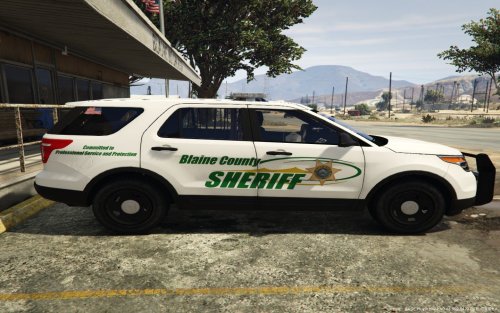 Yeah, I'd been struggling to figure out the right department to base these on, but I finally figured it out. I even found the Sandy Shore's Sheriff station in real life using google maps.
- 5 comments
- 1 review
-
-
- 1
-
-
Based on the Imperial County Sheriff's Office in California, which covers Desert Shores (the real Sandy Shores), and the rest of the area around the Salton Sea. Includes skins for CVPI, Him1250's Ford Expedition, the Hurk's 2013 Taurus, 2010 Charger, 2014 Charger, and Ford Explorers (using the explor_sign_1 template).
- 5 comments
- 1 review
-
-
- 2
-
-
These are Paleto Bay Police skins for Black Jesus's Transit Police Pack, and Virzza's Explorer. The Tahoe skins will also work with Gump's San Andreas slicktop Tahoe. I'm not sure what other models the charger skin will work with, but I'm sure there are some. The explorer skins should work with a few of the newer explorer models that came out recently that use explor_sign_1 for the file name.
-
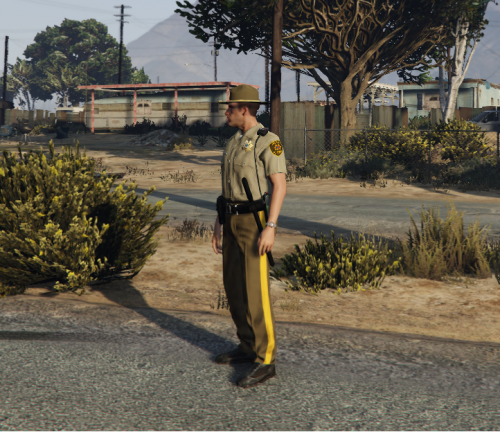 It does. If you use RDE, you can set up separate LSSD and BCSO. Then just replace the bcso guys with these. I did these forever ago and haven't updated though so to be honest the BCSO peds are probably better. I'll probably update these some time in the near future now that I know more about ped skins.
- 10 comments
- 2 reviews
-
Ok. I was going to say, I tried that to, comp_tasks="3" , and that didn't work either. I'll look at using different models for it.
-
-
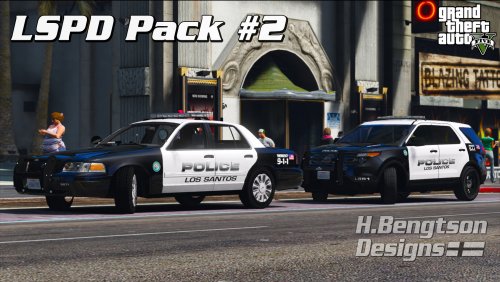 Where did the cvpi with the whelen liberty and the traffic advisor in the back window come from?
- 42 comments
- 14 reviews
-
I'm trying to get the local swat units to spawn with vests on. I tried the way you used in your example file: <Ped comp_accessories="3">s_m_y_cop_01</Ped> That did not work. They did not spawn with vests. Any ideas?
-
rage plugin hook is not compatible with the latest update. We have to wait for them to release an update. See here. http://forums.ragepluginhook.net/default.aspx?g=posts&t=710
-
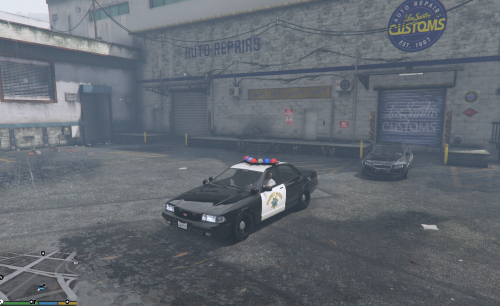 Where is the carvariations.meta that "police" is in? I can only find the one in the mpchristmas2 file.
- 29 comments
- 5 reviews

