vt1032
Members
-
Joined
Everything posted by vt1032
-
 @PL0D Are those FBI swat guys released anywhere? Nice skin!
 -
 Gotcha. Any chance you'd pm it to me?
 -
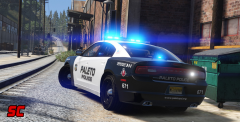
@SkillfulCorpse Where did you find the PBPD skin for the charger? I know I've seen it before but I can't find it anywhere...
-
@PNWParksFan I know you can customize what weapons they spawn with, but is there a way to customize the attachments on those weapons? Can I have patrol officers spawn with lights on their pistol or SWAT with scopes, supressors and lights, etc?
-
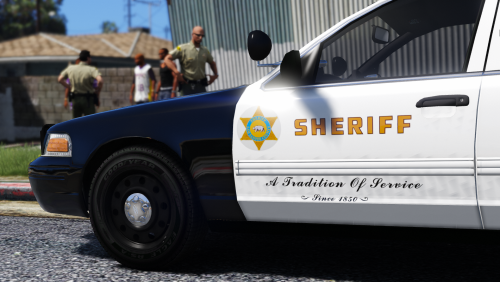
 Very true. They're very in to tradition and all that. Their new '16 Explorers are a little different, but still pretty similar.
 -
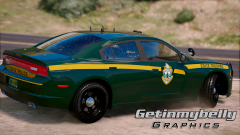
@getinmybelly0627 That's pretty cool! The stripe should go level all the way across, but otherwise that looks really good. Love to see VSP in game!
-
 Any chance you'd make them for windows446's explorer, TwistedScope's Taurus Interceptor and an F5544 CVPI?
- 27 comments
- 5 reviews
-
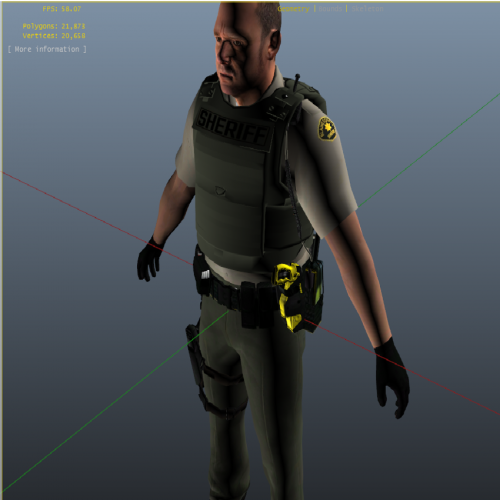 Which part, just the vest, or the whole ped? If you just want the vest to have yellow writing, open the .ytd file in open IV and replace the original vest texture with the attached. If you are talking about the whole ped, no, I don't plan on doing michigan themed peds any time soon.
- 26 comments
- 14 reviews
-
Which ones, the stripes? When they were bigger they didn't quite fit the arms. Black spots were poking out of the edges of the sleeve surrounding them. Hard to explain without pics, but it didn't look good.
- 26 comments
- 14 reviews
-
These are skins for Majorpaine2015's LSPD model. Sorry for the crappy picture but I'm locked out of GTA at the moment due to the update. I'll post decent pics when I can. They need to be used with the vest on because the LSPD badge just looks silly on a deputy. To have them spawn with the vest on add the line comp_accessories="2" to the corresponding line for your sheriff ped in your backup.xml file. I only converted the skins to work with the model. I did not make the model or the original skins. Link to the original model is below. Pants are by Beren, shirts were originally made by Velactor and converted to work with this model by me. The ranks are from Alex_Ashford's EUP.
- 26 comments
- 14 reviews
-
-

- 3
-
-
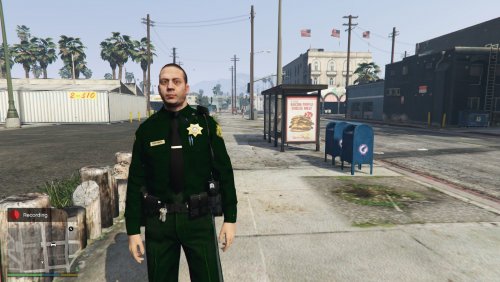 For anyone who wants the default BCSO textures, here you go. I just resized the shirts a bit to fit the pens and mike. just open the S_M_Y_Sheriff_01.ytd file in open iv and drag and drop them in if you don't know how. I take no credit for creating these textures, they came with RDE 2.21. lowr_diff_000_a_uni.dds uppr_diff_000_a_uni.dds uppr_diff_001_a_uni.dds
- 7 comments
- 5 reviews
-
The textures are terrible, I'll just say that up front, but if you know anything about photoshop or gimp, it will take you about 30 seconds to replace those. The model itself is very nice. The one thing that really bothers me about this model, unlike the police one that he realeased is that the vest is set up as a "task" not an "accessory" on this model, and putting the vest on removes the duty belt, which is not realistic at all. If you are going to improve anything on these, get better textures and fix the vest so the duty belt doesn't dissapear.
- 7 comments
- 5 reviews
-
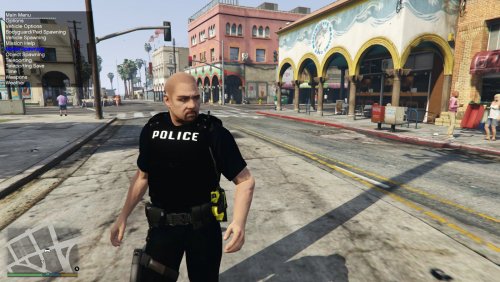 The textures need work. I think that's been beaten to death at this point. That said, these models are awesome! These are some of the most detailed ped models I've seen in game to date. I replaced the textures with some HD ones I made and these look HOT in game. Just work on the textures or get someone who knows a bit about texturing to help you and these will be sick! Also, the vest is an accessory, not a task, so it's compatible with the custom backup .xml files to force the vest to spawn, unlike any model where the vest is a task.
- 28 comments
- 15 reviews
-
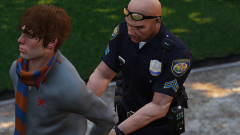 Any chance of ever seeing these ped skins released? These are awesome. I made some RHPD skins but they didn't turn out nearly this good.
 -
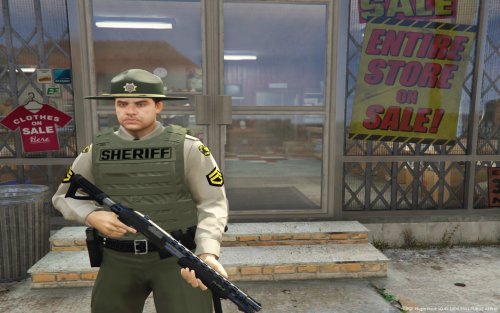 <Ped comp_accessories="2">s_m_y_sheriff_01</Ped> Replace whatever line has your sheriffs with this. I'm assuming you just replaced the normal sheriffs and did not rename them or use them as an addon. This should work. If it doesn't let me know and I'll dig into it. I use the custombackup plugin so it might not work with the normal backup.xml, but I don't see why it wouldn't.
- 17 comments
- 3 reviews
-
-
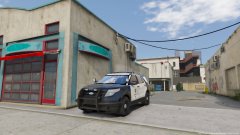 pretty sure it's already released. Looks like the one from the black jesus laguna beach pack.
 -
Interestingly, I found a strong correlation between plugins and missing textures. I'm still playing around with it, trying to figure out if a particular one is causing it, but removing all plugins completely fixed the issue for me. obviously, I'm going to be needing my plugins so I'll have to figure something else out, but just something to look at.
-
Thanks. I'll give that a shot when I get back from vacation. When you sat it's a memory issue, does that mean I don't have eenough vram?
-
My Pc can normally run gta on pretty high settings. It has a Nvidia gtx 745 and a quad core 3.60 cpu. Are there any other Pc specs that could cause this? I've noticed in task manager that my disk is at 100% or high like that when it happens.
-
How about some callouts that spawn in the homeless camp near paleto bay? There could be a murder or a riot or drug activity. it just seems like a great location that I've never seen anyone use.
-
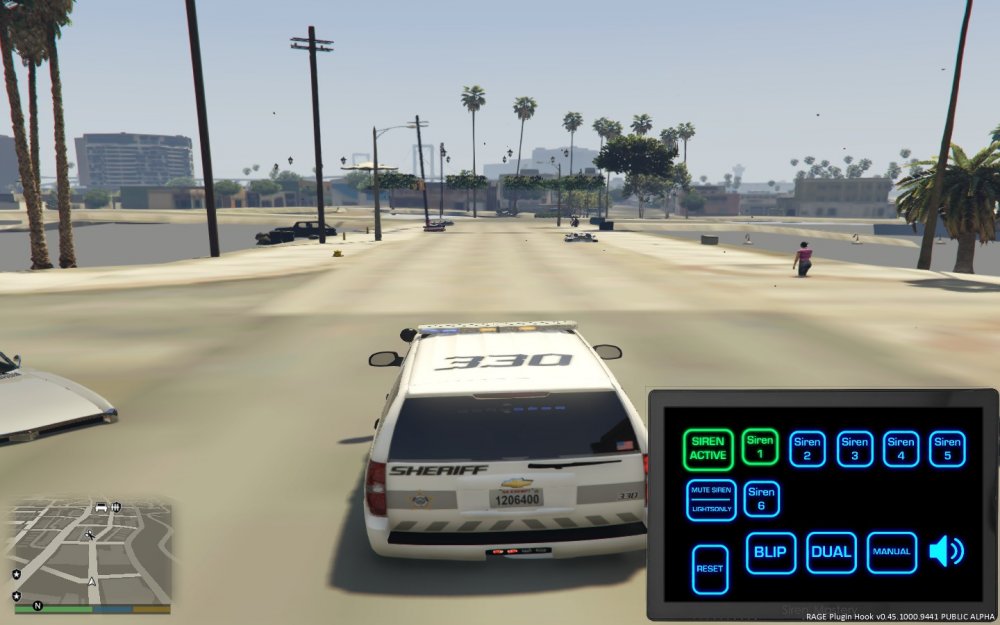
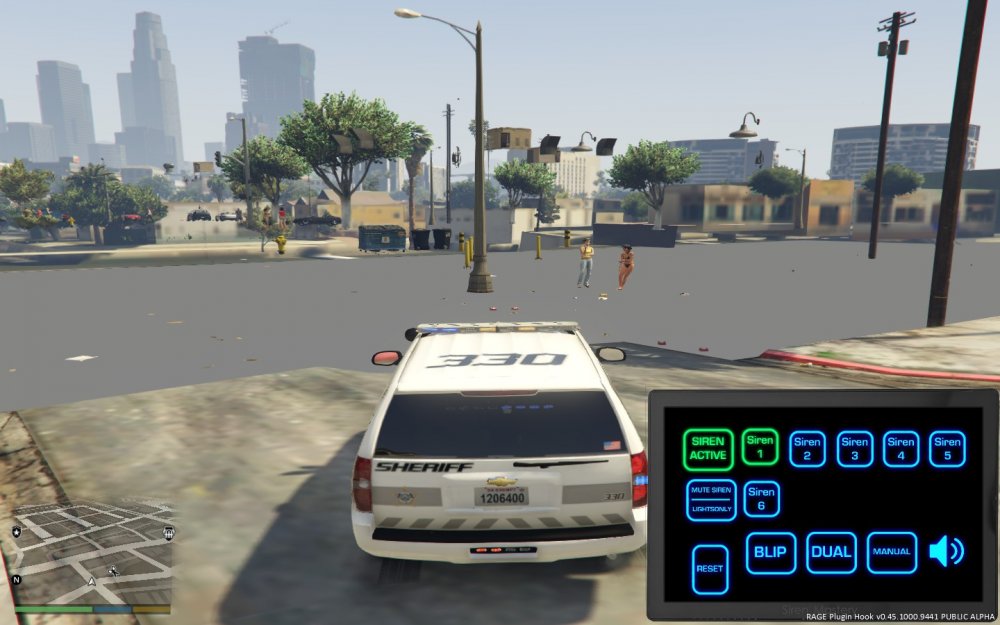
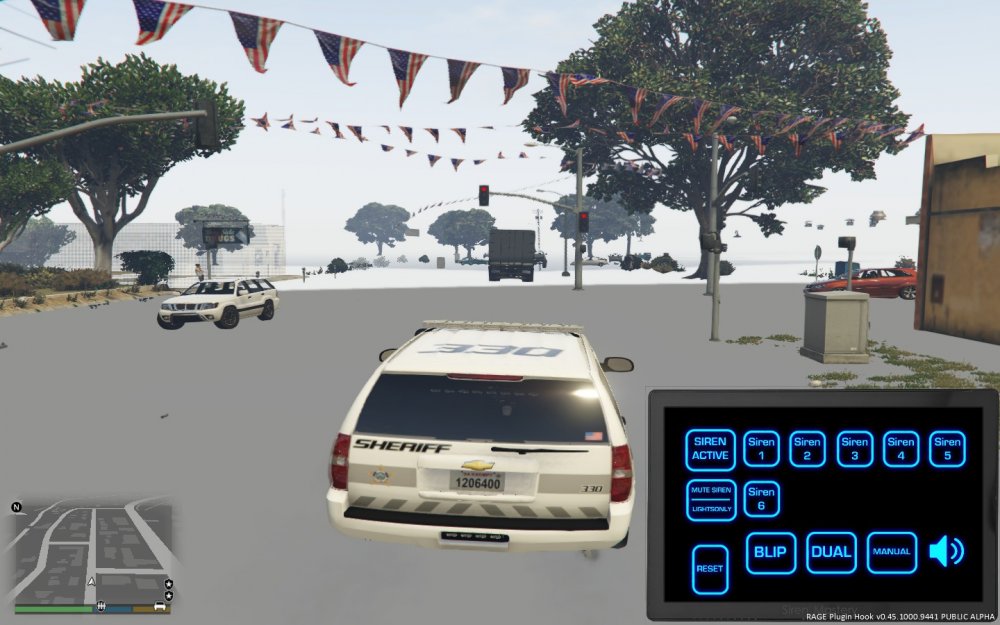
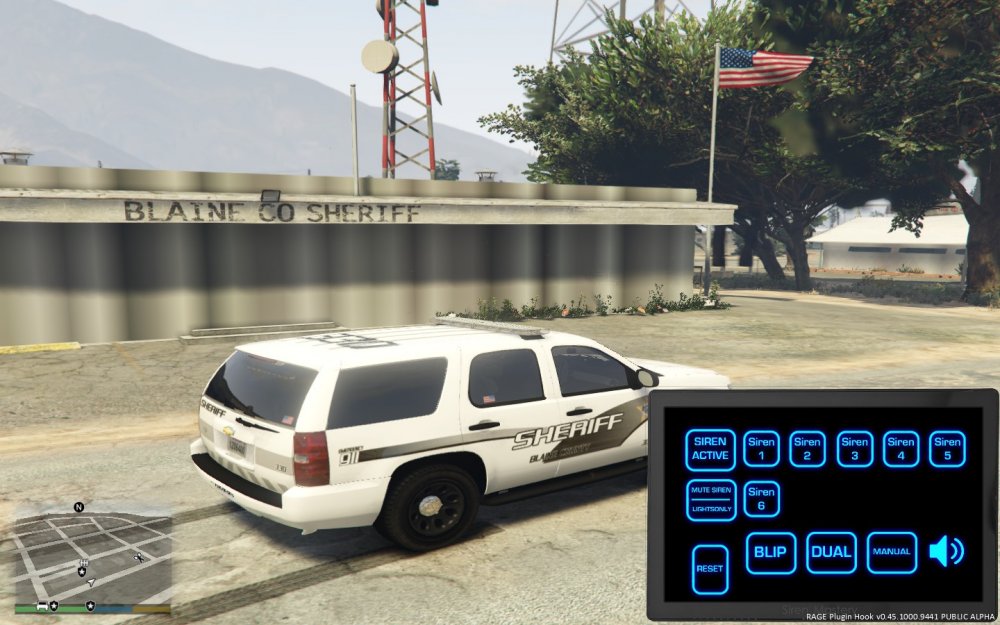
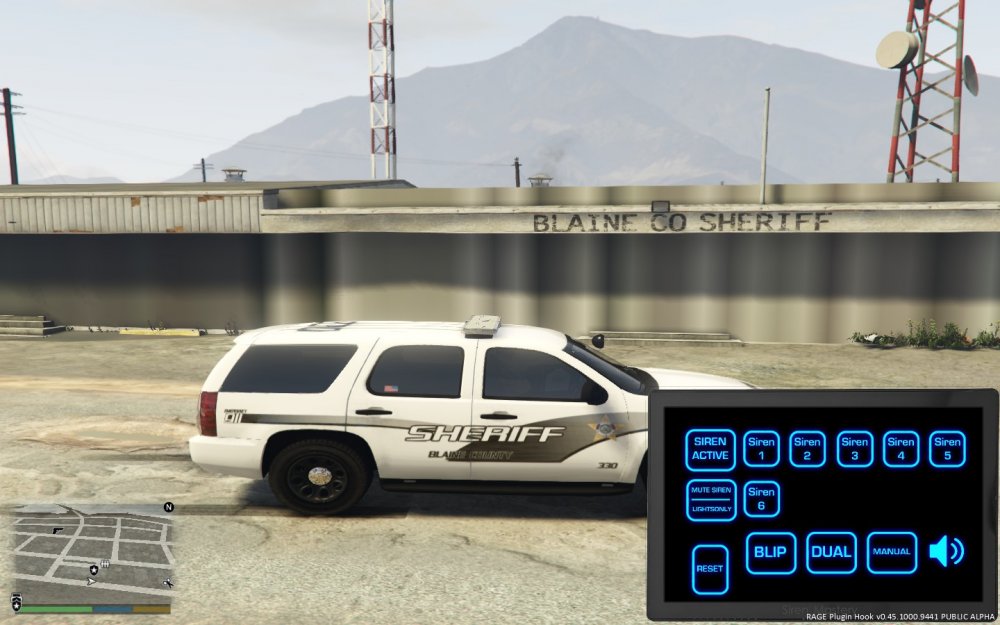
I just converted to real cars and I'm now getting really bad texture popping. I had been using just stock gta 5, rde, some custom ped textures and bunch of plugins and had no problems. As soon as I installed custom car models for all of my emergency vehicles, I get horrible texture popping, that basically makes it unplayable. I tried changing the priority to high in task manager and it had no effect whatsoever. Any ideas besides reinstall my game?
-
How about a drug raid. It could be similar to the possible burglary callout where you cntrl-E to get into the house, but you have to arrest the dealer and clear the house, and then find evidence. the dealer could go quietly or try to shoot it out, and there could be more then one bad guy in the house, as well as innocents.
-
-