
Gelse16
Members
-
Joined
Everything posted by Gelse16
-
 works fine for me. since i'm using deadly weapons too i've had to update that files also to avoid crashing lspdfr. maybe thats the reason for some people experienced crashes? i like your plugins, keep up the good work and thx for sharing! 👍
- 1,028 comments
- 65 reviews
-
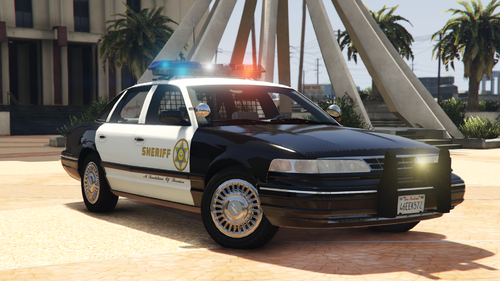 exactly the construction year i like most and, of course, the lightbar which i wanted to have for it! amazing job, thank you! 👍
- 6 comments
- 2 reviews
-
-
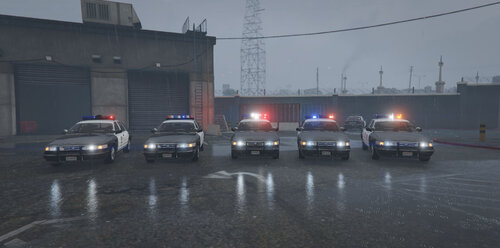 i love this car! 😍 perfect car, perfect construction year, perfect lightbars and els! i simply love everything about this amazing pack! thousands thanks for sharing this iconic pack, great job! 👍
- 42 comments
- 6 reviews
-
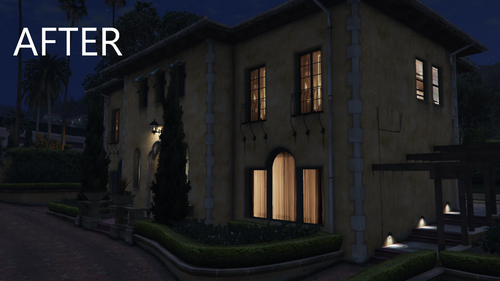 looking forward to the fix for the paleto gas station. very annoying if on duty there. thanks for working on that.
 -
 same here. the previous liveries were a lot better than the new ones. i really hope to get a switchback to the old design. this makes the fleet outstanding.
- 243 comments
- 16 reviews
-
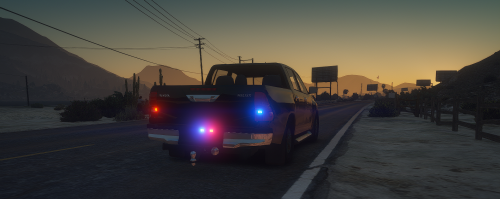 nice car but very unfinished. missing headlights, taillights, environment lightning. too bad that this progress did never end with a reworked version.
- 6 comments
- 2 reviews
-
i'm searching for the car featured in that video. does anybody have some clue where to find it??? video
-
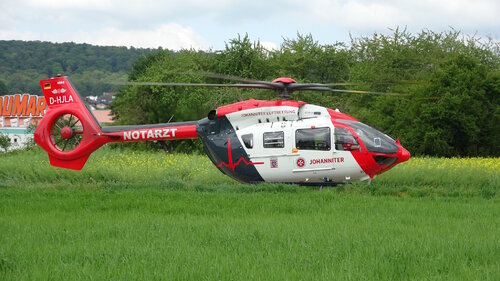 what's the difference to this file ?
 -
 sounds amazing! I'd love to have some jobs with the helicopter! this is definitely something different. gonna try it out this weekend for sure. thx for sharing.
- 17 comments
- 2 reviews
-
-

- 1
-
-
 yes, you're right it was the demo version. any chance to get that version? i would appreciate it. because i've updated all files with the new ones and i would like to use it again since it was all fine for me.
- 295 comments
- 34 reviews
-
yeah, the review was before the last 2 updates. i just haven't made an edit yet because i'm hoping it will be working again. i've seen others have mentioned the same issue. i'm not using discord at all so that's why i've made my post here. there has never been an issue like that in previous versions and i've never changed my mod setup, meaning i have no further mods regarding to sleep, gas, hunger, career etc which may could interfere, rph log shows correct loading and executing. so i'm just wondering and letting you know. and, of course, i miss it in the game because i've used it quite a long time - and it was great!
- 295 comments
- 34 reviews
-
the update before this one has already broken the mod. makes no sense to use it. you will only be prohibited to use other police cars. no effort whatsoever is safed, you're starting from scratch every gamestart. you can start your shift but you can never end it. hopefully it will work again in future.
- 295 comments
- 34 reviews
-
.thumb.png.6a00de2b637a2c81ecf0f8ca9ab60387.png) nice car but the els file is only a big mess.
nice car but the els file is only a big mess. -
-
was nice to play around with for some time.had no problems with older versions. this one is useless because none of the finished callouts counts to xp level and my shift goes forever. i'm not able to end the shift after being 24+ hours on duty. it will be the same endless shift without any efforts at all.
- 295 comments
- 34 reviews
-
best way is to edit the visualsettings and carcols to your own likings. tons of how to's out there to find. in viualsettings you edit the general light effects (brightness, intensitiy) of all cars. in carcols you can turn off all coronas of the car f.e. that only emergency lights will have some like in your pic above. brightness of emergency lights i usually edit in the ytd's emissives but is mostly not necessary.
-
in case i got some too bright vehicle lights i edit the brightness in the emissives in the related .ytd file. dials, laptop screens, taillights, sirenlights. i edit almost everything to my likings and it works flawlessly. if you have already set up your els.ini and visualsettings.dat most of the custom cars are already fine. about 20% i need to edit because of too much brightness in interior and/or exterior. make a backup and try it.
-
-
 i really like your plugin. is there any chance to get an option for the cam to turn AUTO-OFF as soon as i go code 4? that would be amazing!!
- 292 comments
- 28 reviews
-
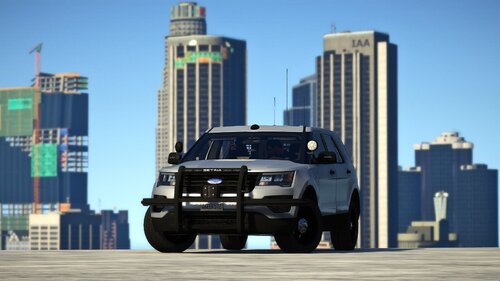 for me it's the best unmarked fpiu out there. amazing model, amazing lights, amazing interior. highly recommended, great job! 👍
 -
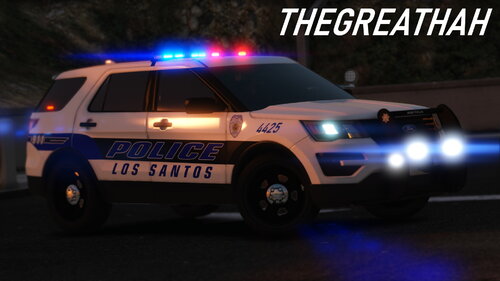 amazing pack! i love the 2016 explorer with the red and blue in tthe taillights most. they also look great in some silver color. nice details, detailed and working interior. great job!! 👍
- 33 comments
- 4 reviews
-
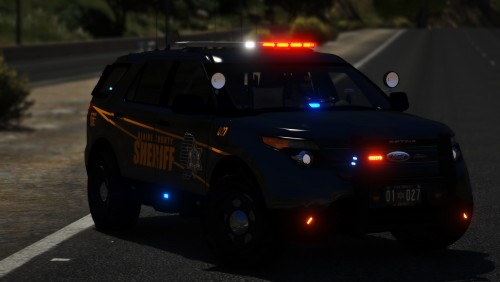 it doesn't matter how often i reinstall gta 5. this car will always find it's way back into the game. great job! 👍
- 35 comments
- 15 reviews
-
-

- 1
-
-
 great plugin with a lot of useful functions! highly recommended, great job! 👍
- 633 comments
- 57 reviews
-
-
- 2
-
-
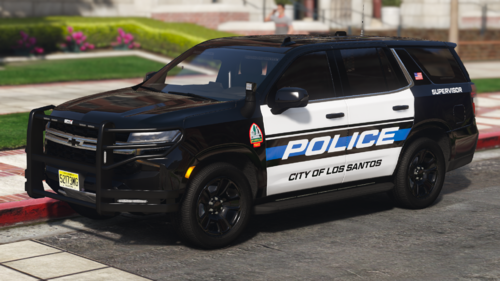 i use both version of this tahoe as add-on and made some nice els files. looks badass when they arrive as backup! 😎

.thumb.png.6a00de2b637a2c81ecf0f8ca9ab60387.png)