nh1256
Members
-
Joined
-
Last visited
Everything posted by nh1256
-
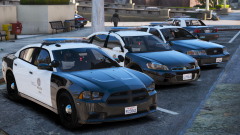 If these models ever get released, would it be a pack or individual models? Also, do you plan to do a patrol with that Charger? We haven't seen that yet. I think that would be nice.
 -
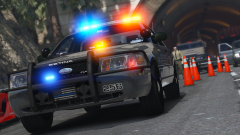 Bxbugs (or all of high-speed designs) postponed the release because someone figured out how to unlock locked models. that info came from thegreathah. But I don't get why they don't just release it considering everyone who would even consider stealing bxbugs' car model and claiming it's their own would be caught because his model is so top notch, and it even uses a different template than the standard F5544 based models.
 -
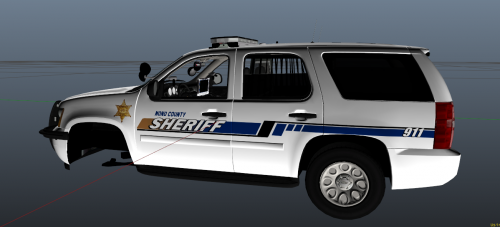 Did you make the steel rim alloy-colored? So from this to this?
 -
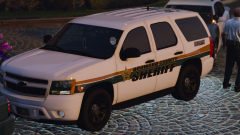 For the text on the texture did you use photoshop and type it yourself or did you use a picture from online and crop it to the car via photoshop or something?
 -
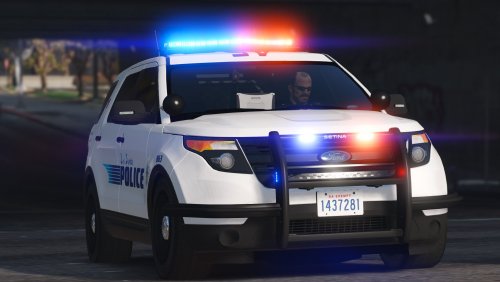 These are beautiful! When do you think we can expect the Blaine County pack to be updated to go along side of this one?
- 70 comments
- 16 reviews
-
.png.0d38a7666cdf541c12cfd98be5d9f92d.png)
From the album: On-Duty Screenshots
A 2015 FPIU and 2013 Chevy Tahoe sit out front of the Sandy Shores Sheriff Department Models by @Black Jesus Skins by @Beren Skins fit to vehicles by me (yes I am aware that the skin is hidden by the trim on the Tahoe) -
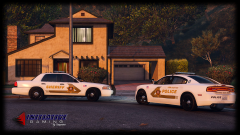 Please, tell me these will be released. And if you do release them, please tell me there would be a Tahoe released with them lol
 -
.png.586dd67d1a93d8cb3aafeb1a38847e69.png)
From the album: On-Duty Screenshots
A 2016 FPIU and 2016 Tahoe sit out front of the Sandy Shores Sheriff's Department Models by @LVMPDFAN Skins by @Beren Skins edited to fit the vehicles by me. -
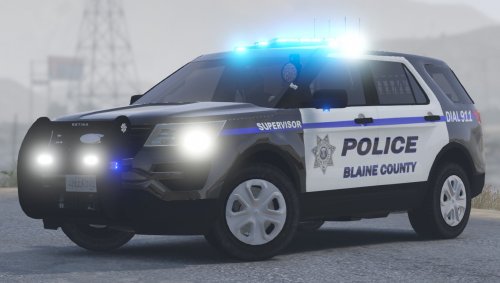 Okay good. I currently use your 2016 Tahoe, and its beautiful. I'd love to have this along side of it
- 35 comments
- 14 reviews
-
-
-
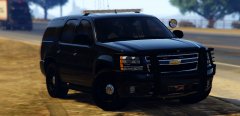 Oh my god...
 -
Wow, these skins look really good. Keep it up
-
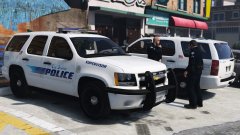 Nice work as always, Black Jesus.
 -
Oh nice. Glad to hear they will be released soon, correct?
-
Bxbugs gave you perms for the wheels, or are they different?
-
any chance of red and blue option? beautiful car, but i run reds and blues!
- 35 comments
- 14 reviews
-
-

- 2
-
-
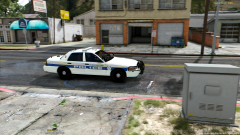 idk how everyone has this model lol
 -
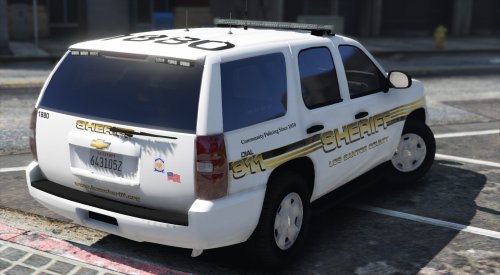 okay thats fine. im going to try and resize some skins myself thank you for the reply
- 41 comments
- 11 reviews
-
-
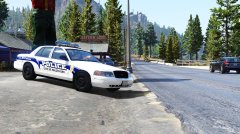 img this 2003 cvpi looks so good ive been waiting so long for one!
 -
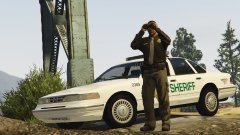 Very nice, Lundy.
 -
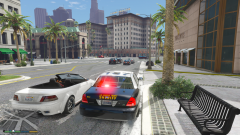 can you send me that emis texture? been hoping someone would do that forever
 -
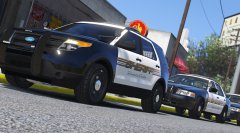 Beautiful twisted, beautiful.
 -
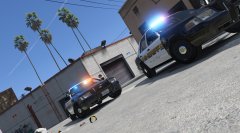 i have been looking so hard to find a picture off a RCSO CVPI with the Fed Sig Valor but i cannot find one anywhere lol but i am very excited for the release of these models
.png.0d38a7666cdf541c12cfd98be5d9f92d.png)
.png.586dd67d1a93d8cb3aafeb1a38847e69.png)