Dylan02
Members
-
Joined
-
Last visited
Everything posted by Dylan02
-
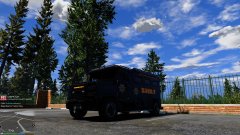 Nope, just ol' visualv with reflections set to high.
 -
VisualV. You can get it here: https://www.gta5-mods.com/misc/visualv
-
That looks cool as fuck, good work man!
-
"How much you wanna bet this next call's gonna need us?" "$30."
-
Like, what have you got done so far? It's looking very good at the moment.
-
YUS, how far are you progress-wise?
-
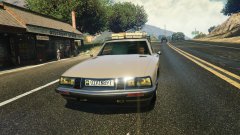 Shaggin Wagon*
 -
-

-
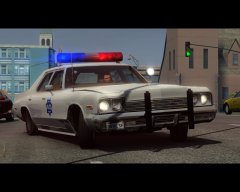 You should totally convert this, it would be bootyful.
 -
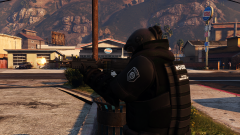 DON'T ACT DUMB CIVILIANS ARE ASSETS
 -
Maybe it could be added in? I'm sure someone with the right expertise could help with that. It's looking quite good and you're making good progress.
-
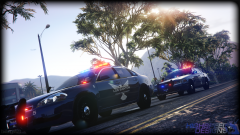 Those are some sexy-ass cars.
 -
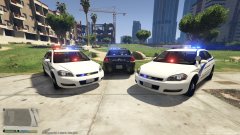 Wow, damn, if that's the case then I definitely understand! Jebus, not even a full 10 minutes.
 -
Oh! Sorry then, and I guess that explains it. And that does make sense, too.
-
1) Who said I'm banned? 2) It's one thing, at least in my mind, to require a login for posting comments, and downloading- at the very least those are somewhat justified, as you are right, there are many jackasses who like to ruin the fun of others. But if I can't even look at something, that's something else entirely.
-
THIS. There is no real reason for a website to make you sign up except to brag that it has more users. Websites that hold your enjoyment hostage are foolish.
-
-
-
ALL HAIL THE VOODOOB HE IS LIKE JESUS BUT BETTER
-
I did, said the same thing
-
"Sorry, you don't have permission for that!" mfw:
-
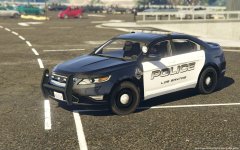 It's definitely improved over time, that's for damn sure.
 -
-
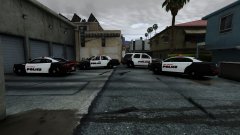 I based it off of Gilbert PD, which has one of the most pleasing liveries I've ever seen.