Dylan02
Members
-
Joined
-
Last visited
Everything posted by Dylan02
-
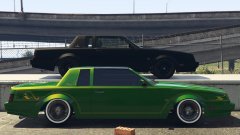 All we need now is spinny rims.
 -
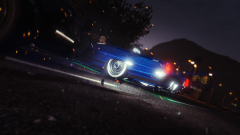 Damn, that's an awesome screenshot dude!
 -
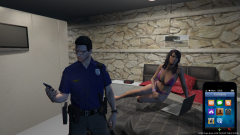 "She ask me if I do this everyday, I said often"
 -
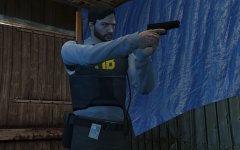 "Gee Alex, why does the agency let you have two guns?" "Los Santos."
 -
-
The only reason I would go back to IV is because I sometimes enjoy the urban sprawl of Liberty City, but the unstableness is too much.
-
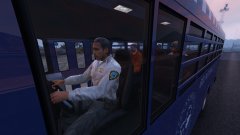 Shoulda been a dentist.
 -
Doctor GTA is notorious for spreading BS, I wouldn't believe him.
-
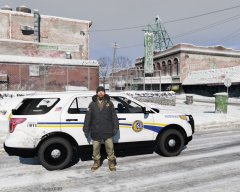 Damn nice skin dude, great work!
 -
-
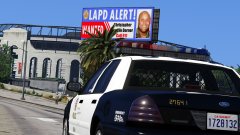 STILL CAN'T CORNER THE DORNER SON
 -
First off, wrong forum, just wanna give you a heads up. Secondly, there's one in this pack:
-
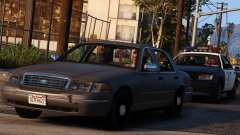 That's not necessarily a bad thang:
 -
Florida man strikes again.
-
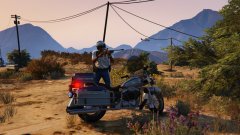 You sure you wanna know? It involves a lotta lube.
 -
Enjoy!
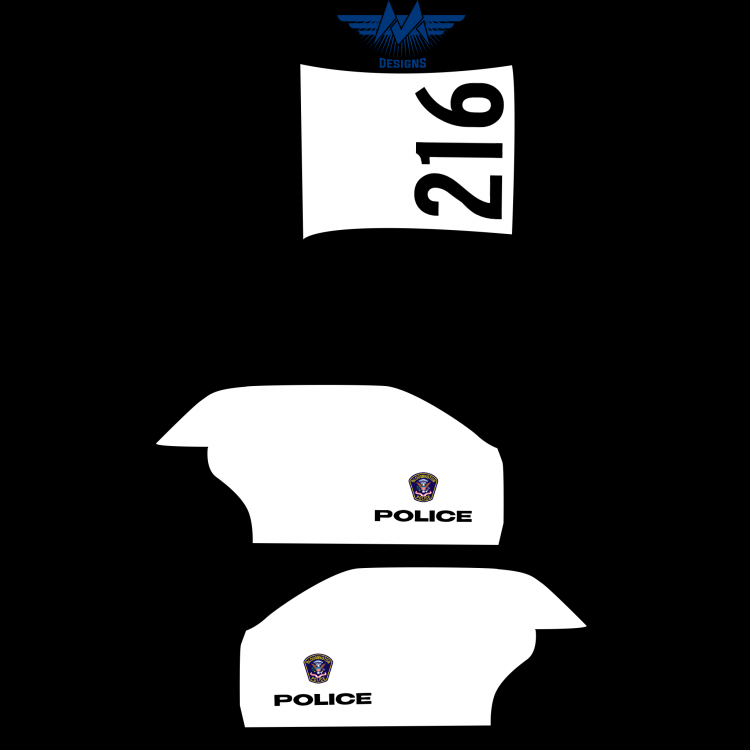
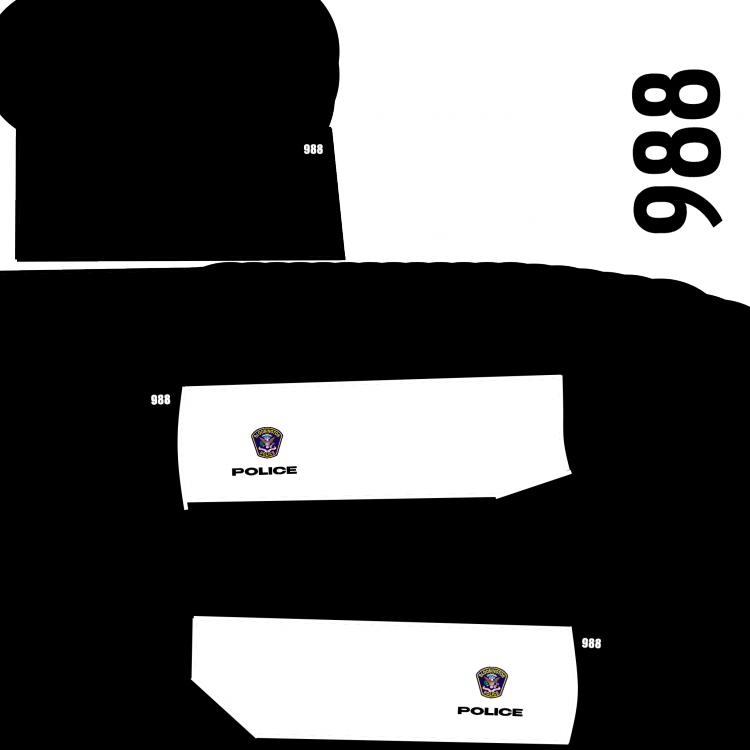
-
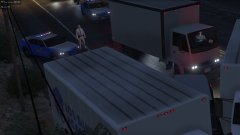 "Pepe Escobar" The rarest of them all.
 -
-
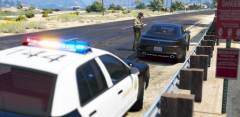 What graphics mods are you using, it looks gorgeous!
 -
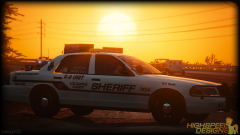 What lightbar is that?
 -
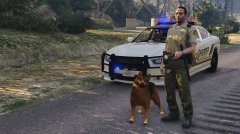 Hot damn!
 -
Guess who now has a phobia of deer now?
-
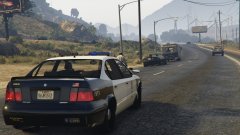 Dude, you should totally put the halogen rotator on this car, it would look so dope.
 -
Yes, I tested it.
-
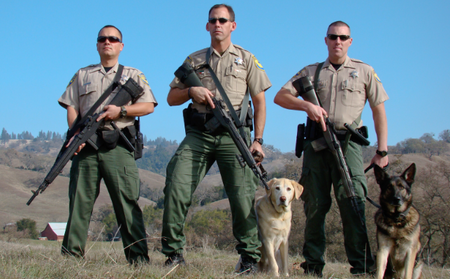 Very nice ped retexture, decent resolution with badges I can read, which is always nice. Good job!
- 5 comments
- 1 review