Dylan02
Members
-
Joined
-
Last visited
Everything posted by Dylan02
-
someone finally said it. thin blue line is so overdramatic and oversimplifies things to the point of meaninglessness.
-
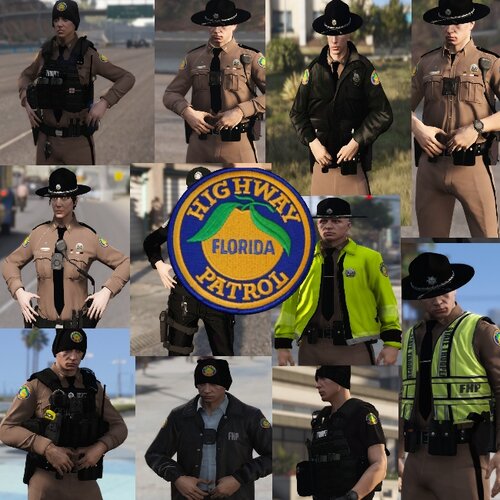 Really amazing ped overall, I love using it. The duty belt is awesome, and the idea to give the little earpiece is really clever. That being said, there are a few issues. Foremost, the resolution. It's low as hell. You can't really make anything out, which kinda sucks. It looks fuzzy. Also, the duty belt isn't quite contoured to the waist. In the back, it's kinda floating away from the body. That being said, I really like this ped. The added detail to the belt is awesome, and the subtle touch of tinting the sunglasses to black is a subtle thing that is really pleasing. Overall, its a solid 4/5, and an easy 5/5 once the issues I highlighted are fixed.
- 23 comments
- 18 reviews
-
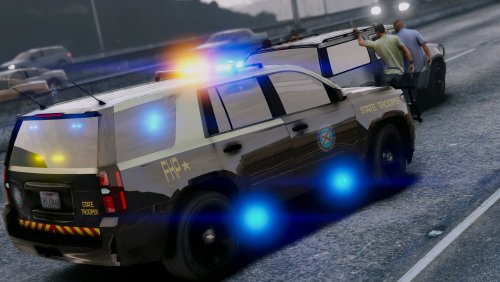 hey, the spaces in the circles in the FLORIDA HIGHWAY PATROL are a different color that the surrounding area.
- 17 comments
- 4 reviews
-
glad i could help! :)
-
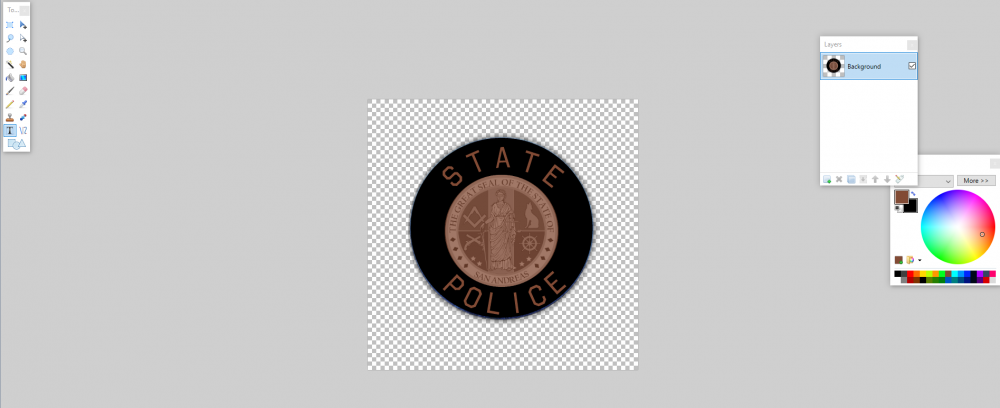
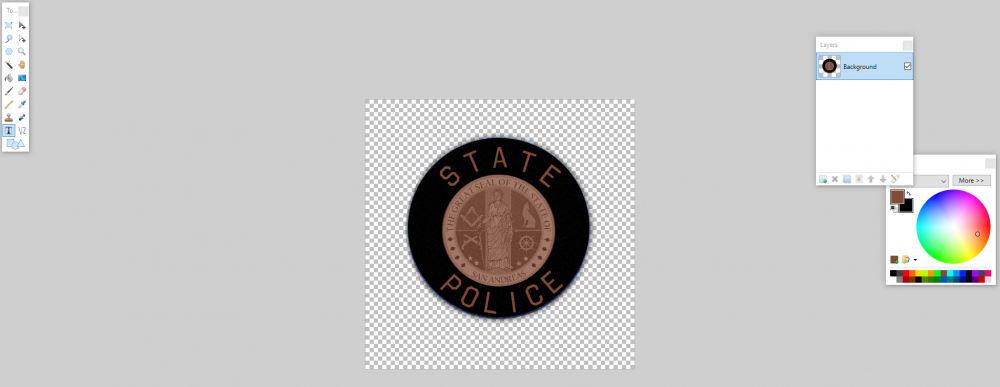
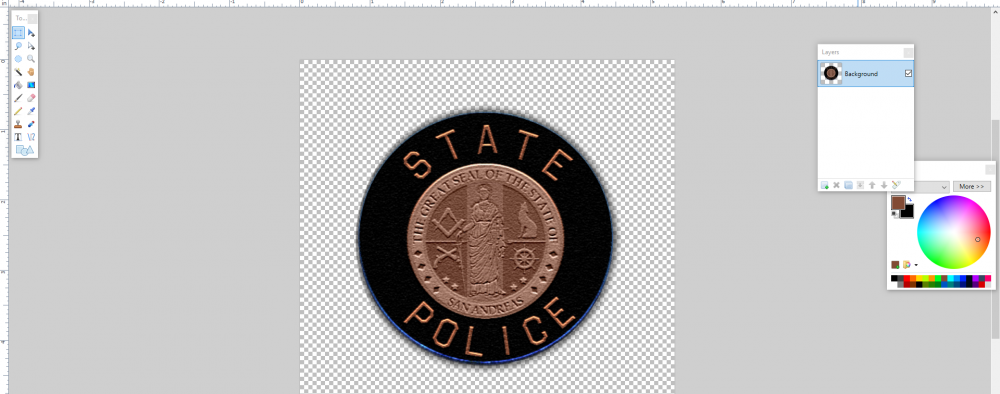
So you have this great shoulder patch, you spent hours perfecting it so it looks just so. You wanna give it to a ped, but there's a problem: its too smooth! it'll look like it was cheaply screenprinted on the uniform, and that's just not right. You wanna give it a clothy appearance, like a patch that they sew onto the uniform. So first, you're gonna navigate to Effects>Noise>Add Noise. Adjust the color saturation to 0, and the intensity to anywhere between 5 and 25, depending on your personal preference. what you get should look something like this: So you finally have the desired slightly rough, cloth look. But you're not done. You wanna make it look embroidered- real patches aren't just flat. They have bumps in the details and lettering, which are embroidered onto the base patch. So you're gonna select your patch (otherwise the background is gonna get the effect too) and go into Effects>Stylize>Relief and adjust the angle to 90 degrees. the result should look similar to this: And voila! you're done! It has the bumpy embroidered effect AND the cloth look! It's realistic! You can finally save your work and put the patch on a ped.
-
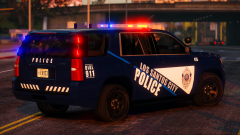 always outdoing yourself with these amazing skins.
 -
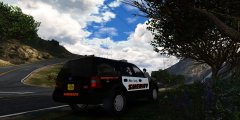
From the album: SiCK PUPPY'S GTA SHiT
-
This has always been the hardest aspect of texture making for me, is making those damn door badges. I use paint.net and it's alright for more basic stuff, but door badges (i.e. the CHP badge) is a pain. Any tips?
-
That's a good point I never thought of, you can be sure you haven't just seen the same cop multiple times if the cars are different.
-
i.e. why do they use both explorers and tahoes? wouldn't it be easier to just have a standardized fleet to simplify things? I've always wondered why they use so many different cars just to patrol.
-
 Great mod that adds a lot of realism. I like doing night patrols out in the country, so this mod is an absolute necessity.
- 29 comments
- 10 reviews
-
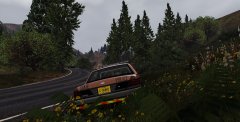
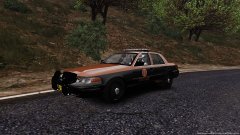
From the album: SiCK PUPPY'S GTA SHiT
-
From the album: SiCK PUPPY'S GTA SHiT
-
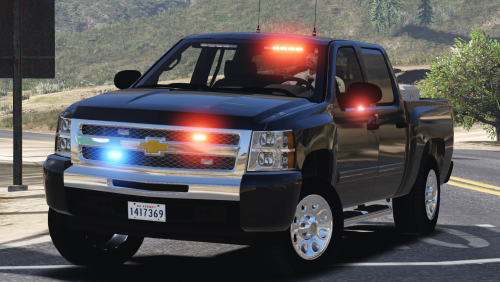 weird question but what are the textures in the ytd for the chrome on the bumpers? I wanna black them out. that's natural, it happens with pretty much all ELS cars. not sure why but it does.
- 39 comments
- 27 reviews
-
 fucking gorgeous models with accurate lighting setups and liveries. HUUUUUGE variety of cars to pick from. The fact that you took the time to get the lighting patterns perfectly accurate to the real CHP astounds me. amazing work. just, amazing.
- 964 comments
- 158 reviews
-
-

- 1
-
-
yep, they work no problem.
-
There seems to be an issue in my game where the GTA V uses the stock police cars instead of the RDE ones. Strangely enough, the rest of RDE works fine, and I checked the dlclist to make sure RDE was in there. This problem only popped up when I started replacing the s_m_y_cop ped in RDE's componentpeds.rpf. Any ideas? I've already reinstalled RDE and I'm having the same problem still. EDIT: another weird thing is that I have RDE's emergency pack installed and that works fine. The issue only applies to the police and sheriff vehicles. I think it has something to do with the added cars. EDIT 2: The issue was with rdevehicles.rpf, it was corrupted. I'm replacing it now. will report back. EDIT 3: It worked, the corrupted rpf was the issue.
-
 im having a compatibility issue with this and RDE- when I have this installed, either the RDE cars don't spawn or the game crashes. This is strange since I have this mod installed in the RDE peds folder. any tips?
- 273 comments
- 61 reviews
-
-
other cops doing bad shit doesn't excuse sheriff joe being an egotistic racist excuse for a sheriff. That's like saying that because someone took a shit in the urinal, it's okay to piss all over every toilet seat.
-
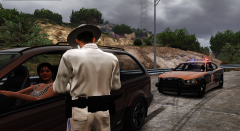
From the album: SiCK PUPPY'S GTA SHiT
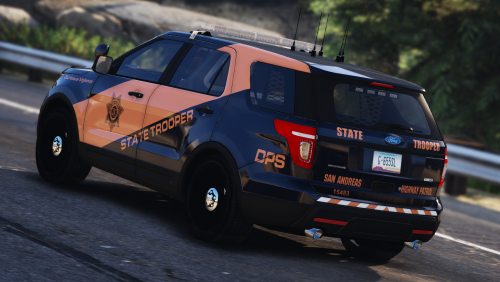
A Trooper with the San Andreas State Police stopped a minivan for speeding. -
-
-
-
 Amazing mod, this thing is a godsend for any cop. The pullover controls alone make the policing experience much more enjoyable and realistic (no more traffic stops in the middle of the highway!!!) The callouts and ambient events are also great and add a lot to the game. My personal favorites are the ambient drunk drivers and unroadworthy cars.
- 3,646 comments
- 306 reviews