



lilmisschloe
Members
-
Joined
-
Last visited
Reputation Activity
-
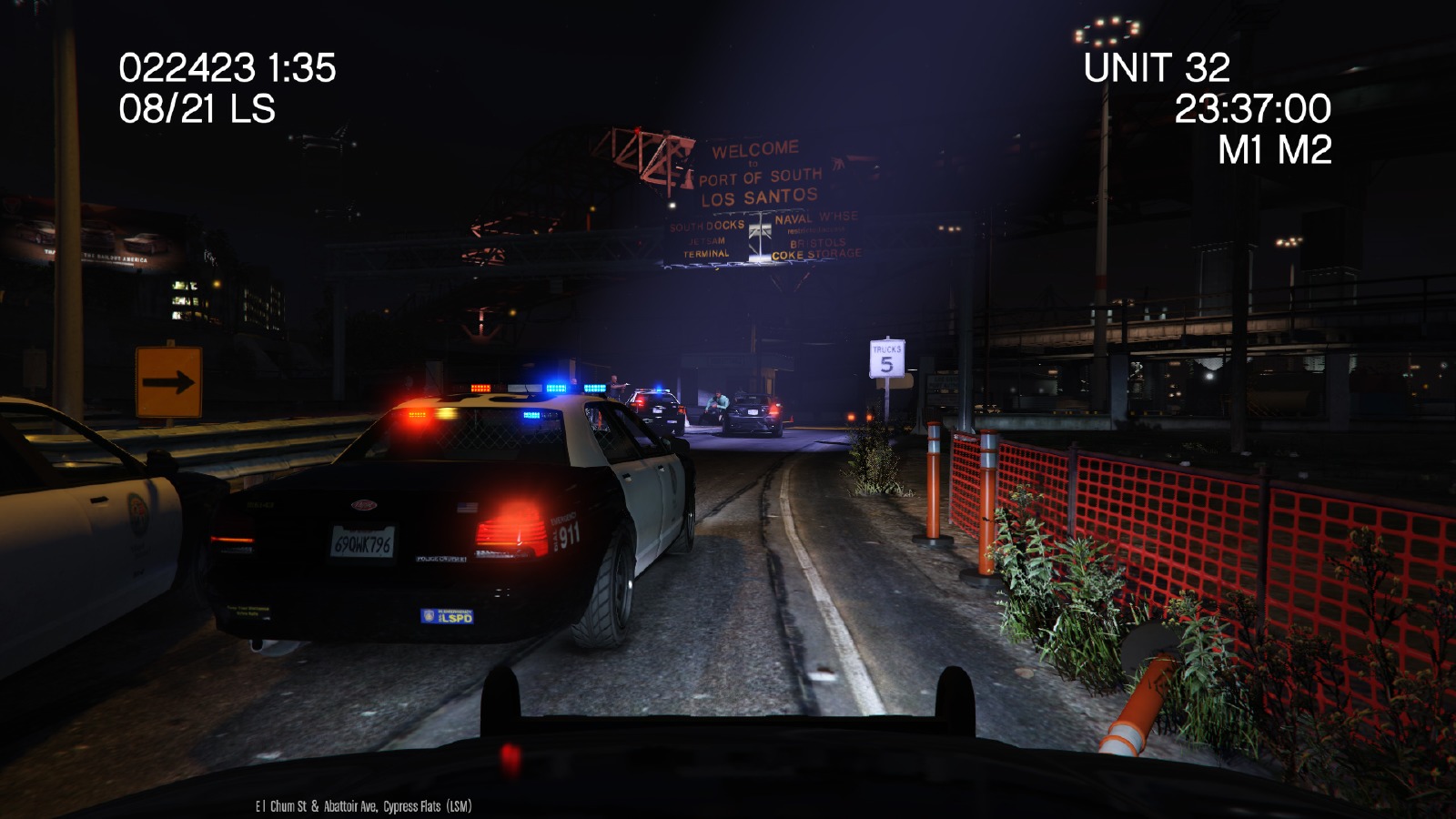
 lilmisschloe got a reaction from TheCobraLP in Your best LSPDFR screenshots?
 -
lilmisschloe got a reaction from SonofAnarchy in Your best LSPDFR screenshots?
-
lilmisschloe reacted to Rez in Stuttering after a whileYeah I had this problem.
What I did to "sort of" fix this was to enable and disable v-sync then the stuttering would go and yeah it only happened after an hour of game-play. I then bought a new CPU and now It never stutters.
-
lilmisschloe reacted to Albo1125 in Stuttering after a whileType 'reloadallplugins' rather than 'unloadallplugins' to unload & load them again, clearing them up.
On a side note, good to see you back again
-
lilmisschloe got a reaction from SoUThPHiLLY20 in You know when you play LSPDFR too much when......Read the title and continue the sentence, here I'll start!
You know when you play LSPDFR too much when......you strongly believe you are an actual Police Officer working in Los Santos, and you have convinced yourself its a real place lmao
-
lilmisschloe got a reaction from Gamestear01 in Your best LSPDFR screenshots?
-
lilmisschloe got a reaction from PursuingDeath in Your best LSPDFR screenshots?
-
Since a majority of the siren systems have some sort of priority on them, it's not like they're going to have the manufacturer remove just one tone. On some of the newer models you can program them so you're able to get a different tone.
-
lilmisschloe got a reaction from Gump in Your best LSPDFR screenshots?
-
lilmisschloe got a reaction from Azteco in How to change police vehicles for AIDownload your cars and put them into...
SHERIFF VEHICLES: D:\GTA V\mods\update\x64\dlcpacks\patchday3ng\dlc.rpf\x64\levels\gta5\vehicles.rpf\
POLICE VEHICLES: D:\GTA V\mods\x64e.rpf\levels\gta5\vehicles.rpf
-
lilmisschloe reacted to ineseri in LSPDFR 0.3 - November UpdateWe're not a large company, we have 2 developers working on this free modification. If we decide to not give a release date for our free modification, we won't. That does not make us uptight, which is a rather rude thing to say.
It is quite immature to throw a fit over a free modification on the internet. Just be patient, and the modification will be released when it's done and ready. Thank you.
-
lilmisschloe reacted to rushlink in WIP - speed radar (realistic)Yep.
Still working on a few things. Hopefully I can get a full week of testing without any problems this coming week.
Very close to having a finished product :)
-
lilmisschloe got a reaction from AP3XMonkeyFace in LSPD Ford Interceptor Sedan that replaces POLICE3I tried those in POLICE3 but the lights dont work / flash correctly.
So I changed the car model to the Impala in POLICE3 and it broke that one, for some reason the lights are only working as they should for me using POLICE2...
-
lilmisschloe reacted to thegreathah in Lights not working in POLICE3?No problem :) Glad it is working!
-
lilmisschloe got a reaction from thegreathah in Lights not working in POLICE3?I currently have bxbugg's (I think thats his name) Impala police car installed, so I re-downloaded that and installed the carvariation file and everything works fine with police2 and police3 now, THANK YOU SO MUCH :) xx
-
lilmisschloe reacted to thegreathah in Lights not working in POLICE3?You need to edit the carivations.meta file. That is why it comes included with those files. The readme will tell you how to install it.
-
lilmisschloe reacted to ineseri in LSPDFR 0.3 - Hot PursuitI can assure you that both Sam and LMS spend an unhealthy amount of time on this free modification to ensure it is as close to perfect as possible for you, the end user. Relax.
-
lilmisschloe reacted to KK3 in LSPDFR 0.3 - Hot PursuitI'm not complaining but we were told about 3.0 two months ago, so we all though it was nearly ready and was going to be released very soon. then you keep sending screenshots so we thing it must be very soon and now no updates, no nothing. at least tell us where you are with this
-
lilmisschloe reacted to Sam in LSPDFR 0.3 - "Busted!"Well we're still working away like mad on it, these updates are just our way of doing what everyone wanted - regular news on how development is going.
-
lilmisschloe got a reaction from BogdanM in Looking for liveries!PERFECT thank you, exactly what I wanted!! You sir are a legend!
-
lilmisschloe reacted to BogdanM in Looking for liveries!I actually did both a while ago. They are LSPD liveries but very similar to the LAPD markings.
EDIT: By detailed you mean HD? They're 2048x2048 not 4096x4096.
-
lilmisschloe got a reaction from Dylan02 in Your best LSPDFR screenshots?
-
lilmisschloe reacted to LukeD in GTA V - play without netOr you could add -scOfflineOnly to your commandline.txt file. Has the same effect.
-
lilmisschloe reacted to CouthInk4 in GTA V - play without netJust try it out to see if it works for you first. I don't know if there is a difference in the Steam or Retail version. just disable your internet and load your game up. if you get the message then you can play offline.
If it's through Steam, then you may need to run Steam in offline mode for it to work, i don't know since i'm Retail :D
-
lilmisschloe got a reaction from CouthInk4 in GTA V - play without netOh wow thanks, this makes me a happy bunny now ;)

.thumb.jpg.104925dd9030e71596da9bb3fb35a573.jpg)






