


Thomas199920
Members
-
Joined
-
Last visited
Everything posted by Thomas199920
-
This is a install guide for the bike: https://www.youtube.com/watch?v=Ll9Eu7JrKIw
-
In the vehicles.meta you need to add this to the flags that belong to the police bike: FLAG_LAW_ENFORCEMENT FLAG_EMERGENCY_SERVICE
-
Try: LoadPlugin LSPD First Response.dll true
-
You need to disable your trainer keys.
-
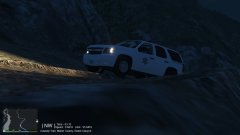
From the album: LSPDFR Patrols
Using the 2013 SA Park Ranger Tahoe made by @Black Jesus -
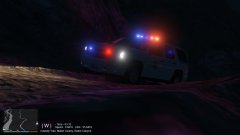
From the album: LSPDFR Patrols
Using the 2013 SA Park Ranger Tahoe made by @Black Jesus -
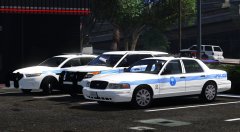 Can't wait!
 -
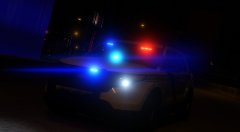 I think he means this vehicle: https://youtu.be/jaQFcq8t1z8?t=7m42s
 -
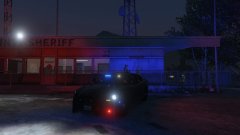
From the album: LSPDFR Patrols
Using the 2014 Charger RX made by @Bxbugs123 -
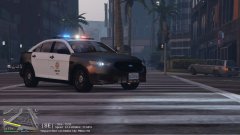
From the album: LSPDFR Patrols
Using the LAPD FPIS made by @TWISTEDSCOPES -
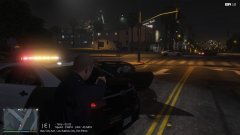
From the album: LSPDFR Patrols
Using the LAPD FPIS made by @TWISTEDSCOPES -
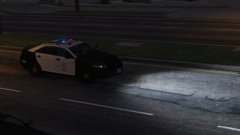
From the album: LSPDFR Patrols
Using the LAPD FPIS made by @TWISTEDSCOPES -
Miami PD would be cool.
-
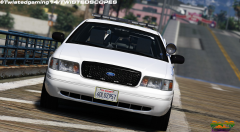 Is it a slicktop Taurus?
 -
Beware of beast?
-
-
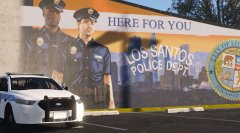 That Taurus looks amazing!
 -
No problem!
-
police4
-
I can't wait!
-
-
How do i this the step in Thehurk's default lighting guide: then reset to parent on the MESHES/LIGHTSEMISSIVES?
-
-
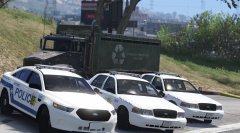 I believe you are quoting the wrong person :P
 -



.thumb.jpg.1db0be3e377ccefdd47e57a95ec56762.jpg)
