Thomas199920
Members
-
Joined
-
Last visited
Everything posted by Thomas199920
-
-
-
 The '06
 -
There are some rambars on the modding forum that you could use.
-
 Looks amazing!
 -
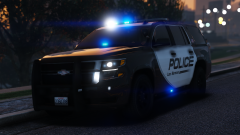 In the Chevy logo.
 -
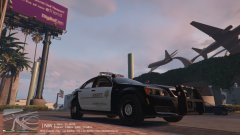
From the album: LSPDFR Patrols
Using the 2013 LSSD Caprice made by Kane104. -
Patrolling GTA V
-
The LSSD just got a new patrol vehicle.
-
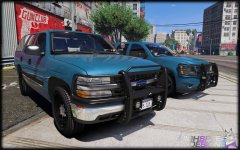
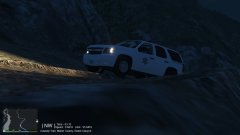 The new Park Ranger Tahoe.
-
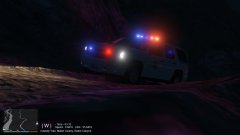 The new Park Ranger vehicle.
-
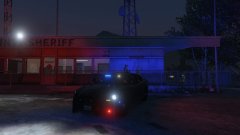 The LSSD got a new unmarked Charger.
-
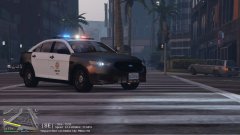 Responding code 3 to a terrorist activity call.
-
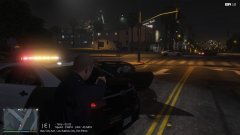 Get out of the car!
-
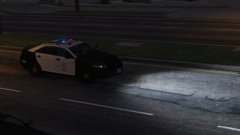 Waiting for calls.
-
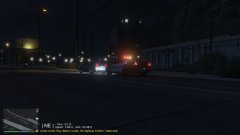 A traffic stop using the new Paleto Bay Police vehicle
-
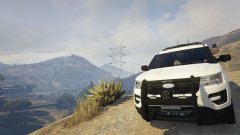 Protecting the people.
-
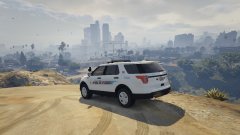 Protecting the people of Los Santos.
-
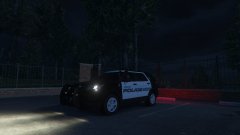 The Paleto Bay police is testing out a new vehicle.
-
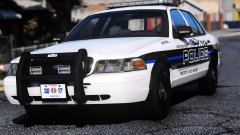
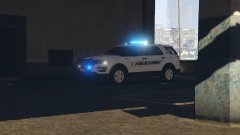 The LSPD got a new vehicle.
-
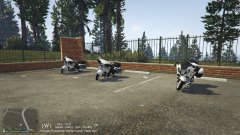 The SAHP / CHP motorcycle division.
-
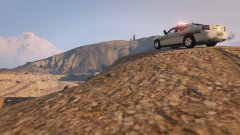 Keeping Los Santos safe!
-
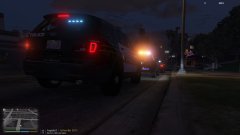 Show me on scene of a traffic stop backup call.
-
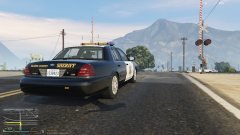 Responding code 2 to a unknown trouble call.
-
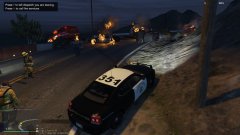 All units be advised we got multiple explosions
-
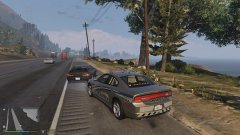 Traffic Stop on a Black Stratum.
-
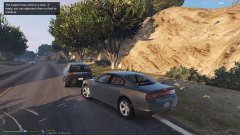 Traffic Stop on a Black SUV
-
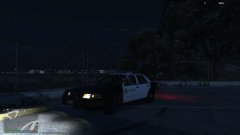 Waiting on calls.
-
-
-
 On both the 2015 chargers, You can also see it in the video from Mroxplay at 10:15
- 964 comments
- 158 reviews
-
There is an issue with the 2015 charger, It has normal game plates on the rear of the car and the front plates are linked to the template.
- 964 comments
- 158 reviews
-
It's just called police.ytf
-
I believe it's in the ELS.ini.
-
-
No. Maybe Sniper is next?
-
Maybe you can ask OfficerFive0.
-
I knew it!
-
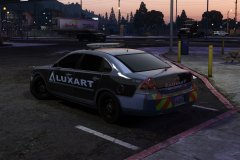 The other picture had the number 12-2016, this one has 21-4032. So does this mean that 12-21-2016 is a possible release date? Because 4032 is just 2016 times two.
 -
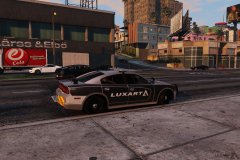 It could also have been a random number he came up with.
 -
Number 12-2016 is this a clue?
-
No, My guess is that Empire will post next.
-
I forgot to disable the pivot. It works now. :)
-
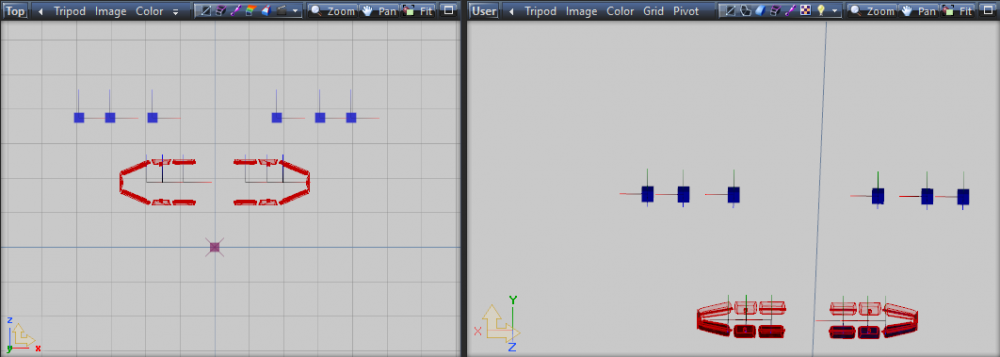
I followed the tutorial but when i scale my lights down it looks like this. Do you know what i did wrong?
-
Miami police.
-
No problem! :)