NeOnLaZeR
Members
-
Joined
-
Last visited
Everything posted by NeOnLaZeR
-
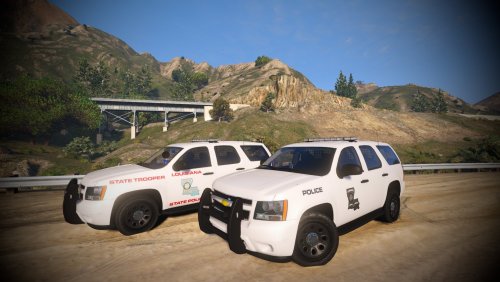 Awesome as always! Been wanting this for a long time! Pushbar is just how I wanted it!
- 15 comments
- 12 reviews
-
-

- 1
-
-
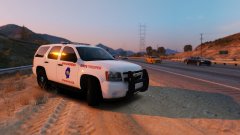
From the album: NeOn's Pics
-
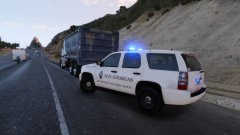
From the album: NeOn's Pics
-
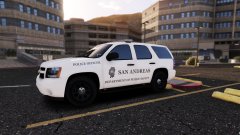
From the album: NeOn's Pics
-
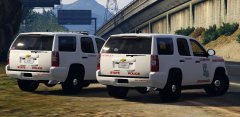 Haha! I will work on a SASP skin for it. Can't say LSP is exactly the nicest looking skin design. Lol
 -
I understand, you do like to keep the lighting simple. Can't complain about that! I wanted to make a San Andreas version of LSP but I remember Getinmybelly saying it was the ugliest shape ever! Lol
-
Awesome! Can't wait to see how my carcol's works with it. RoegonTV helped make one based off a LSP Vic.
-
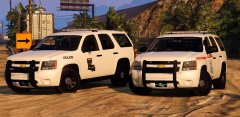 Yes, it can be used on either side. Here is a DPS, same stub but this guy is cool so he gets window mounted on both sides.
 -
Seems to be the main setup they use, just small stub on top and window mount. They must not be a fan of a having mile long antennas on top like some.
-
I have seen both the DPS you made and the text one as well a few times at a weight station near me in the last few years. About the only place I have seen one. If you have anything picture or accuracy wise on the LSP, there is marked unit who is always at my sisters apt, sure i can take some pics. Main thing I wanted to do was add the LED's on the front of the bullbar, you hit that on the head! Only annoying thing is on the rear, some LSP have two LED's beside license plate and some by the hitch as in the picture i posted. Plus I wasn't able to find a model of the window mounted antenna they all use. I can be OCD on realism.
-
So I edited someone's tahoe to make it look like LSP and you show up and make it. IM HAPPPPPY! Glad to see your back! Might be cool to see a LS version of this.
-
-
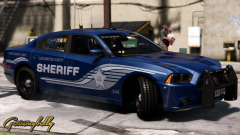 I liked the grey one but this is better. Nice contrast in colors.
 -
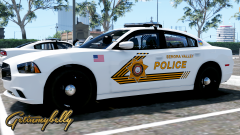 I know the feeling, I am slightly allergic to such nice skins as well.
 -
You would need to manually replace the sirens in the vehicle.awc in order to do that. Sadly siren mastery can't do control AI sirens. :(
-
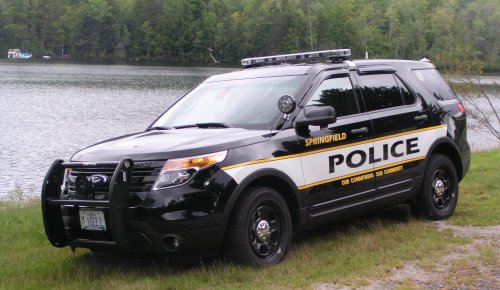 Agreed, more realistic motto, new font, resize tweaking, and you did excellent on the stripping! Font cheat sheet below. http://gtapolicemods.com/showthread.php?5461-Official-Font-Knowledge-Sharing-Thread&s=d0a05ad7bb88c1bc9cad2e0cc640ce34
- 4 comments
- 1 review
-
-
- 1
-
-
 White background with grey wireframe makes it harder to see well. Taurus in Captain14's pack has gaps between doors and the rest of the body, which can be both good and bad, it makes coloring the doors another color than the rest easier due to not needing to be precise with a pen tool, but if you have a non-straight stripe going across the gap, it messes with the alignment. Black background and colored wireframe is the best way to go. Oh and 4k resolution would be a bonus too. I think only Desmond98 made an 8k version of his FPIU.
 -
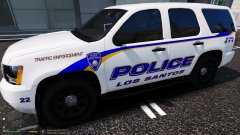
From the album: NeOn's Pics
This is based on my PD where I actually live. Messed around with colors for a while, best looking scheme so far! Thoughts? -
Haha, worse than the Taurus? :D
-
.png.bdda41d7093a44e0ba6d0e4d327be2ff.png) Simple, yet, Sexy!
Simple, yet, Sexy! -
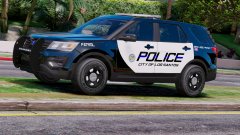 Beautiful skin! Assume this model has a new skin template?
 -
-
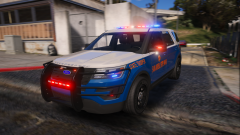 Looks awesome! How hard would it be to integrate the extra for the rear window lightbar so you can switch between traffic advisor and normal blue/red? One of the most unique things of any vehicle and wish it was used more often.(which i believe was on your previous 2016)
 -
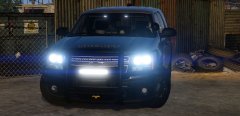 Yea, no idea what happened, maybe he got busy with classes.
 -
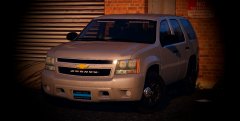


.png.bdda41d7093a44e0ba6d0e4d327be2ff.png)