FRGamer
Members
-
Joined
-
Last visited
Everything posted by FRGamer
-
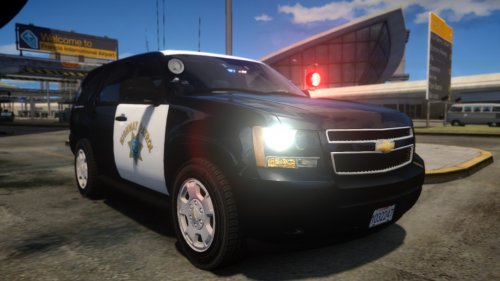 You must have a really good graphics card then because I also have Cry ENB v3 and my game doesn't look anything like yours.
- 8 comments
- 12 reviews
-
-

- 1
-
-
Honestly, I prefer CryENB V3 but EyeCandy v6 looks nice also. Try both and see what you like.
-
-
Definitely get CryENB v3 looks very nice.
-
-
-
Good choice :) I think you're really gonna like it!
-
Yes it works much better for me then it did on Windows 8.1.
-
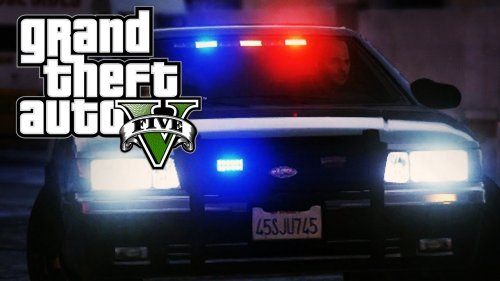 Would be nice if you gave Jeff Favignano credit for the screenshot as that was his thumbnail for a LSPDFR video.
- 44 comments
- 11 reviews
-
-
Whatever you do, build it. So much better then just buying a PC and you can save a lot of money.
-
Yeah like he said ^ and I recommend after you disable keys to save the menu settings so you don't have to do it everytime you start up GTA IV.
-
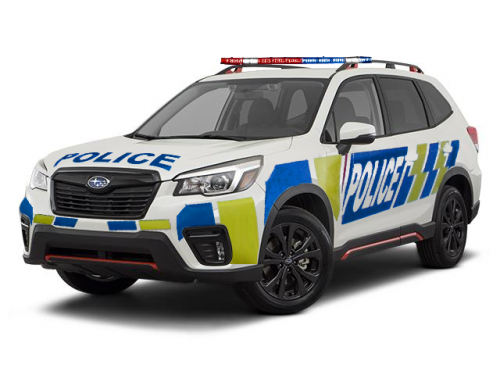 Video of siren?
 -
-
-
OMG YES!!!!!!!
-
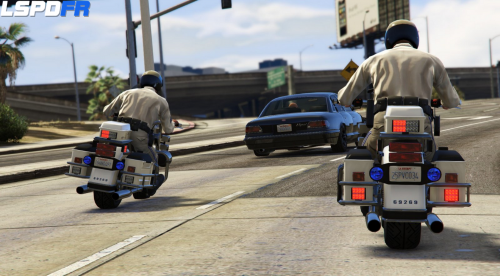 Yup, it works :D
 -
It wasn't working for me until I updated my drivers, make sure you do that.
-
These usually never work for me for some reason, but I'll backup my files & give it a shot, looks cool. :)
-
-
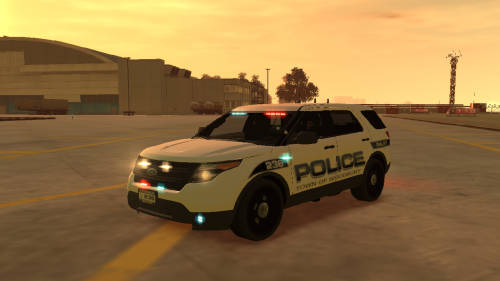 I'll go in game now and take screenshots.
 -
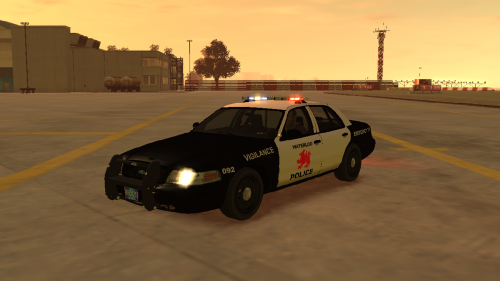 Nice. Do you take requests by any chance?
 -
-
No way you're getting Windows 10 with a pirated version. I'm kind of confused tbh, do I download it from that link right now or wait until I get the notification on my PC? I set it to notify me when I can upgrade, I thought when I can it would automatically do it for me. http://gyazo.com/6a5ebbc85aa44cb72bf0995c4d1d5fc8
-
Downloaded the latest driver, still looks bad :( I also reinstalled the game yesterday and didn't fix the issue.