


Charger Update!

By TrentMU
- 1,358 views
- View TrentMU's images
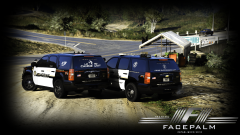
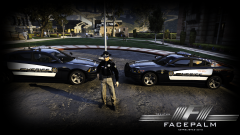
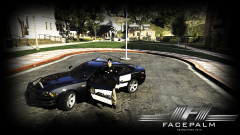
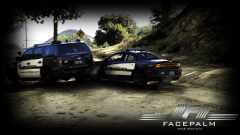
Charger and skin have been updated! Charger is also now rolling a K9 livery! Custom made the American Flag on the rear going up the door as I did on the Crown Vic(Never seen it done before in GTA) Still gotta smooth it out though because some parts are messed up. Uniform is pretty much finished too need to fix up a few minor things!
Tahoe has a Patrol, Traffic Enforcement, Crime Suppression and K9 livery
Charger has a Patrol and K9
Crown Vic has a Patrol and K9.
I plan to fix up and make more different themes for the fleet! Seals, Patches, Decals are all custom made or heavy edited by me!
Copyright
© FacePalm Studios
Recommended Comments
Join the conversation
You can post now and register later. If you have an account, sign in now to post with your account.