
TooTall67
Members
-
Joined
-
Last visited
Everything posted by TooTall67
-
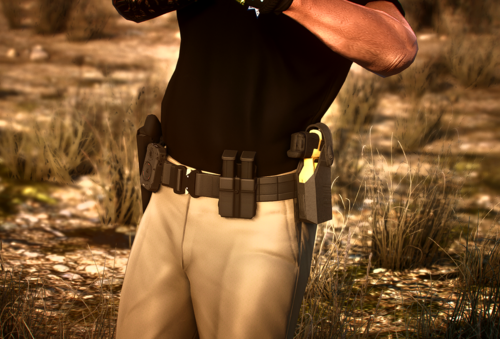 Hey, I moved the installation location and changed a few filenames for installation in singleplayer with EUP, and edited the CopHolster.XML so that you can use this belt with CopHolster features. With your permission, I could upload the singleplayer install of this model, or I could give you the files and you could add it to this upload so that people who want to use it in singleplayer can easily install it. If you don't want to do either, I can just post a comment with the instructions on how to install it for SP.
 -
 INSTALL PATH IN THE INSTRUCTIONS DOES NOT WORK Instead, import your textures into the vehshare.ytd in "patch2023_02" (OpenIV)Grand Theft Auto V\mods\update\x64\dlcpacks\patch2023_02\dlc.rpf\x64\levels\gta5\vehicles.rpf\
- 1 comment
- 1 review
-
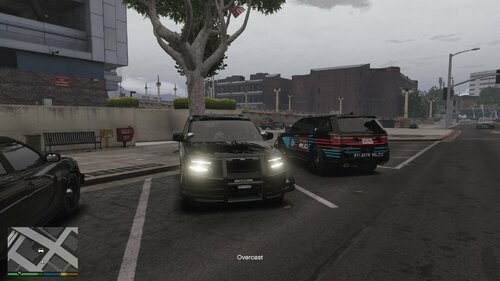 Looks great, I love it! The brake lights on the lightbar and IONs are the perfect touch. Turned the FPIU into a WCSO unit, a department just east of Atlanta and local to me. They match up very clsoe!
 -
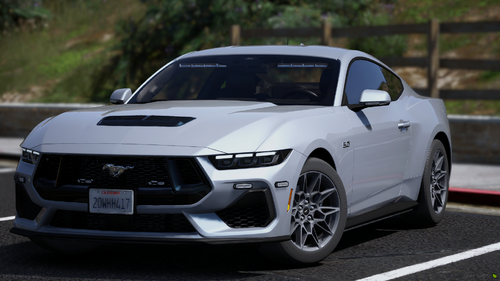 Absolutely love this model! I’m having trouble with it though, the running board lights and spoiler lights don’t work for me. Do I need to do anything other than just install the sirensetting limit adjuster? I haven’t opened the script so idk if I need to add this vehicle model to it and maybe that’s why it’s not working or something?
 -
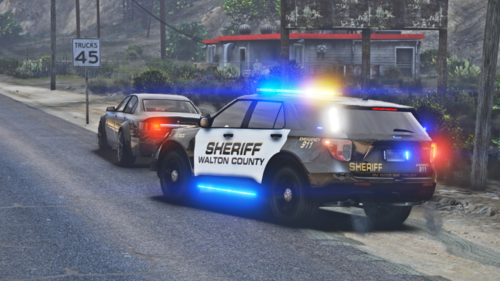 Lol maybe next time ill just do the bare minimum then XD I see that now in the description, it was a nice gif of the explorer with its lights on. I just copied and pasted it to get it to embed better, but turns out that link for the gif expires after 2 hours lol. And I couldnt get the actual gif file under 4mb, so i guess I'm just getting rid of it
 -
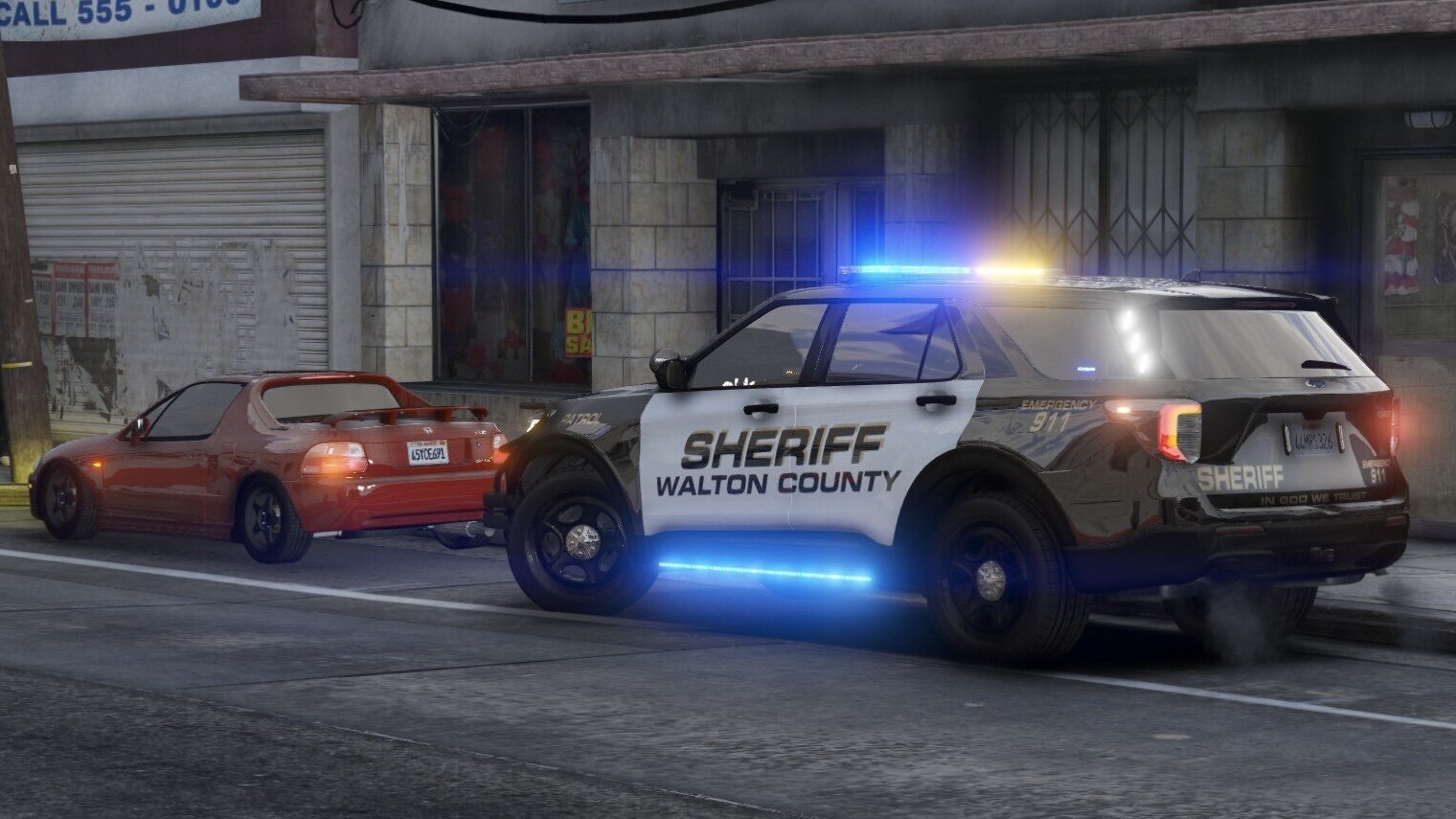
This is my first vehicle texture so go easy on me lol. I wasn't able to find the perfect specific font, so I got as close as I could. Also, due to a texturing issue in the Explorer model itself, I had to move the "PATROL" text that's on the front fenders to the wrong spot so that the text wasn't bleeding through to another part of the car. That one is out of my control. Sorry 😕 This skin is for PD Design's 2020 FPIU from their Atlanta PD Mini Pack [ELS] and is just a drag and drop replacement to change the livery. The pack can be found in this link: If this file is well received, I will also make a WCSO texture for the Dodge Charger included in PD Designs' pack. PD Designs knocked it out of the park with this Atlanta PD pack, and the Walton County Sheriff vehicles (FPIU and Charger) share virtually the same exact lighting setup (minor differences ofc), even down to the lightbar and IONs having functional brake lights. I'd also like to do textures for other local departments. Gwinett County also shares a very similar lighting setup to this model, so I might do that one first after I do the WCSO charger. Thinking about maybe doing City of Loganville PD and City of Monroe PD textures next, but those vehicles are a bit different, so I might need to find another model, or make one. Please let me know if you have any problems with the livery, or if you find the correct font to use for the text. Thank You.
-
 Still working great October 2025. Thanks man
 -
-
 Yeah so i think i had something weird going on. The first few times i tried to use it, the overlays would pull up and everything and i could set it to xmit and change the antennas and patrol modes, but nothing would happen. Just today when i was messing around with it, it started to work. Idk why, i didnt do anything different, but it just started working. The first image is me using the POLICE3 vehicle with stock metas and everything, and you can see the antenna beam width, and the vehicles it should be tracking that are within the beam width. I then spawned a new vehicle, an addon vehicle with custom metas and everything (i doubt that has anything to do with it, just mentioning it just in case) and it started working. You can see this in the second image. After that, i hopped back in the first vehicle and pulled up the radar and it started working fine. I have no idea what couldve been causing this. I havent found a way to specifically replicate this, but almost every time in-game i try to use the radar it just doesnt work at first. If you want, maybe i can start trying to find the cause by loading the game and trying each vehicle specifically first, with repeatable steps to see if theres a specific cause. But im no software developer so i havent troubleshooted like that before
- 235 comments
- 37 reviews
-
-

- 1
-
-
Can you tell me how to get into debug mode? I see in the .ini it says "Settings+DebugKey=F11" but i have both clicked and held F11 and the debug legend did not appear. When I held F11, I heard a beep but nothing happened.
- 235 comments
- 37 reviews
-
Im also having a problem with this addon doing literally nothing : ( I'm assuming you hold F11 for debug mode? If so, debug isn't displaying anything either. Either way, I've cycled though all the modes on the radar, made sure xmit was on, front antenna, rear antenna, beam width, etc. Nothing. The plates arent even showing up either
- 235 comments
- 37 reviews
-
-
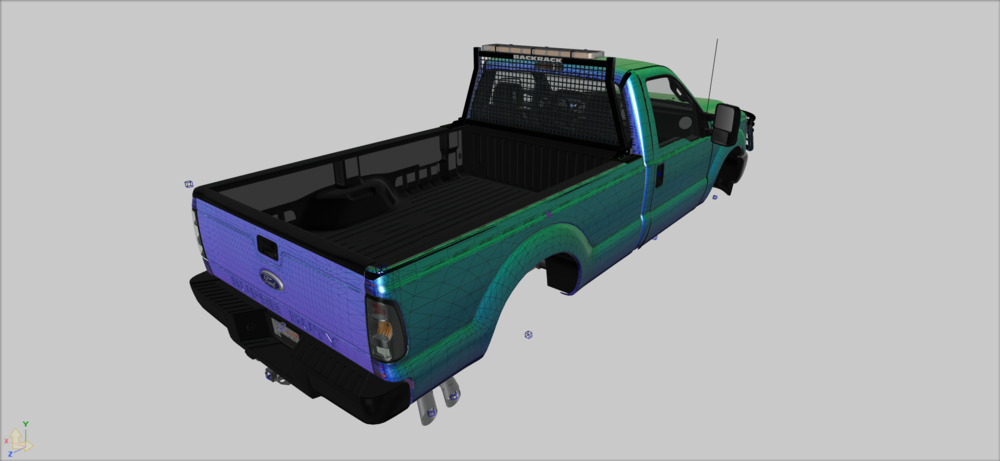
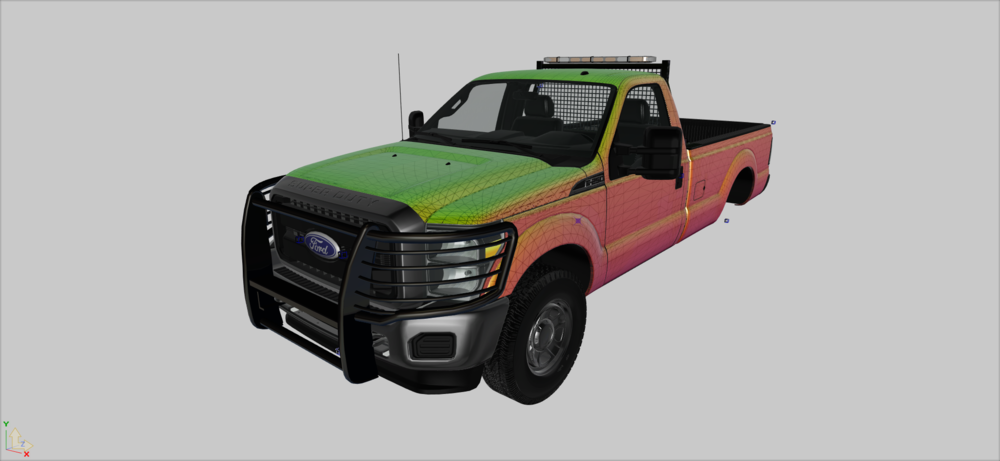
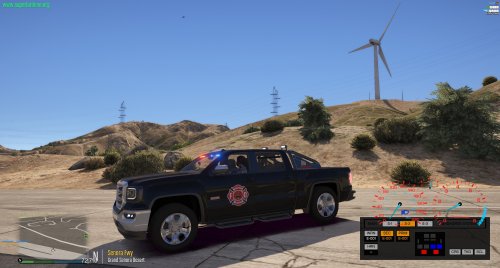
Hey guys, currently WIP on a SADOT f250 and im setting up the ELS file for it now. I have the VCF set up so that all of the sirens are set to "FALSE" but it will still allow horn. My question is in this section: <MainHorn InterruptsSiren="true" AudioString="SIRENS_AIRHORN" /> what do I put for AuioString for it to just be a regular car horn, and not a police airhorn? Thanks for your help. heres a pic of my project if you're curious
-
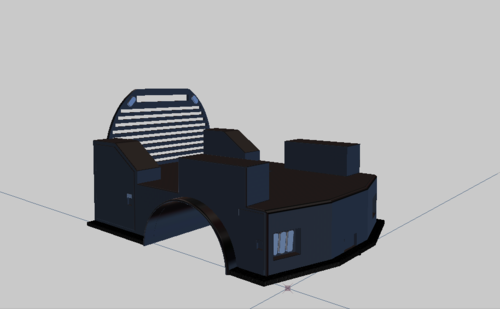 Nice, we have a similar bed on our 2020 Ram 4500 at work. But its just the CM Beds flat bed without the boxes on the top. I might be able to use this in a build of mine!
 -
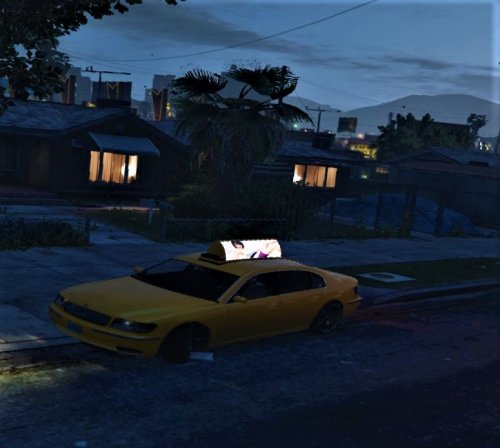 I'm very extremely confused. File says "unlocked" description says "LOCKED for a reason". Looks like a normal taxi, yet tagged ELS and EMS. This is a rollercoaster of emotions.
 -
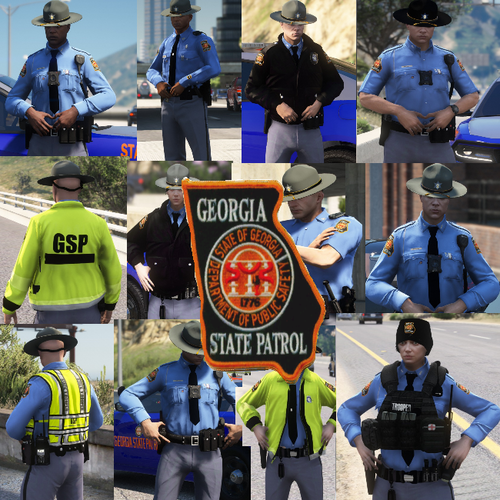 It's ridiculous people are whining about things like hat color and tattoos. This pack is awesome! Almost didn't download because of the initial review rating but I'm glad I checked what the reviews were saying. Awesome work. Hopefully the one star reviewers realize there's more to life than getting every single little detail perfect down to how curly the pubic hairs are, get a life.
- 35 comments
- 12 reviews
-
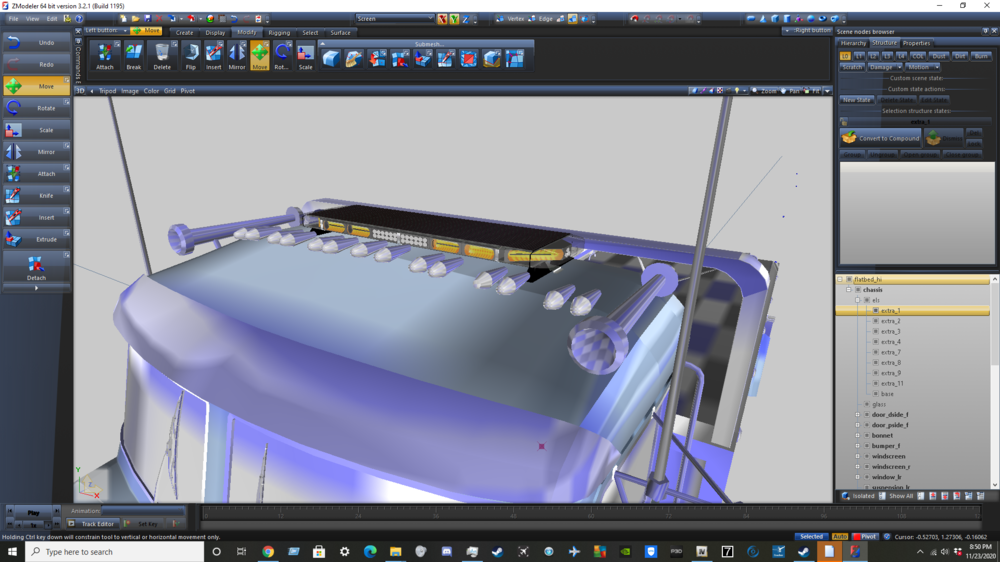
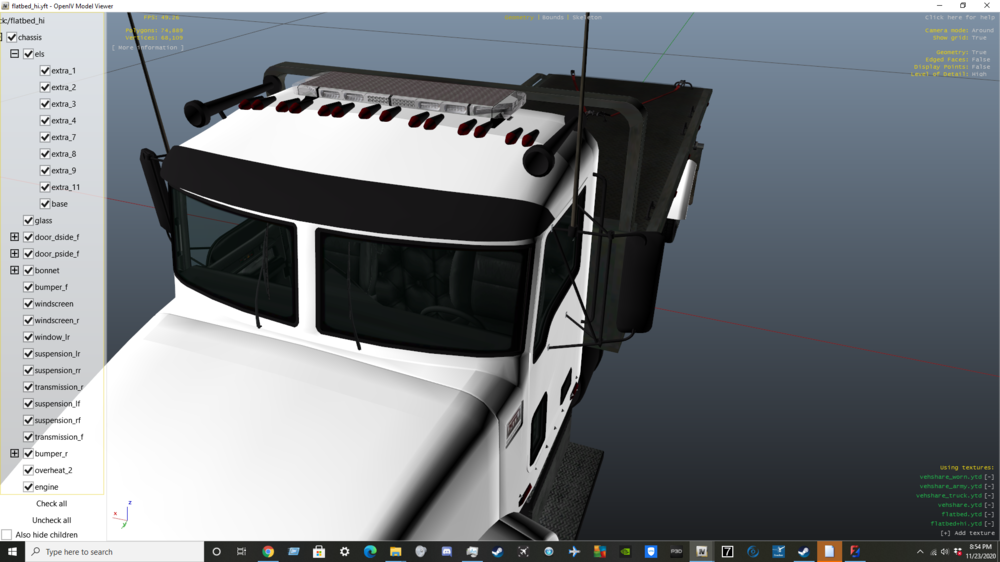
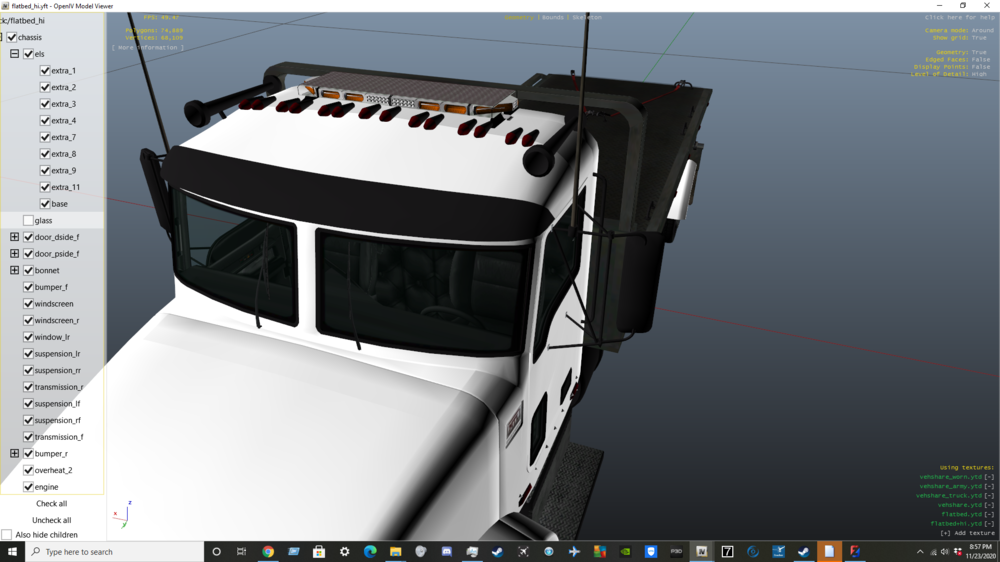
It's been a while since i've modeled so i wanted to give it another shot, but with this lightbar i can see the lights while in zmodeler but when i export and look at it in the openiv viewer, you can't see through the glass. you can see the lights when you disable the glass though. it's probably something really simple i'm missing but im not sure what it is. Can anyone help he out here? also, is there like a discord server for modelers i can join in case i have any more questions like this? thanks!
-
It's been a while since i've modeled so i wanted to give it another shot, but with this lightbar i can see the lights while in zmodeler but when i export and look at it in the openiv viewer, you can't see through the glass. you can see the lights when you disable the glass though. it's probably something really simple i'm missing but im not sure what it is. Can anyone help he out here? also, is there like a discord server for modelers i can join in case i have any more questions like this? thanks!
-
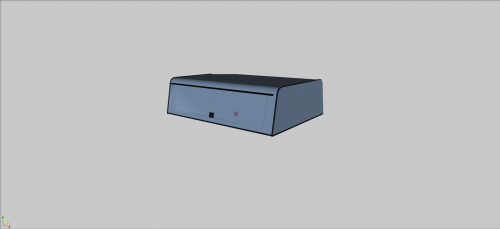 Is there a way to make a template for this? If so, how?
 -
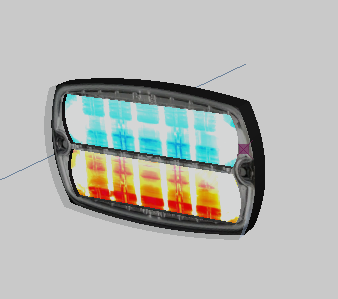 Okay ill try that. Thanks
 -
When i merge, it doesnt have the lights, just the body
-
 @Candice hey can i have a new discord invite? The link in the file is expired. I was in there a long time ago, but i left cause i stopped modding. Now im back again and need some help with something.
- 29 comments
- 2 reviews
-
-
 Its "clicks" and not "click's." Clicks in this use is not possessive, so no apostrophe is needed. Sorry, just a pet peeve!
- 1 comment
- 1 review
-
good. thank god im not the only one