
TooTall67
Members
-
Joined
-
Last visited
Everything posted by TooTall67
-
Cool. Thanks man.
-
i just bought GTA IV last night and I downloaded LCPDFR and followed the downgrade procedure. I haven't installed LCPDFR yet. But i launched it and it was terrible quality. I saw the settings and it said And correct me if I'm wrong but 242/3064 is nowhere near the limit. Link me to a solution if this has already been discussed and solved.

-
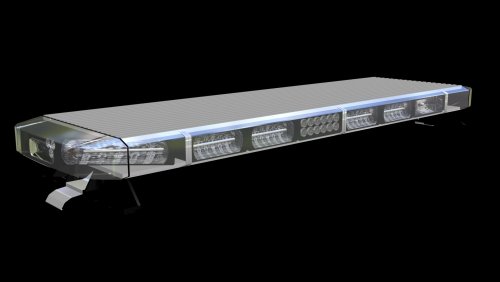 Sorry guys I didn't mean it to sound so harsh. Just that this lightbar is preferably for people who have more experience with ZMod. And Getduckt, message me. I'm sorry about earlier. Also, Roegon, I converted the bar and boy does it look awesome. Love it!
 -
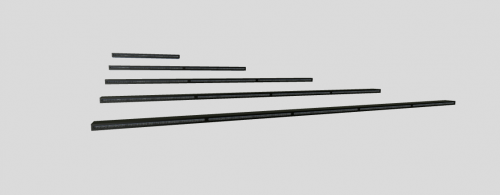 Suhhweeeet! Can't wait to use this. Been looking for something like this for forever. Thanks man.
 -
-
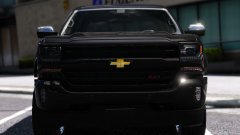 DUDE! Great work, man. Looks almost exactly like my car irl.!
 -
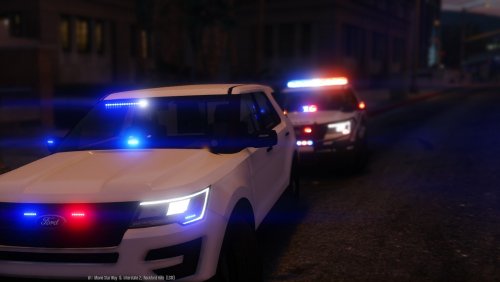 I found the the firetruk (by looking at the file) is as follows: siren1 siren2 siren3 siren4 siren5 siren6 siren7 siren8 siren9 siren10 siren11 siren12 ^all equal 0 degrees siren13 90 siren14 -90 siren15 90 siren16 90 siren17 -90 siren18 -90 (not tested) will be tested tomorrow and confirmed or denied tomorrow
- 11 comments
- 5 reviews
-
-
alright then.... okay... just i would start with a different lightbar to be honest i cant even figure this out
-
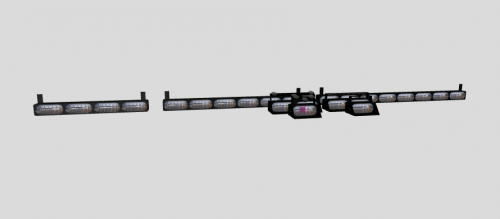 Sick! i'll definitely be using these soon!!
 -
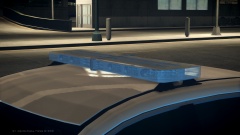 Wait so is it or is it not like uploaded unlocked?
 -
uhhhh in zmod, go to quadar, then select the lightbar, then scale? i dont understand how you don't know how to do this? could you explain or provide me with a link on how to turn this into a functioning lightbar?
-
-
Just tell the creator about this and see what they say.
-
OK still... nothing
-
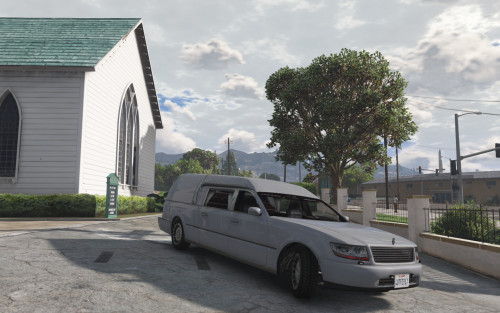 I made the lights purple for a funeral hearse. Let me know if you want to include these in your file. Hearse convoy
- 9 comments
- 3 reviews
-
-

- 1
-
-
I just got ZModeler 3 and got the trial license but I was having troubles with it saying it failed when I held shift, but now it just does nothing when i hold shift at the license screen. All I need to do is hold shift and then have it activate or whatever and I should be able to go, but it's not doing anything.
-
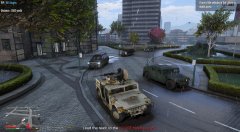 what mod is this?
 -
 oh shit call I.A.
 -
 My words exactly. Are those Tir 3 modules on the rambars? If so, where’d you get em? Im not at my computer right now so I can’t look at the credits Nevermind it said it in he credits here don’t it. Which one isn’t it?
- 80 comments
- 27 reviews
-
-
Absolutely great models, gump. Do you think we can see a tahoe or FPIU with an outer edge on the top and sides?
- 80 comments
- 27 reviews
-
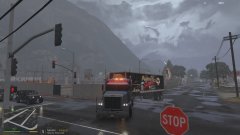
From the album: ELS Amber Phantom?
-
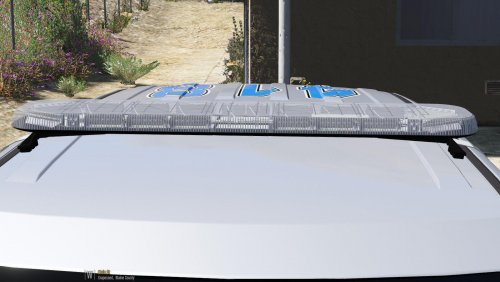 for some reason, my zmod crashes when i merge it with my vehicle. what can i do? or what am i doing wrong?
 -
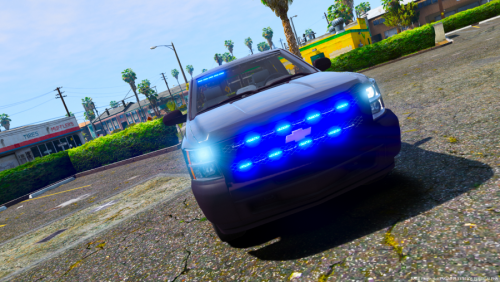 Hey man, nice profile pic! I’m getting Glock 19 soon! Do you think.... maybe.... you might be able to maybe possibly kinda.... realease the unlocked model of this without the lights?.?.?. ^ that was meant for the author
- 17 comments
- 6 reviews