
TooTall67
Members
-
Joined
-
Last visited
Everything posted by TooTall67
-
.thumb.png.359a0b9103a007591bed81ea1ddde823.png) ?how do you get the textures to show up? probably a noob question but im new to modding
?how do you get the textures to show up? probably a noob question but im new to modding -
Same here but nobody is replying to my topic.
-
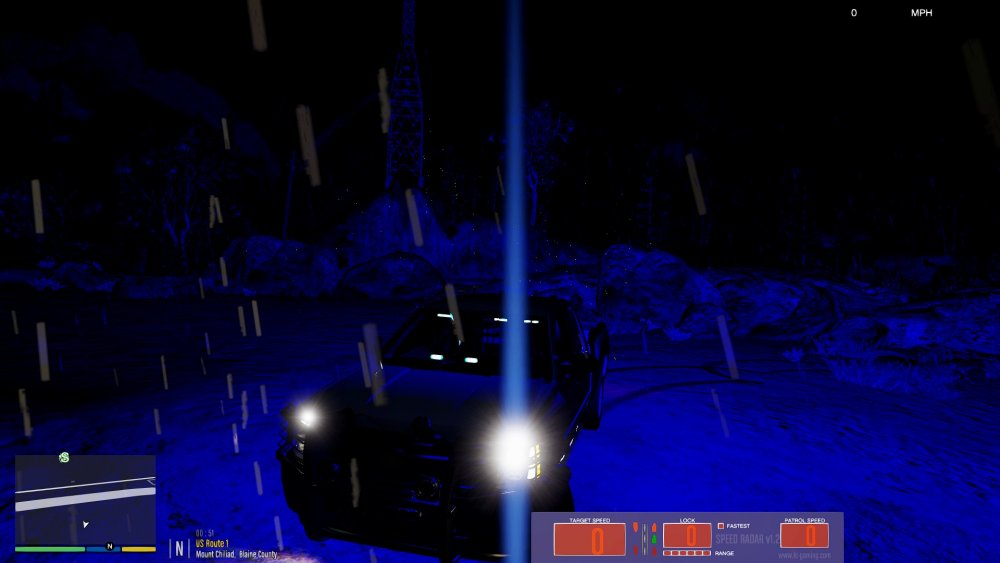
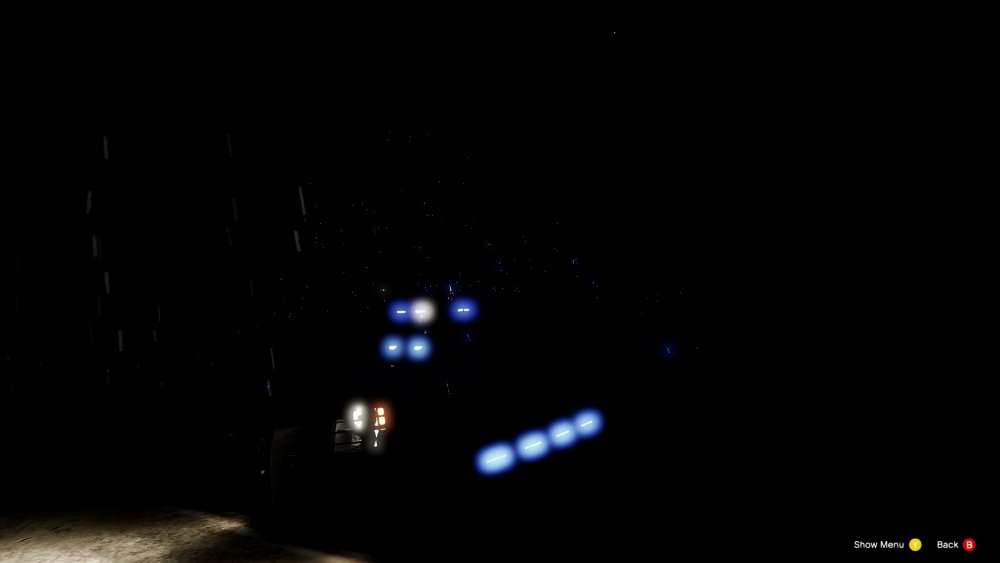
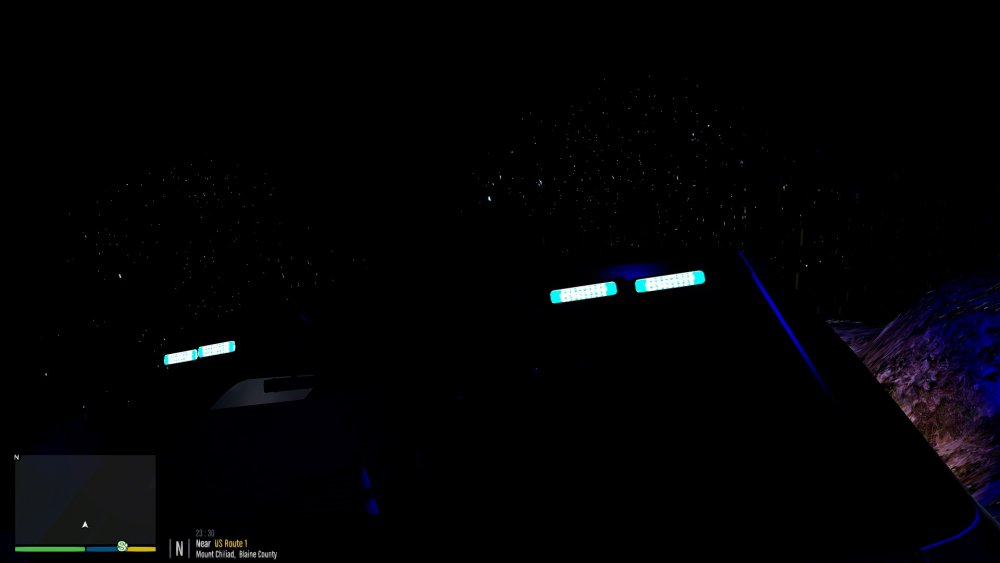
I have no clue what I'm doing wrong but it seems like there's no coronas or something with my lights. I've installed things light the brighter emergency lights and visual v and peanut butter enb with no avail. Also, the lights are supposed to be blue but they're kinda faded into an almost white color. When i press pause and hide pause menu, the lights seem blue though.
-
Download the most recent version of rage from the rage website.
-
I used the automatic installation of LSPDFR and I downloaded the newest rage plugin hook (overwrit the existing files) but I double click on the rage application and I get the blue loading thing next to the cursor but nothing happens. What do I do?
-
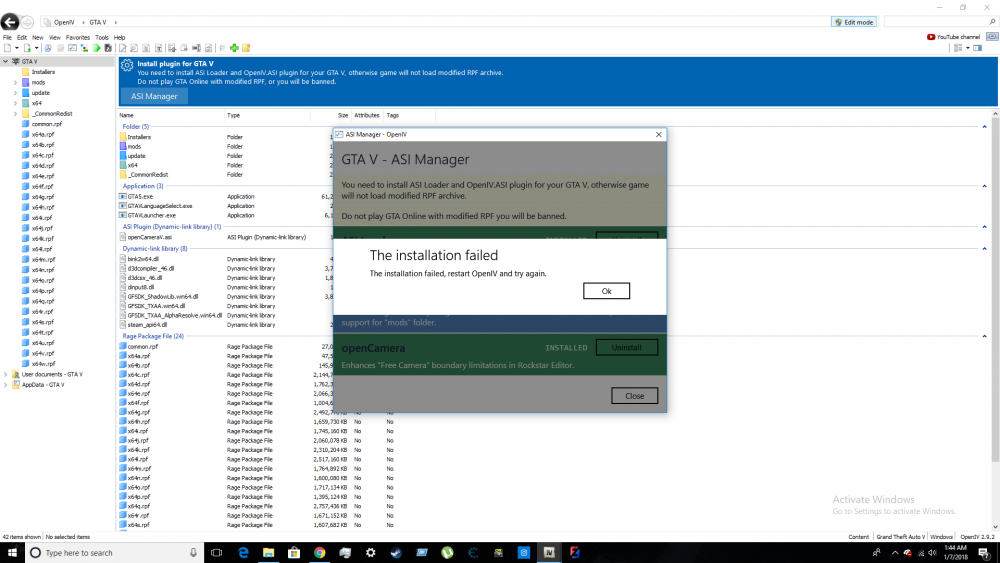
wtf?? I've tried it multiple times. ASI Loader and openCamera install but not that one
-
Wait what do you mean by enabled? I have it installed but I don’t remember there being an enable thingy
-
 Are there any models (FPIU or tahoe) with the outer edges on the top and sides of the boot? Thanks
- 206 comments
- 94 reviews
-
-
Yeah I do, but the cars do not show up.
-
I tried putting them in that folder but I then get the stock gta v police car with no light we on the top. lightbar*
-
The latest one for me is patchday17 Hmmmm
-
sorry, i'm pretty sure this is the wrong thread
-
Hiya, So I built my new computer after Christmas and installed GTA V and pretty much everything I installed worked correctly. A few days later, after I was happy with all the scripts and vehicle files I installed, I wanted to install GTA V Redux. When I was installing it, I ran out of disk space, cause it to corrupt mid-transfer. I then had to reinstall all of GTA V (press uninstall from steam, then install again.). After that, I started GTA V from steam and loaded it in and then it crashed at the same startup screen as before. I then realized that just pushing "Uninstall" does NOT completely uninstall it from your system (i still had all my scripts and ELS files, etc...). I then tried everything. I eventually ended up deleting the "Grand Theft Auto V" folder from steam that had all of the files and also deleting the folder in the documents after having a problem with a corrupted gamesave. I then finally got it to reinstall and played the prologue. After the prologue, I fell asleep in Franklin's bed and saved the game. After that, I waited for GTA to close and I shut down my computer. The next morning, I installed Scripthook and Scripthookdotnet. After that, I made a mods folder and copied my updates folder into that one and started trying to replace cars. After I replaced "Police4" with a non-ELS LA taxi, I started the game and spawned the "Police4" car to see the stock undercover fake CVPI... I tried it with many other vehicles (keep in mind i'm putting them in the patchday17 folder [most recent patchday at the time of posting this]) and I even tried directly replacing them in the other patchdays with no avail. I even tried restarting my computer to replace a file to be 100% sure there's no programs running that would interfere with being able to mod my game. I then tried to install LSPDFR and play without ELS vehicles but rage said the game version was not supported or something. I tried to go to the rage website and downloading the most recent version of rage plugin but now it wont start. If i run it as admin, it pops up saying "Elevated privileges detected" but it doesn't start GTA. Please help. I'm really bored without being able to mod GTA V. Also, sorry if there's any grammatical errors as I can't read over right now because I need to leave. Thank you, Mr.Man [D-33-D. Kortman]
-
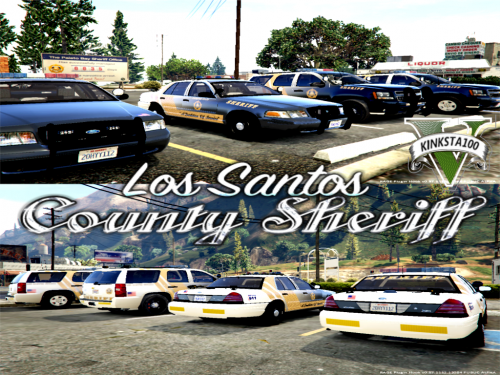 Ask someone for some computer parts for christmas lol. Amazing pack, but no so great screenshot graphics
- 7 comments
- 5 reviews
-
-
-
okay. cool!
-
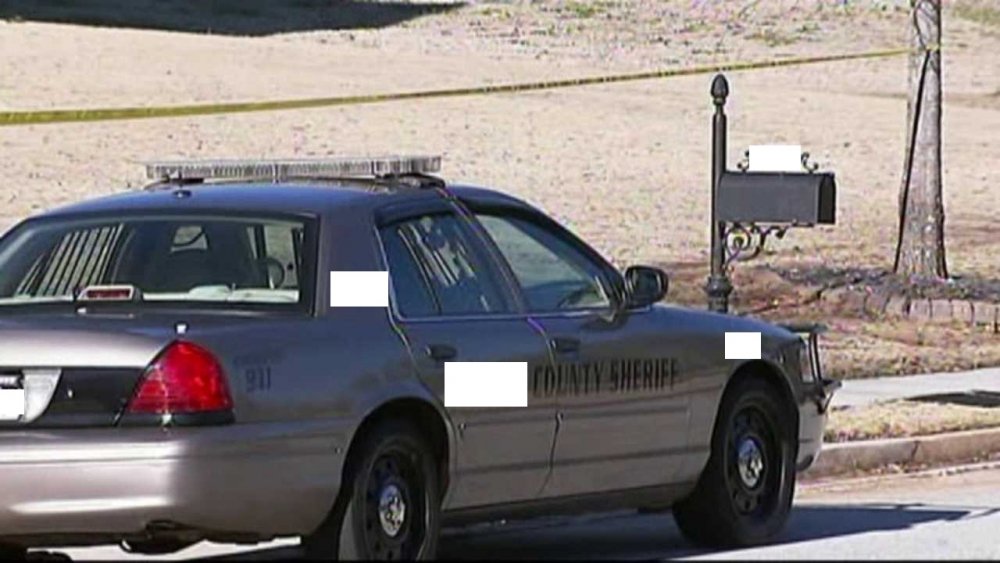
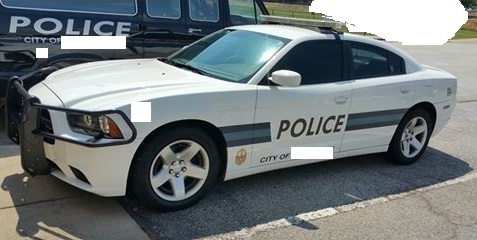
here: (btw, do you like the color of my county's squad cars? it's like a bronze. I like it!)
-
i'm 90% sure it's not. If it is, i'm amazed (I've got some pictures right here, just wait)
-
it just tries to open a new scene
-
it might be a bit pixelated but ill enlarge it for ya!
-
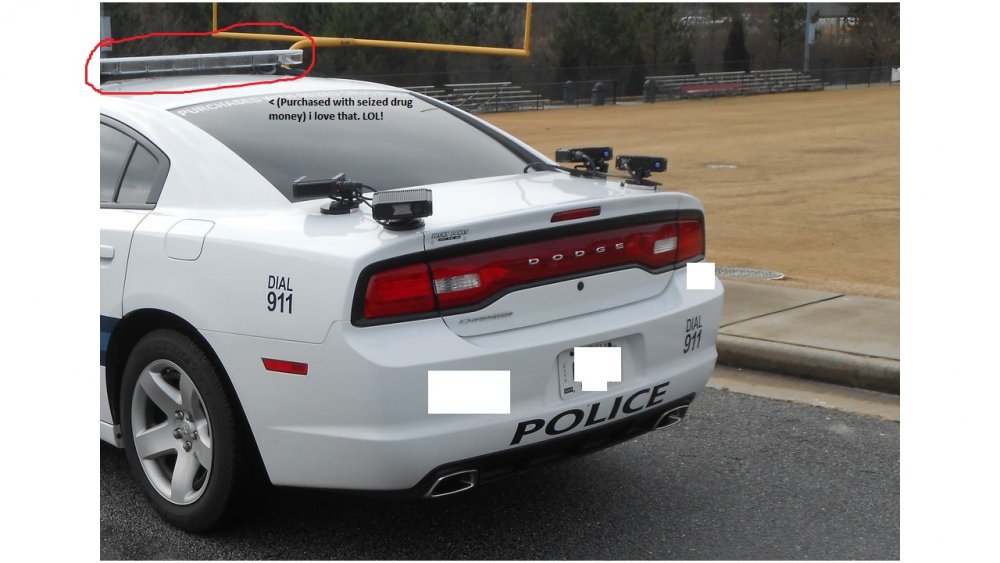
(this is what this thread is about) Can someone name this lightbar?
-
@TickleMyElmo how do i open a .z3d file while i am currently editing a model?! i have tried merge but it says not a newer .z3d or something. i forgot.
-
.thumb.png.359a0b9103a007591bed81ea1ddde823.png)