officerAMR
Members
-
Joined
-
Last visited
Everything posted by officerAMR
-
-
-
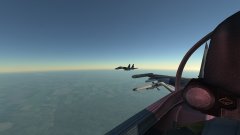 Hopefully its not as hard as the MIG-21 where everything in the cockpit is labled in Russia lol
 -
Yah, I'm pretty terrible at CAP TBH XD. I'm thinking about getting the A-10C. Either that or the F-5 I cant make my mind up
-
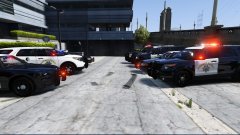 I'm just finishing it, i have to make it compatible with RDE and make all the vehicles addons. I should be done tomorrow, and then its ready for release
 -
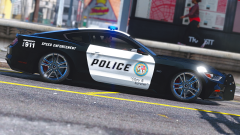 If you were to release it i would add a IRL lightbar and pushbumper, not the Vanilla GTA V stuff
 -
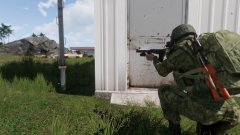 Yah, its EMR Summer camo for the VDV
 -
From the album: DCS Adventures
-
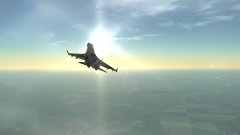
From the album: DCS Adventures
-
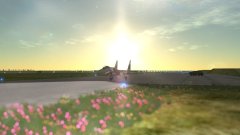
From the album: DCS Adventures
-
From the album: ARMA 3
-
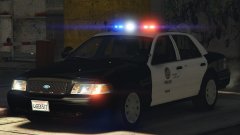 Yah, i really want it too, theres literally one other 94-7 CVPI on this website and its non-els
 -
97 or Riot?
-
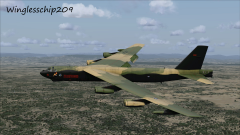 Freedom incoming! :P
 -
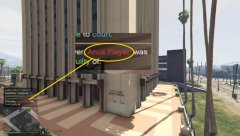 Its pronounced Ay-noose
 -
Title says it all
-
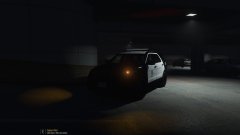 Locked
-
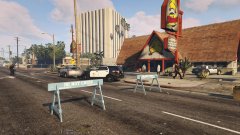 LAPD on scene
-
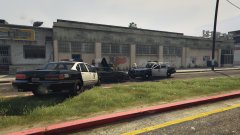 You're not going anywhere
-
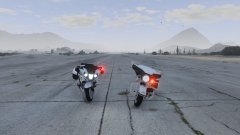 Decisions Decisions
-
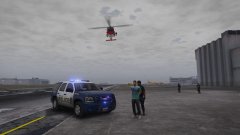 A Joint Effort
-
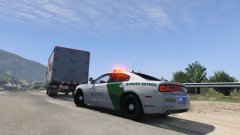 USBP Charger pulls over suspicious truck at Boarder
-
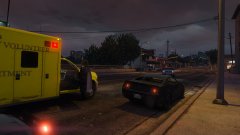 Dodge Ram ambulance and EMT Explorer respond to a shootout
-
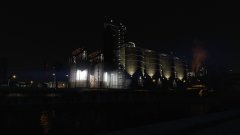 LS Sewage plant at night
-
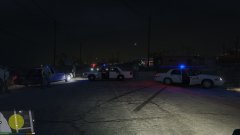 All Systems are go
-
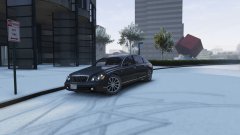 Banker Mobile
-
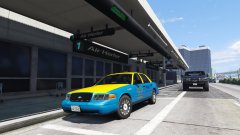 Money Maker
-
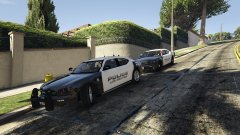 Two Dodge Chargers at a domestic disturbance
-
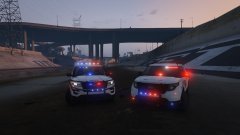 New and Slightly old
-
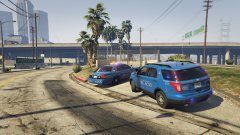 En scene
-
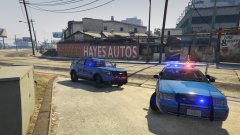 i'm blue da ba dee da ba die
-
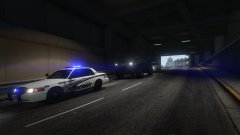 Problem solved
-
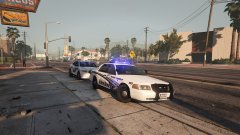 2 BCSO cars
-
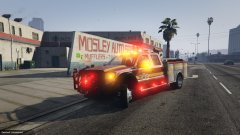 Lighting- A bit too bright with BXbuggs visual settings
-
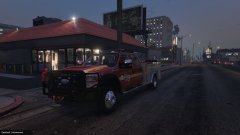 This little hidden gem
-
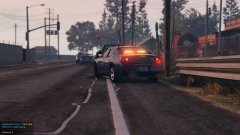 Dat Traffic advisor
-
-
From the album: GTA V stuff
Not like you can steal a police car anyways -
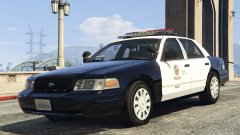 looks great
 -
From the album: GTA V stuff
Nandos got a bit too cheeky -
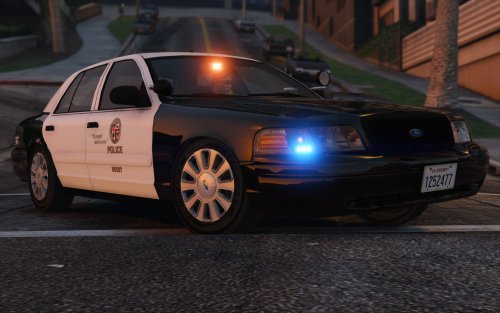 8 months in the making. Simply put the best slicktop car available on LSPDFR right now
- 26 comments
- 12 reviews
-
-

- 1
-
-
-
Its coming along nicely. I've gone back to using LAPD cars so this will fit in
-
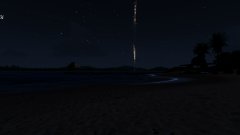
From the album: ARMA 3
MRLS look amazing in ARMA at night -
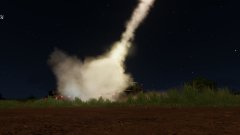
From the album: ARMA 3
BM-21 GRAND MRLS -
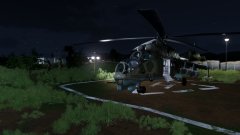
From the album: ARMA 3
AKA Satan's Flying Chariot