Creators: Due to background reprocessing of files, approvals and file security checks may be delayed. Thanks for your patience.


purplepotatoes14
Members
-
Joined
-
Last visited
Everything posted by purplepotatoes14
-
 Lol no, I kind of like the two lightbars together and having both reflection coronas (rotators and leds)
 -
Using a photo editor program, like Photoshop or GIMP, open the template and create a layer over it so you keep the original template. Edit and do what you want to the sides, front, back, and roof of a vehicle like adding text/pictures and export it. Here's a turorial, it's for GTA IV, but there aren't huge differences between IV and V. http://www.lcpdfr.com/forums/topic/4452-texturing-tips-tricks/
-
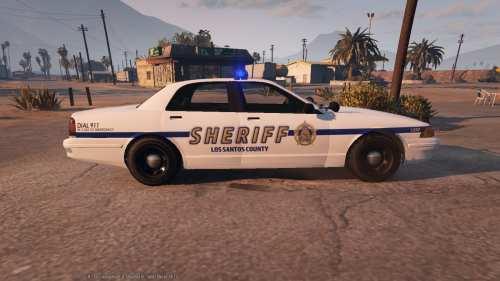
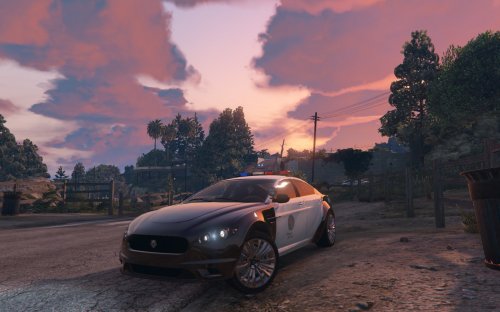
Hello there! This is a FICTIONAL LSCS skin, made for the new, templated Vapid Stainer created by LtMattJeter. It is my first texture that I've made using a template, not just the original GTA 5 textures. Please remember to backup your files before modifying your game! An installation guide is provided (READ ME). Thanks for viewing and downloading!
-
Same here, definitely not hating, just pointing out the awesome looking Crown Vics! :D
-
I thought I was the only one! After I installed Lt. Caine's Interceptor, my game installed an update around 50MB (like yours), however, it launched normally after and let me play LSPDFR and mods etc. (Yes, I'm using a mods folder as well)
-
Yup! Jeff Favignano: https://www.youtube.com/watch?v=eOb-2nHgJao Bay Area Buggs: https://www.youtube.com/watch?v=hacSsrMfHbo Polecat324: https://www.youtube.com/watch?v=12UOW4E94bI (Not hating on the Youtubers, but I agree with Kilyin, the Crown Vics work!)
-
Yup same here
-
 Completely agree!
 -
-
That's odd, my game updated and I can still play LSPDFR with mods, cars, etc. and Ragehook works fine. (I have the retail version btw)
-
 IT'S, IT'S BEAUTIFUL XD
 -
Not bad! Love the music too. Tobu <3
-
An updated Merit vehicle would be pretty cool actually.
-
MVA
-
 You should be using a "mods" folder, here is a tutorial: http://openiv.com/?p=1132
- 56 comments
- 7 reviews
-
 I've arrested a LSPD officer too XD
 -
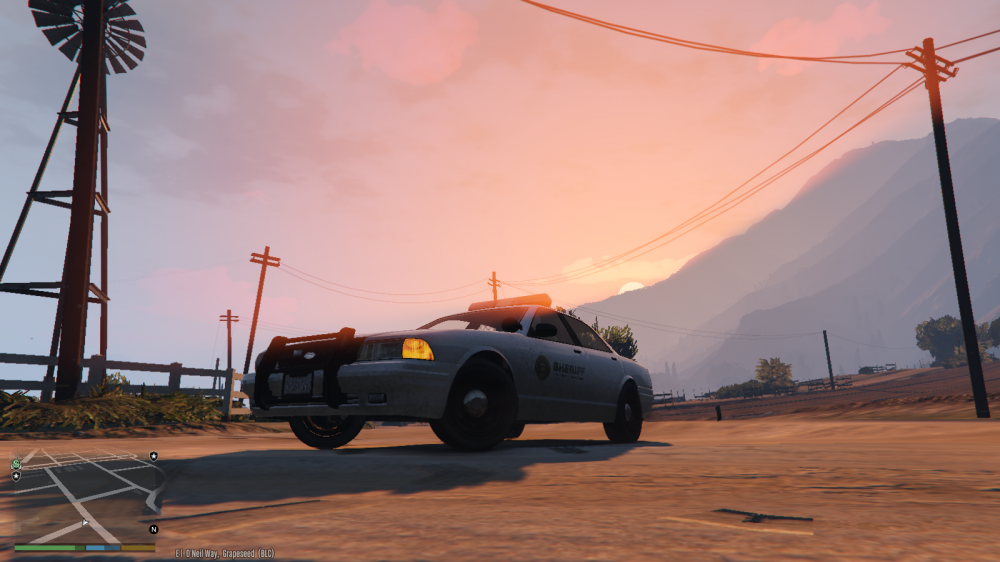
Love the sunsets in this game
-
It's personal preference I guess, but no you're not weird lol
-
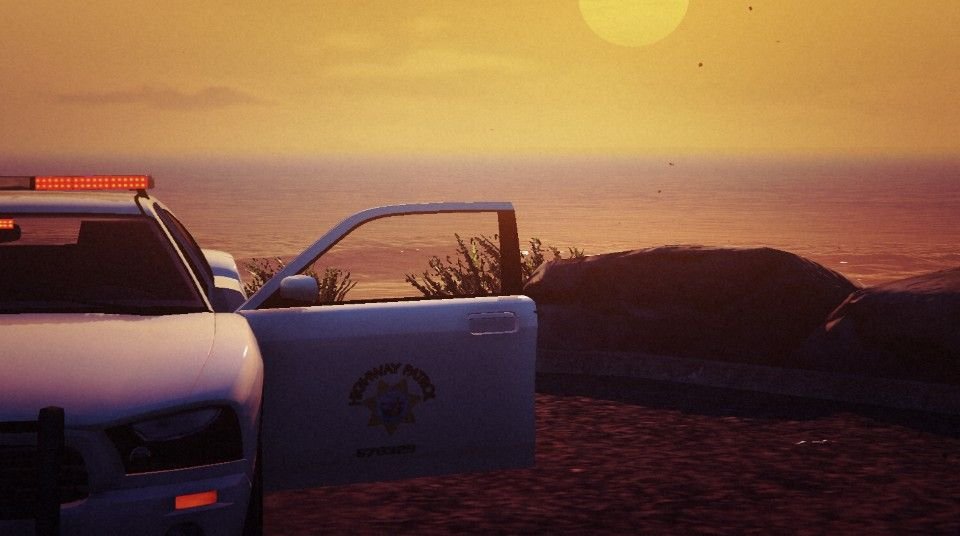
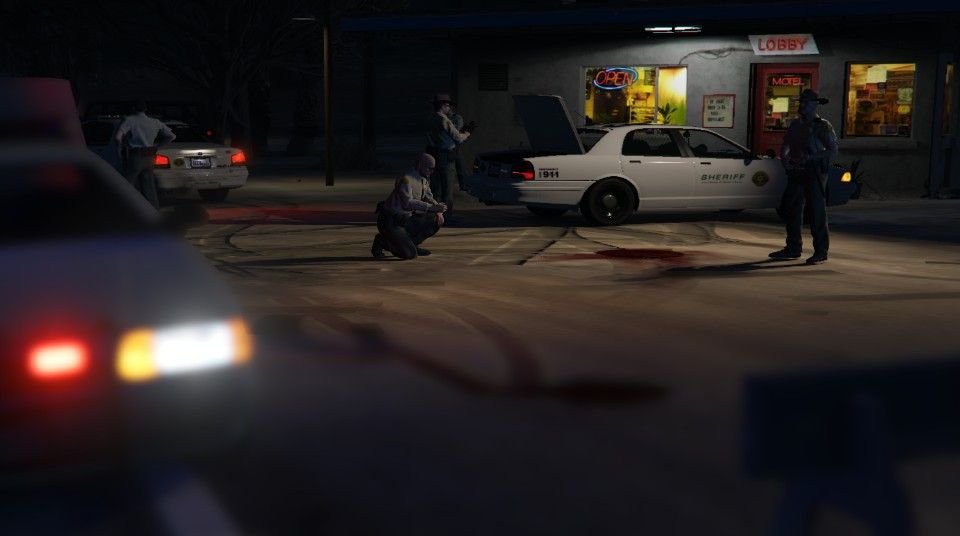
I don't know why, but things that are out of focus/blurry look really good to me XD (Not this one, obviously)
.thumb.jpg.e3a57590478d6e4d5d2250f45a2743bd.jpg)
-
I'm just wondering, aside from the great fictional models we already have, what real police vehicles are you wanting/waiting for? I'm personally waiting for a Ford Police Interceptor Utility, maybe with a LAPD/LSPD texture :D
-
Maybe this tutorial will help. I'm not sure if you can do it with modded vehicles, but you can add cars using the default vehicles. http://www.lcpdfr.com/forums/topic/50909-adding-a-new-emergency-vehicle-is-possible-now
- 56 comments
- 7 reviews
-
-
Yeah, I get it also and it's pretty annoying
-
Is this what you're talking about? http://www.lcpdfr.com/forums/topic/50909-adding-a-new-emergency-vehicle-is-possible-now
- 56 comments
- 7 reviews
-




.jpg.e68d2e714c3f74863515150fff14ae3d.jpg)