




purplepotatoes14
Members
-
Joined
-
Last visited
Everything posted by purplepotatoes14
-
The texture mapping on the Interceptor in the game is weird. If you attempt to put a small picture, like the LSPD Logo, on the texture file (vehshare.ytd) on the drivers side door, and make it look good and centered, the picture won't be the same on the passenger side door, it will actually show on the passenger rear door. Kind of get what I'm saying lol?
-
-
-
-
-
-
-
-
-
-
Thank you very much for this siren! I actually don't mind the default wail, but the priority/phaser was getting annoying, because it was on EVERY emergency vehicle in the game, and now it's different!
- 29 comments
- 10 reviews
-
-
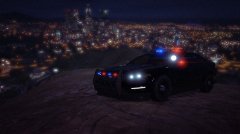
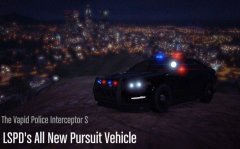
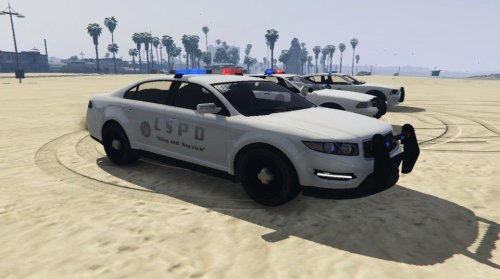 Hello there! This is my texture edit for the LSPD Interceptor, and, it's my first attempt at editing textures for GTA 5 vehicles. I originally wasn't going to upload this, but, after thinking about it, I did. This file also changes the Stanier, Buffalo, and Transport Van to all white. It adds the logo to the back end of the Police Bike as well. Installation: Using OpenIV, replace the "vehshare.ytd" file located in GTA5>x64e.rpf>levels>gta5>vehicles.rpf with my texture. Please remember to backup your files before modding anything in GTA!
- 2 comments
- 1 review
-
-

- 1
-
-
That's pretty cool and exciting!
-
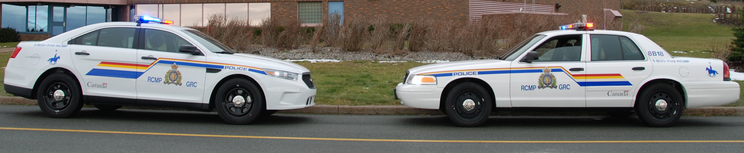
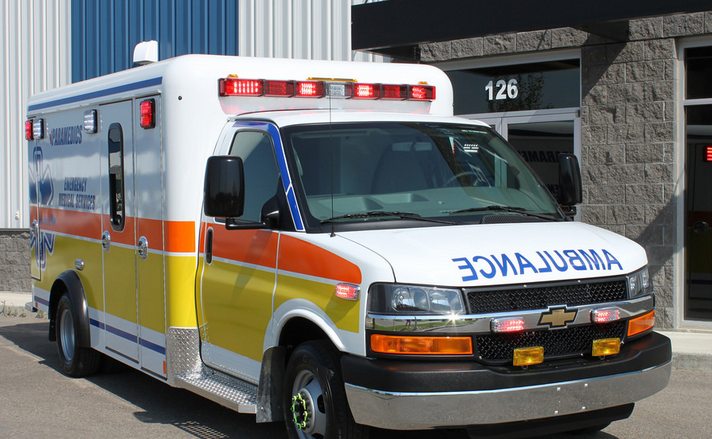
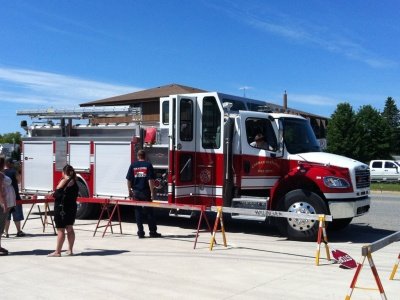
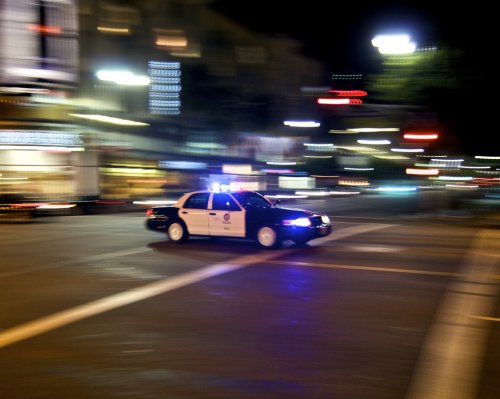
We don't have our own PD, so the RCMP are here to help. We recently got the new interceptors, but, we still have Crown Vics. Local Ambulance Service: And our local Fire Department:
-
-
-
-
-
.jpg.50cc30248ecd4a9eba1af856439ac8e4.jpg) Thanks!
Thanks! -
-
-
-
-



.jpg.50cc30248ecd4a9eba1af856439ac8e4.jpg)


.jpg.d5401e98d7f698b785bdaa8212c5a2fe.jpg)