purplepotatoes14
Members
-
Joined
-
Last visited
Everything posted by purplepotatoes14
-
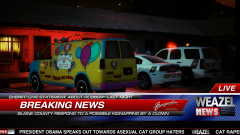 "President Obama speaks out towards asexual cat group haters", OMG hilarious headlines! XD
 -
-
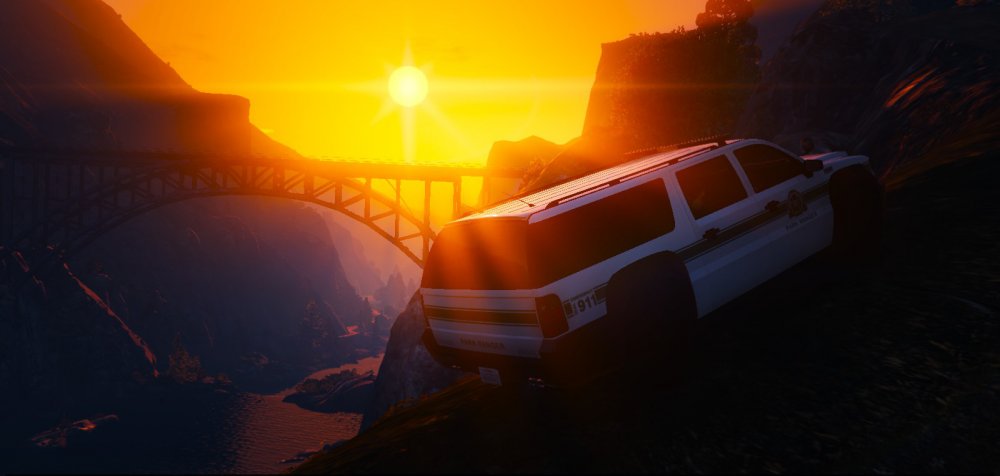
Evening Patrol Near Mt. Chiliad.
-
-
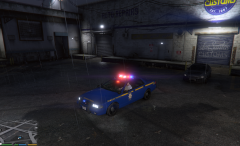 *Breathes heavily* OMG ITS AWESOME
 -
Alrighty.
-
Yeah I was looking at the file and no there isn't one. At least the livery stays the same I guess lol.
-
Hopefully it works!
-
Maybe take the higher detail textures and replace the low detail ones with those? For example, maybe there's a "police" and "police_hi" file, grab the files from the "hi" and put them into the normal one.
-
At least your issue is resolved! :D
-
I put my various files in the x64e vehicles area and the Stainer is replaced.
-
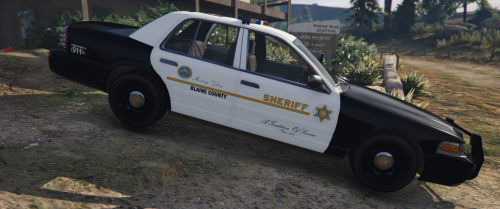 Nice work! I like the LASD theme but keeping it within the world of San Andreas!
- 6 comments
- 1 review
-
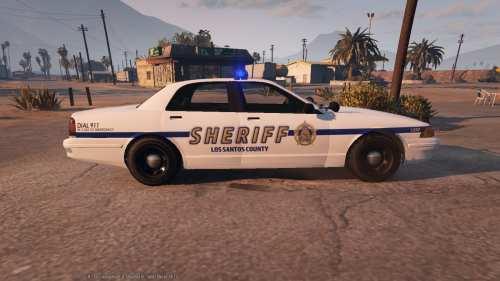 I don't think I'm going to do that, I've scrapped this idea of a police texture a while ago. Thanks for the nice comment though! :D
 -
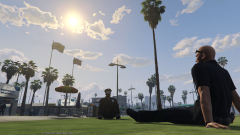 LOL!
LOL! -
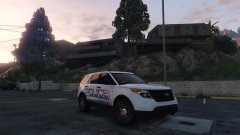 FPIU YAASS XD
 -
-
-
 "OTHERS : - IF YOU DON'T WANT THE INDICATOR LIGHTS TO BE ALWAYS ON, TWEAK THE FOLLOWING VALUES TO THIS. IF YOU ARE USING POLICE CAR MODS, DON'T TOUCH THIS !! car.indicator.day.emissive.on 10.00 car.indicator.night.emissive.on 10.00 car.indicator.day.emissive.off 0.30 car.indicator.night.emissive.off 0.003" Is this what you mean?
- 246 comments
- 40 reviews
-
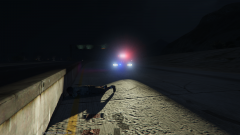 Using Yard1's SAHP Stainer with the classic GTA 4 lightbar. Amazing work!
 -
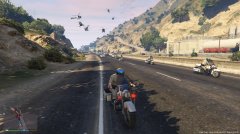 I think you need more backup. ;)
 -
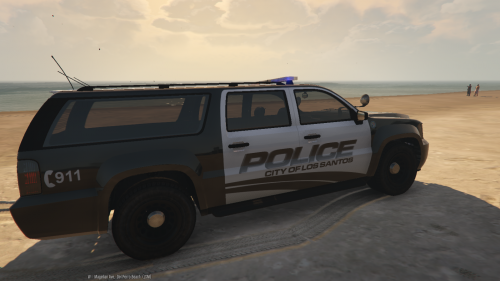 Hello! This is a FICTIONAL LSPD skin. It requires Lt. Caine's Remapped Granger to work. I used mroxplay's Black and White template (Thank You!). Please remember to backup your files before modifying your game! An installation guide is provided (READ ME). Thanks for viewing and downloading!
 -
-
-
-
It's fine, your opinion Thanks for the feedback. Do you mean the "Dial 911" text that looks generic?