


OfficerFive0
Members
-
Joined
-
Last visited
Everything posted by OfficerFive0
-
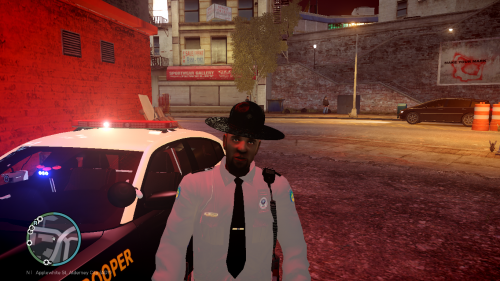 yea thats the way it is in openiv
 -
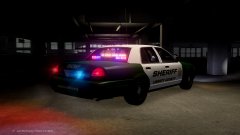 whats the back lighting?
 -
nerdgasm
-
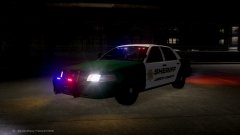 damnnnnnnn
 -
o ok
-
hmm not sure ill test it out when i able to
-
in openiv or the games
-
if u want i could test the explorer and charger and see if i get the same prob
-
it may be something from the zmod where there where too many materials. thats happened with me a few times
-
are you talking about the stobe from the els config file or built into the car
-
are you talking about the actual color of the lights or the glass color
-
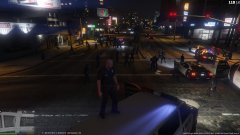 here ya go new version with ems and lifeguards http://www.lcpdfr.com/files/file/7624-lapd-peds-reloaded/
 -
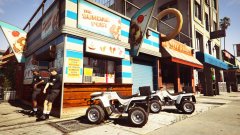 this my good sir, is genius!
 -
even the badges? *hint hint
-
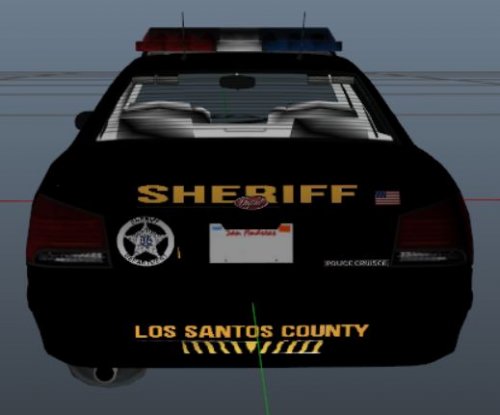 *googles sherrif *copies paste image *gets a better livery still but yea room for improvement
- 1 comment
- 4 reviews
-
sure i could do a tut btw i decided to modify the streethawk for drot testing it out now
-
after i finish the key west pack and a few other project i may toy around with it seeing if i can make it drot
-
no, sadly not but i am working on a drot nypd k9 tahoe
-
no i need unlocked
-
lapd peds reloaded released get it at http://www.lcpdfr.com/files/file/7624-lapd-peds-reloaded/
-
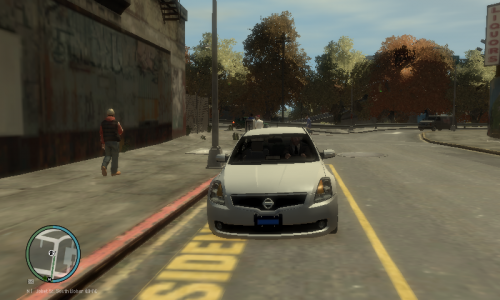 well it looks like you figured out how to tint it. a few things i noticed random triangle here and it looks like these papers are missing some textures also looks like you forgot the credits for the partition besides that looks great!
- 6 comments
- 1 review
-
im not sure whether there already is a mod like this but i think it would be a nice feature to be able to lock the players weapons so i dont pick up 2 different pistols smgs etc
-
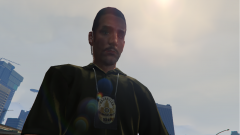 you think 2048 skins are too big?
 -
o yea i forgot about that when i used to play eflc
-


