
The Feniex Dealer
Members
-
Joined
-
Last visited
Everything posted by The Feniex Dealer
-
-
 I would highly recommend you guys use simple trainer to spawn them with the DLC portion, I've converted all of them to be standalone, including making the ghosted ones, their own unmarked one as well without the decals. But again, Highly Recommend you use Simple Trainer or a Trainer in general.
- 239 comments
- 26 reviews
-
-

- 1
-
-
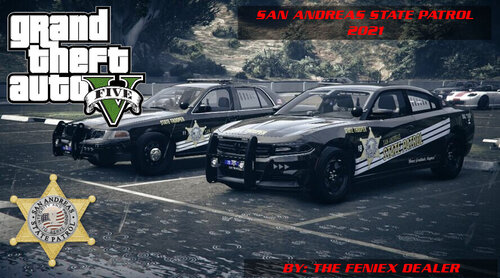 I've been away from lspdfr modding for sometime, since then BC has changed the cars etc. this will be updated soon.
 -
-
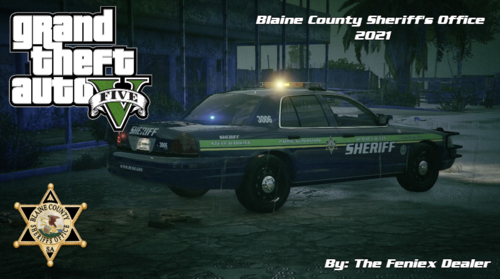 This is something I put together, It is NOT fully completed and will be completed as BC Designs adds more cars to this pack. Report Bugs to The Feniex Dealer Here: Discord Link This pack is a Project to Overhaul the ENTIRE [BC] Blaine County Sheriff's Office Pack 1.0.0 Pack found below: REQUIRED:
 -
This is something I put together, It is NOT fully completed and will be completed as BC Designs adds more cars to his pack. Report Bugs to The Feniex Dealer Here: Discord Link This pack is a Project to Overhaul the ENTIRE [BC] SAHP Pack found at this link. REQUIRED: To Install: Simply Read the readme in the download 🙂 Credit: - BC Designs For Model and Pack. - All other credits provided in the SAHP pack - Exiled Sole Creator Wish to Help with this project? Simply Contact me via Pm CHANGELOG: v1.0 -Added Pack To Site. v1.1 -Added FPIS -Fixed Crown Vic Texture
-
-
 Why is it when I put the files into my game directory it crashes at startup?
- 2,698 comments
- 239 reviews
-
-
 If its not showing up after installing that then your Post FX in graphics cant be set to atleast high..
- 445 comments
- 108 reviews
-
Download and Install Created by @Bxbugs123. Use the Bright settings. Then for the attached file (Created by @PDaniels): go to GTAV/MODS/x64e.rpf/levels/gta5/vehicles.rpf and open taxi.ytd. drag and drop the included taxi_signs_2 to replace the existing texture agree to the pop up window, Click save and Exit OpenIV (Mods: taxi_signs_2.dds
- 445 comments
- 108 reviews
-
-
ok found your problem. What do you have your ingame graphics set to? Mostly your Post FX. As it needs to be on atleast high.
- 445 comments
- 108 reviews
-
strange... let me mess around with my files i will see if i can recause that bug
- 445 comments
- 108 reviews
-
-
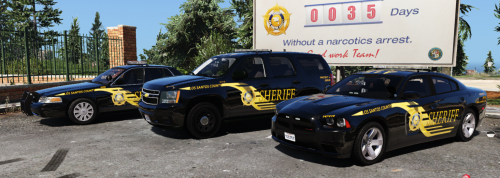 I am gonna be honest...When i first seen it, I thought to myself, This wont look good in my game. So I went ahead and downloaded it and installed the skins to my SD cars. Afterwards I drove them around and came to liking them! They looked great! Will be using them for now :)
- 1 comment
- 2 reviews
-
-
-
How would i go about making the sheriff cars run blue lights? without messing up the light pattern
- 445 comments
- 108 reviews
-
-
-
-
The Feniex Dealer commented on The Feniex Dealer's tutorial in Script & Data File Modification Tutorialsall asi files go into the same location as scripthookv
-
-
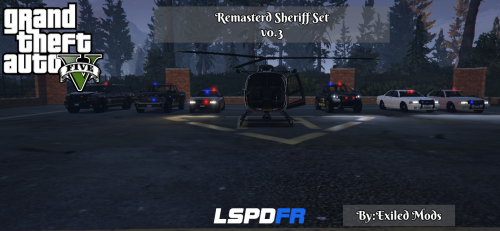 They are the folders Named: CID Bison and Supervisor gresely you need Added Emergency Vehicles By DBock Ft. The CVPI v2.2 inorder to use them
- 4 comments
- 1 review