
YoshePlays
Members
-
Joined
-
Last visited
Everything posted by YoshePlays
-
-
 Finally a mod that allows me to realistically grab the weapons instead of pulling it out of my ass. P.S. I suggest that you'll be able to grab the weapons when you are at the doorside of the vehicle as in some situations I won't have the time to sit in my car and grab the guns. Thanks for making this script :D
- 135 comments
- 22 reviews
-
-

- 4
-
-
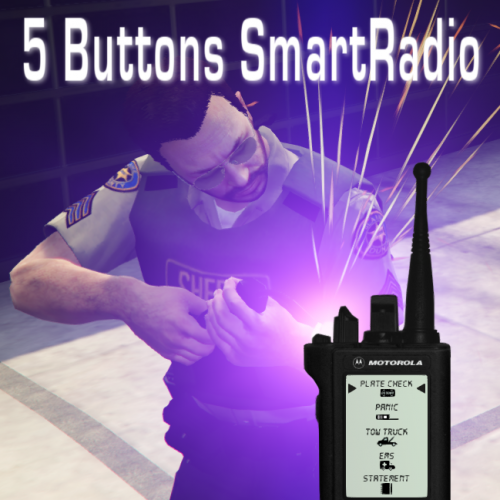
 This plugins was great, making it much more realistic. But putting the officer activated his panic button soundtrack will make it better.
- 89 comments
- 36 reviews