



Lop
Members
-
Joined
-
Last visited
Everything posted by Lop
-
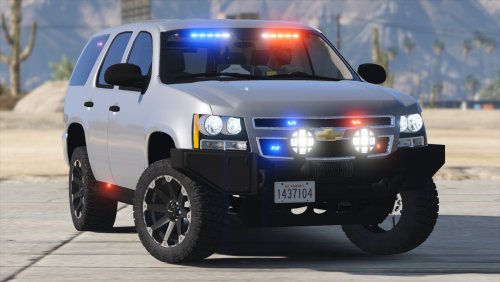 Quite possibly the best FBI2 vehicle ever. I am absolutely in love with this thing.
- 36 comments
- 15 reviews
-
Didn't notice it updated again, I apologise.
-
If you were to go to http://dev-c.com/gtav/scripthookv/ You would see that it IS in fact updated...
-
.thumb.png.23b56a0ef426095045adcc2870493be1.png) ELS-V will bring the option of multiple lighting patterns as well as the option to have multiple lighting modes. Check out ELS IV to learn more.
ELS-V will bring the option of multiple lighting patterns as well as the option to have multiple lighting modes. Check out ELS IV to learn more.- 27 comments
- 8 reviews
-
-

- 1
-
-
Sometimes, if the model creator hasn't optimised the vehicles LB settings for Radiance or just hasn't really set it up at all, doesn't have any reflection off of anything. BxBugs' vehicles all have some sort of reflection off of buildings, creating a realistic flare to the lightbars. Carpers vehicles on the other hand, don't have reflections for the lightbars. Your issue may or may not be an issue with the vehicle model itself.
-
-
 County Line runner
-
 Evening Drives
-
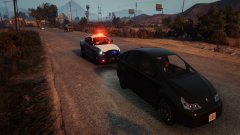 Never a dull moment
-
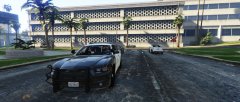 Morning Shift
-
 Another day, another criminal
-
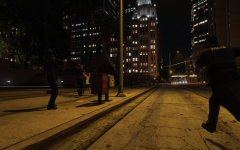 Police! Stop where you are with your hands up!
-
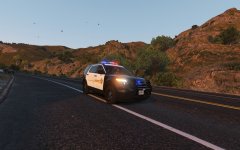 Thursday Morning Patrol
-
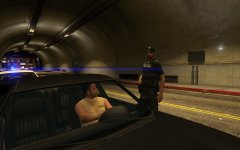 Cracking down on impersonators
-
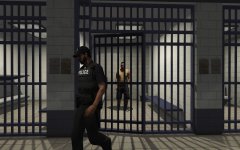 They renovated the cells just for YOU!
-
 Shots Fired
-
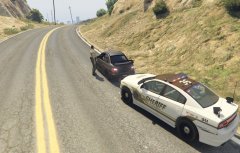 Repeat Offender
-
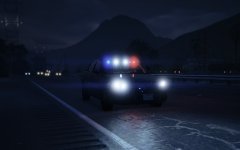 Code 3 Run
-
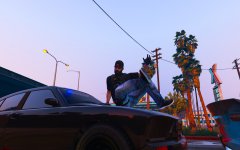 Run.
Run.
-
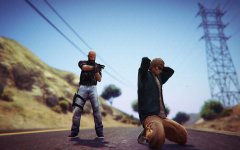 Suspect in custody
-
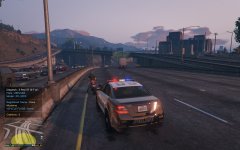 Well look who we have here
-
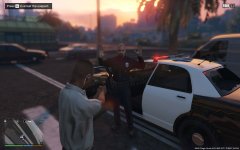 Seems legit.
-
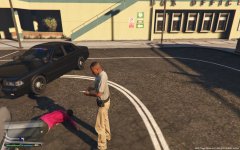 Dead or Alive
-
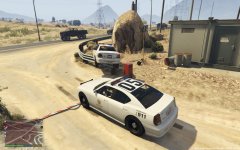 Oh.
Oh.
-
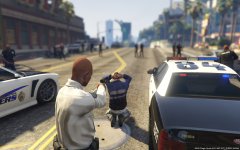 Well then
-
-
From the album: Daquans GTAV Album
5-PAUL-20 out on a traffic stop with an individual who ran stop signs at an excess of 75 MPH. -
 So much effort was put into this model that I wish I could give it more than five stars. I love everything you've done to this. Can't wait to see BCSO/LSSD textures for it since it's starter slot is sheriff2. Keep up the great work
- 269 comments
- 67 reviews
-
-
- 1
-
-
From the album: Daquans GTAV Album
5-PAUL-20 starts off his shift nice and quiet. We can only hope it stays that way.© AgentDaQuan
-
Overwriting the old files will do just fine. Just remember to update LSPDFR BEFORE you update RAGE.
-
-
So I got it to work but I have to place everything into the patchday9ng folder. Not a big deal. EDIT: Now LSPDFR crashes when I attempt to ask a suspect to exit the vehicle. Any idea?
-
That is correct. EDIT: Here is another picture showing all the police and ambulance slots. Notice only one is registering as used.
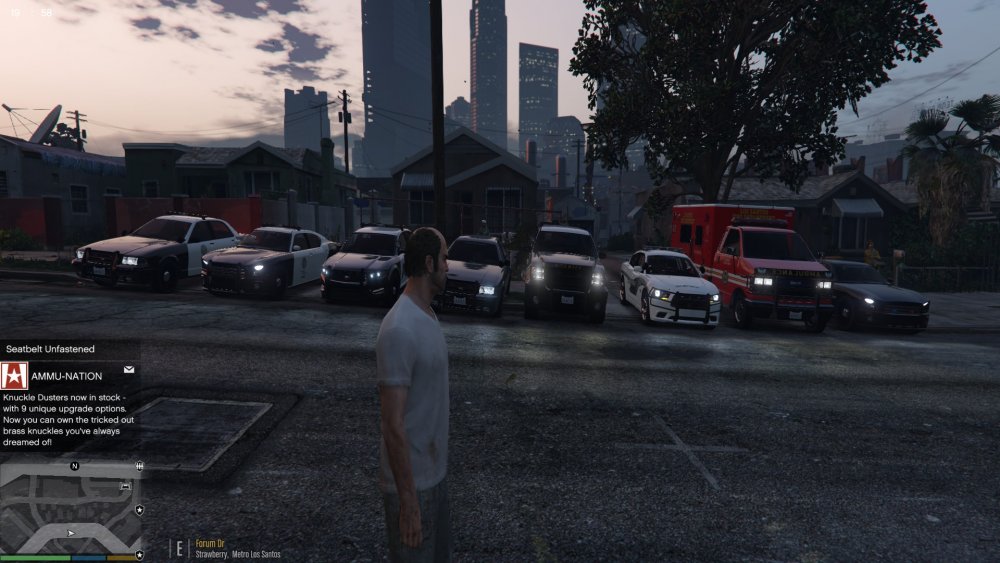
-
if you go into the RAGE config settings via the cogwheel when you open up RAGE, there should be an area for disabling/enabling DirectX and such. It is in there on the newest RAGE version.
-
I have reinstalled EUP, RDE, BCSO, and MY EUP and only one of my vehicles is showing up. It's really irritating trying to figure this out. Everything is in the RDE folder. ONLY the Sheriff1 slot is showing modded vehicles. All the other slots show the stock vanilla vehicles. Any reason why? I have RDE and all that in the dlclist.xml, everything is installed correctly. I am stuck. Thanks in advance.
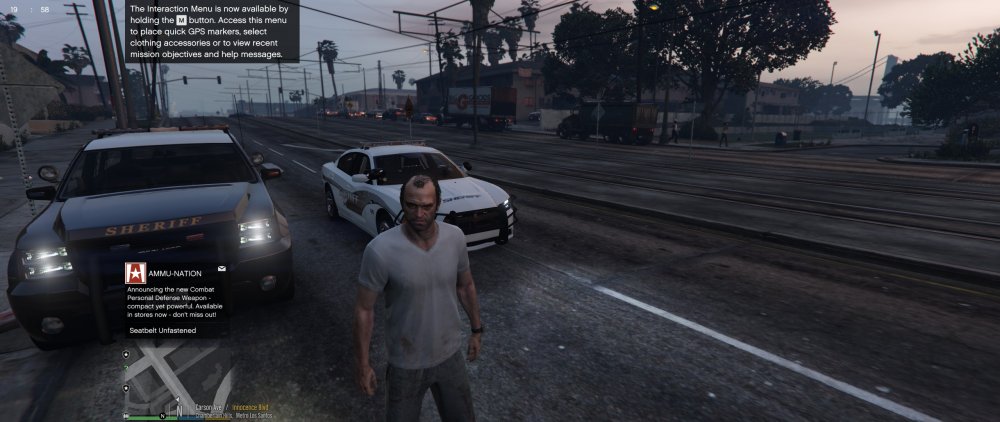
-
I have noticed an issue with RAGE where the RDE vehicles won't spawn in if the option for countering Rockstars patch is unticked. Don't know if that is intended to happen but it's a start.
-
 THE RED AND BLUE, ARE BLINDING SO.
 -
OH CHRISTMAS TREE, OH CHRISTMAS TREE.
-
From the album: Daquans GTAV Album
Pursuit on a Dilettante whose owner had an expired license. Upon running his name, he decided to take off. Stay safe out there Deputies and Officers. -
 In all honesty, while this is a nice idea, Traffic Policer and LSPDFR possess these qualities already so I don't see a point in this. Nevertheless, thank you for your contribution.
- 528 comments
- 42 reviews
-
-
- 2
-
-
From the album: Daquans GTAV Album
Keeping Los Santos International safe one shift at a time. -
 This is amazing! I love the amount of roleplay I can actually do now. Thank you very much for this!
- 587 comments
- 106 reviews
-
Just go into the .ytf file using OpenIV and delete the sign_2. There are multiple textures for this vehicle already if you wish to fill in the gap.
-
.thumb.jpg.61de846de400ca98f85d205992527de1.jpg) Bugs. I'm in love. You and Carper really hit it out of the park with these models. Excellent work. Two flawless vehicles added to the fleet. Keep it up. EDIT: I also love the edition to the lightbar of syncing it with the brake lights. Beautiful.
Bugs. I'm in love. You and Carper really hit it out of the park with these models. Excellent work. Two flawless vehicles added to the fleet. Keep it up. EDIT: I also love the edition to the lightbar of syncing it with the brake lights. Beautiful.- 265 comments
- 83 reviews
-
Because it is. 18 total deaths. 10 Human officer deaths, 8 K9 officer deaths.

.thumb.png.23b56a0ef426095045adcc2870493be1.png)


.thumb.jpg.61de846de400ca98f85d205992527de1.jpg)