




flwpheonix
-
Joined
-
Last visited
Everything posted by flwpheonix
-
Increase the alpha channel then...most likely it is black. Change to a whiter shade of gray
-
What exactly is not working? In the pic I see the lightbar glass.
-
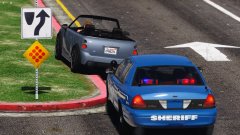
From the album: My random patrols
-
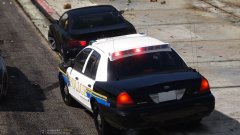
From the album: My random patrols
-
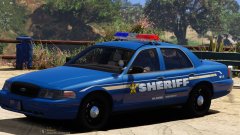
From the album: My random patrols
-
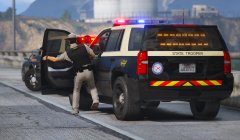 Who knows...perhaps FHP started running 315/70s?
 -
Or just turn off scaling for that siren node, therefore not needing to scale the object in ZM.
-
In Zmodeler, you need to scale them down.
-
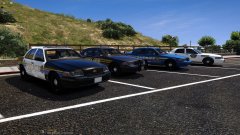
From the album: My random patrols
-
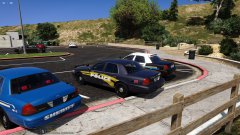
From the album: My random patrols
Whelen Fast Trax, InnerEdge with Mirrorbeams, Dashlaser with Firebeams -
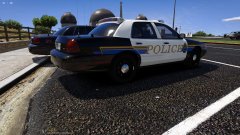
From the album: My random patrols
Whelen Fast Trax, InnerEdge with Mirrorbeams, Dashlaser with Firebeams -
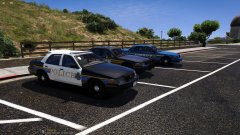
From the album: My random patrols
Whelen Fast Trax, InnerEdge with Mirrorbeams, Dashlaser with Firebeams -
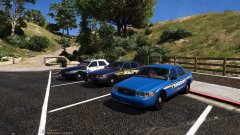
From the album: My random patrols
Whelen Fast Trax, InnerEdge with Mirrorbeams, Dashlaser with Firebeams -
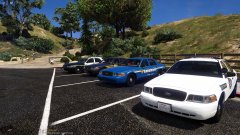
From the album: My random patrols
All based off Missouri departments -
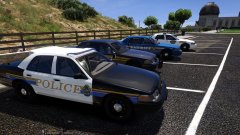
From the album: My random patrols
All based off Missouri departments -
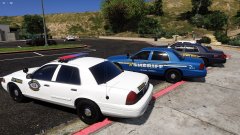
From the album: My random patrols
All based off Missouri departments -
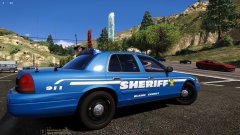
From the album: My random patrols
-
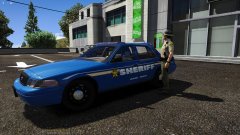
From the album: My random patrols
-
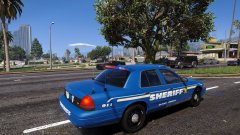 I think they stopped making them in 2004. Yes, it is a ELS/Carcols hybrid. Had all strobe modules in front and back.
 -
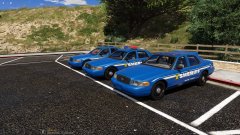 LOL! Redoing the rear setup as I just cannot seem to get the shape right.
 -
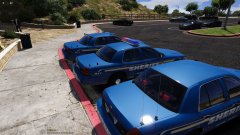
From the album: My random patrols
Whelen Fast Trax, Code3 MX7000, and Code3 Dashlaser with Federal Signal Firebeams -
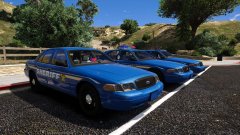
From the album: My random patrols
Whelen Fast Trax, Code3 MX7000, and Code3 Dashlaser with Federal Signal Firebeams -
From the album: My random patrols
Whelen Fast Trax, Code3 MX7000, and Code3 Dashlaser with Federal Signal Firebeams -
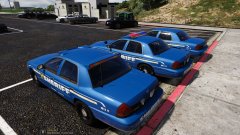
From the album: My random patrols
Whelen Fast Trax, Code3 MX7000, and Code3 Dashlaser with Federal Signal Firebeams -
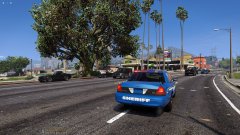
From the album: My random patrols


