




flwpheonix
Members
-
Joined
-
Last visited
Everything posted by flwpheonix
-
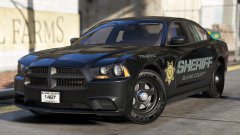 I like it bro! Send me a PM....I got a project for you!
 -
Yes....at least it should be...
-
Make sure that you are putting everything into the mods folder and not the original common.rpf
-
Slowly.....
-
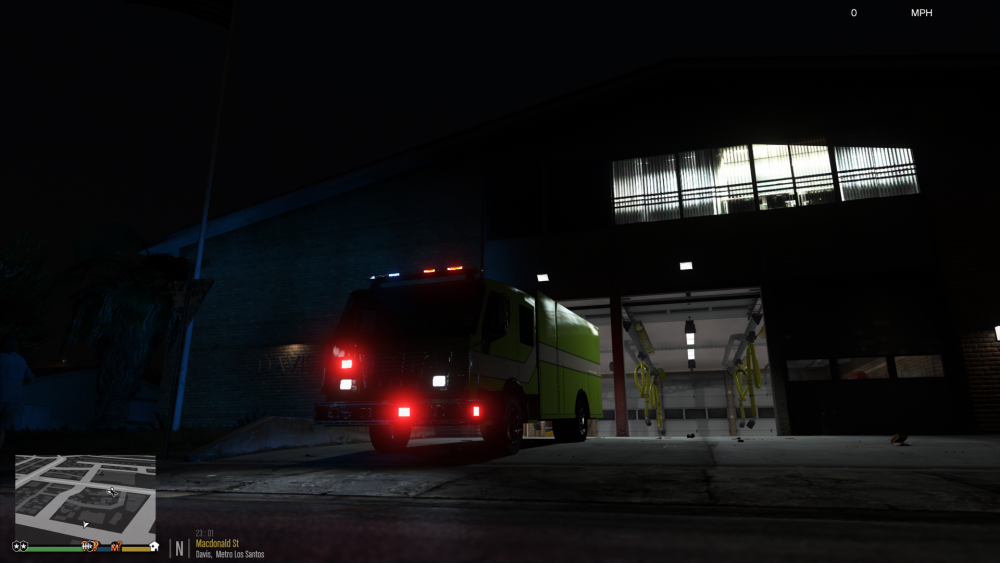
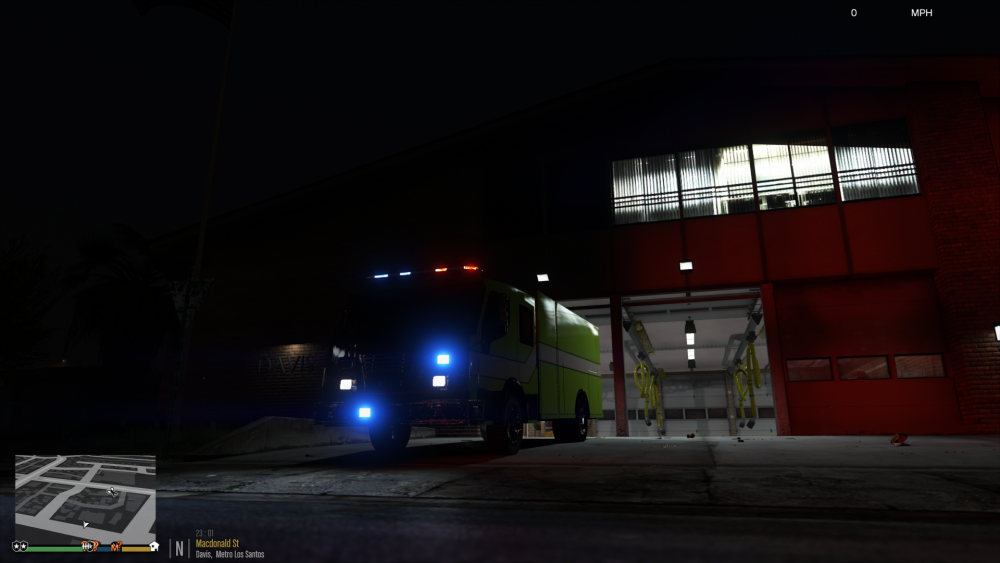
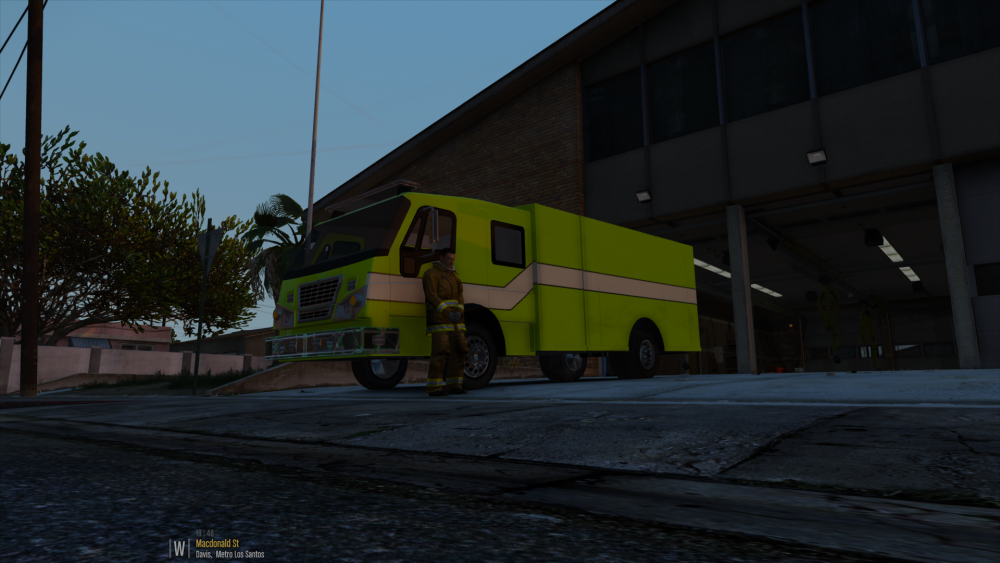
Thanks! Still a big work in progress, but it is getting there. Using @Lundy's idea with having the sirens attached to the extras for ELS. So far it has proved to work. Each M7 has it's own siren that throws its own enviromental reflection.
-
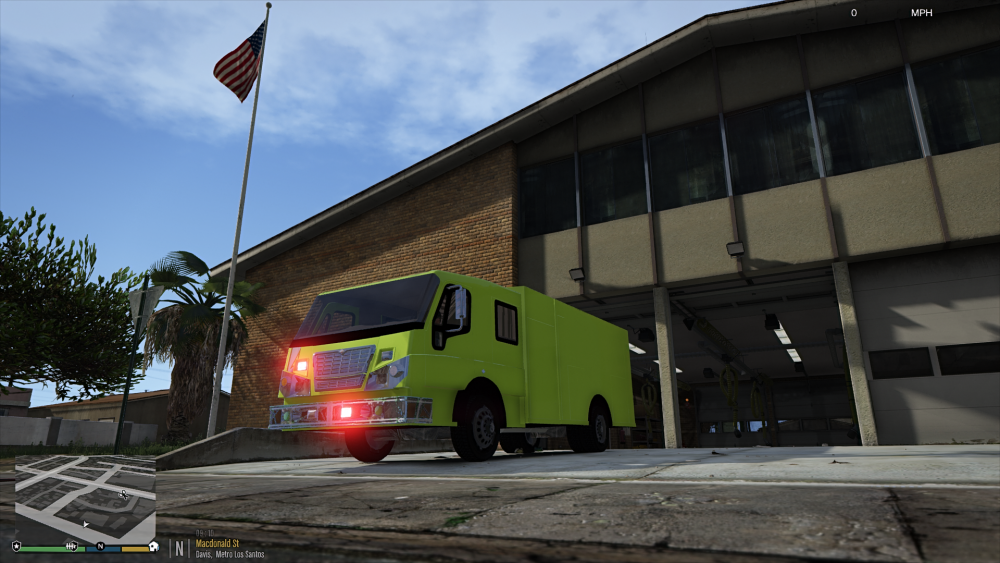
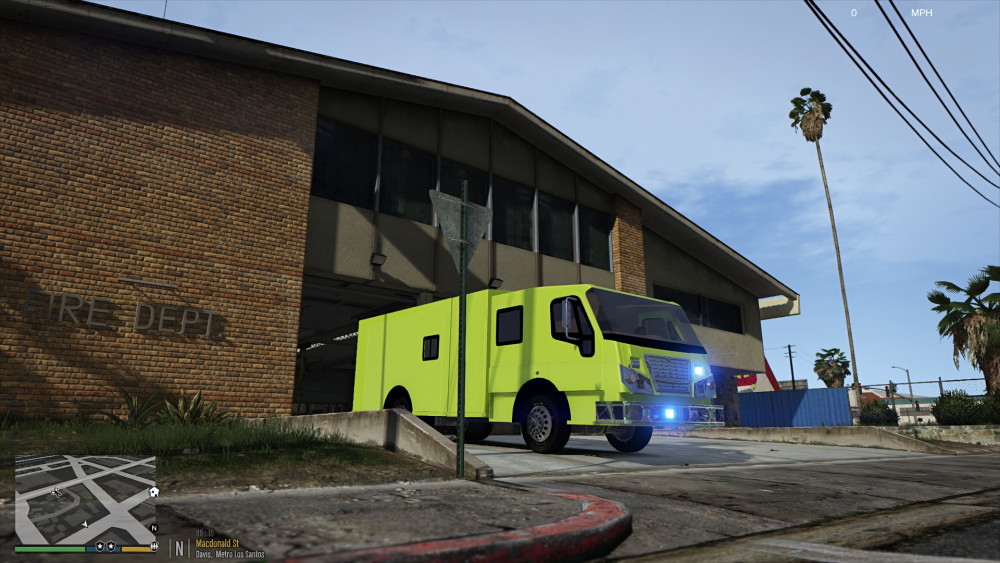
First test....
-
I keep getting the same type of stuff thru Firefox. I only happens with this website.
-
I might take it up once I get the other projects on my plate done...
-
@JonnhyCZG did a video of the car in one of the early stages. The actual download has an emissive texture and corona removed on the sweep.
-
Correct me if I am wrong, but is that a Legacy or Legend? Wanted to start working on the lighting, but wasn't sure.
-
Yes...that is what I am basing it off
-
Going to model this after the West County Fire and EMS protection district in St. Louis County, so it will be LEDS.
-
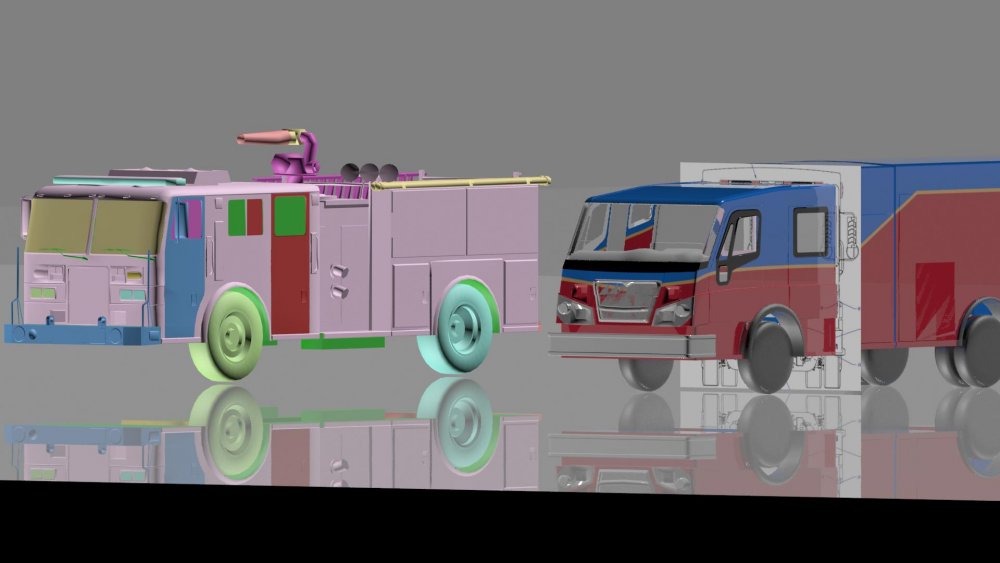
Compare shot to the stock Firetruck
-
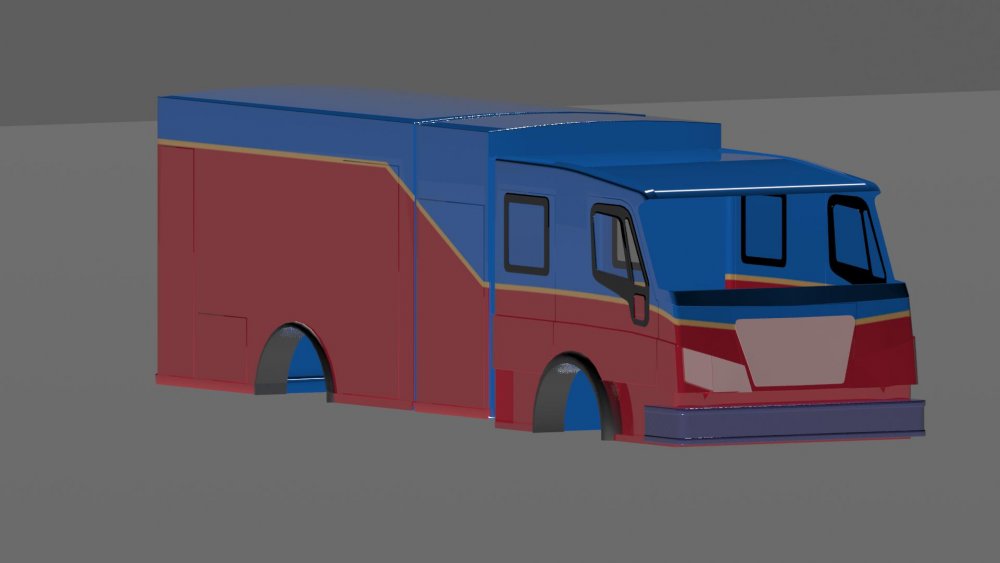
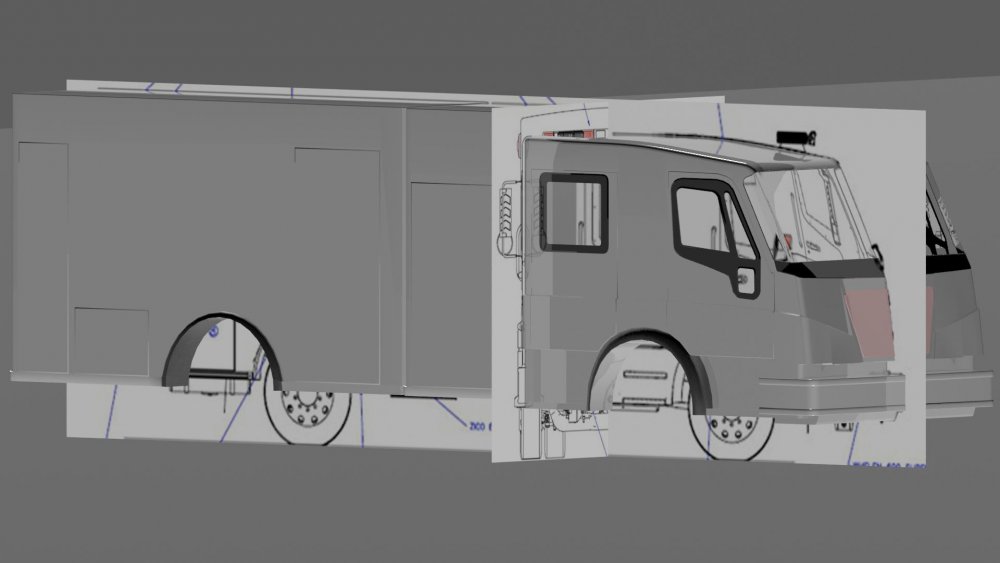
Mapping almost complete. Can't wait to see this in GTA V.
-
Still plugging away on the Ram...but I got sidetracked with something....
-
 I didn't think they did... They never had when I was living there at least....
 -
Does Ballwin use push bumpers now?
-
 Thanks for the shout-out @CG Blaze. Honestly, the whole reason I did these bars was because I wanted to test out if I could actually have working intersection sweeps. I have got something else in the pipeline now, but I need to do some more testing before I show it off..
 -
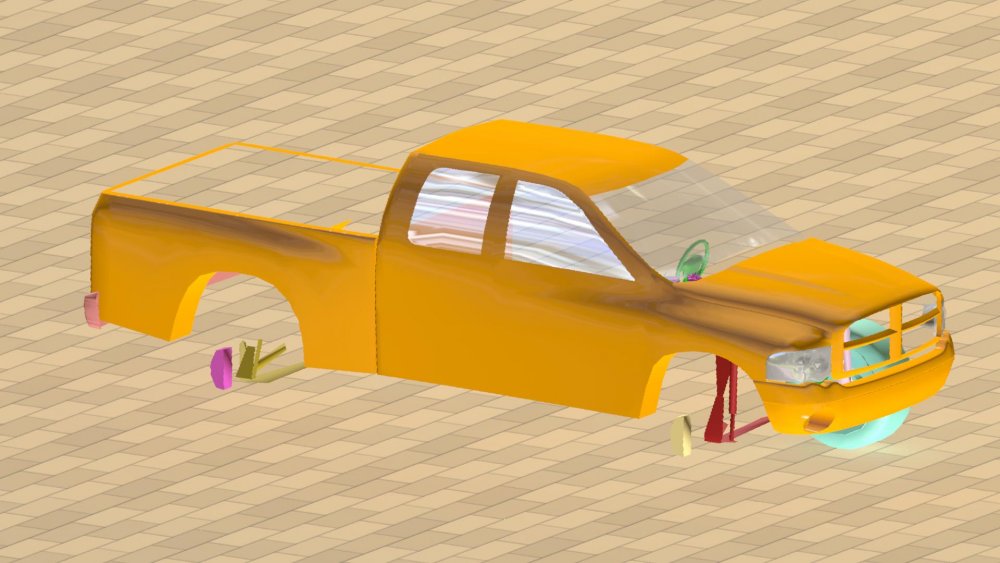
Latest update on the Ram
-
-
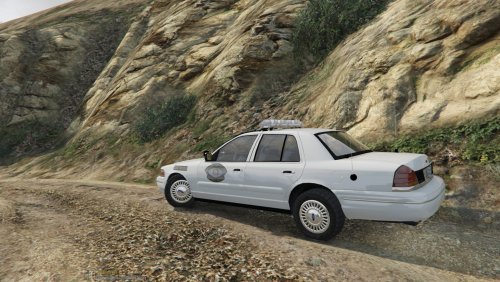 The colors are in hex. under the MX siren setting, search for 0xFFFF0000, and replace with 0xFF0000FF
- 47 comments
- 10 reviews
-
-
-
@Wechno1234, Honestly have no idea then. If everything is installed where it should, then there should be no reason why it is not working. I have a feeling that something was not placed where it should be.
- 47 comments
- 10 reviews
-
make sure you installed the carcols correctly. It needs to be installed into mods/update/update.rpf/x64/data
- 47 comments
- 10 reviews






