




flwpheonix
-
Joined
-
Last visited
Everything posted by flwpheonix
-
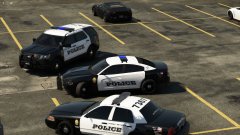 The X2100s on the Fort Myers cars have that...they also have a blue tinted center
 -
From the album: My random patrols
-
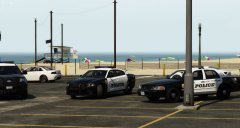
From the album: My random patrols
-
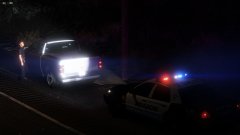
From the album: My random patrols
-
https://forum.zmodeler3.com/viewtopic.php?f=31&t=11301 https://forum.zmodeler3.com/viewtopic.php?f=31&t=11271
-
Click on UV#2....should show the mapping then.
-
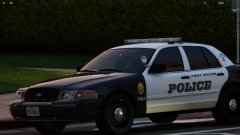
From the album: My random patrols
-
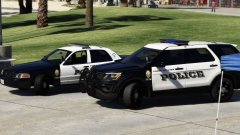
From the album: My random patrols
Changed out the X2100 on the Vic for the Defender -
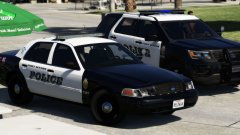
From the album: My random patrols
Changed lightbar out and adjusted the fonts -
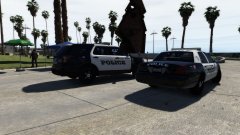
From the album: My random patrols
-
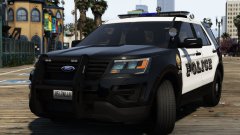 Yes...
 -
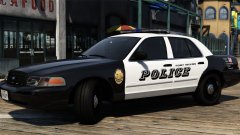
From the album: My random patrols
-
From the album: My random patrols
-
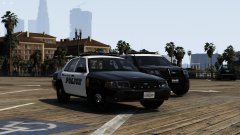
From the album: My random patrols
-
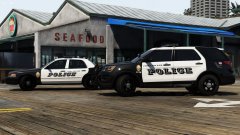
From the album: My random patrols
-
From the album: My random patrols
Testing out the lighting....All lightheads minus the flashing alleys and takedowns produce light -
From the album: My random patrols
Testing out the lighting....All lightheads minus the flashing alleys and takedowns produce light -
I whole heartedly agree with you on this. It seems that this community has turned a complete 180 from what it used to be. Now there are members who either belittle others or who demand things from others. The way some members here are treated is downright disrespectful....but it seems that that is the way society is heading though in general.
-
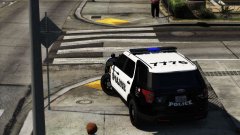
From the album: My random patrols
-
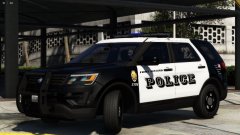
From the album: My random patrols
Added Code3 MR6 to the pushbar and enlarged the Police font -
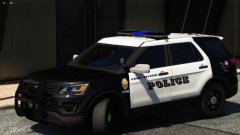
From the album: My random patrols
Created a new pushbar -
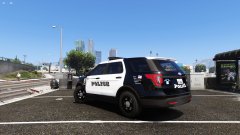
From the album: My random patrols
-
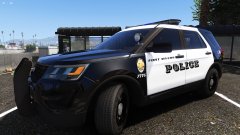
From the album: My random patrols
-
Then adjust the y co-ordinates. till you get lighting in the front.
-
If <flash value="true"/> then light. If false then it is a rotator. Hope this helps


