
Virzza
Members
-
Joined
-
Last visited
Everything posted by Virzza
-
-
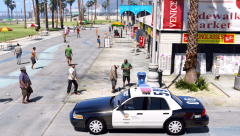 Who's CVPI and what graphics mods? That looks absolutely incredible!
 -
-
-
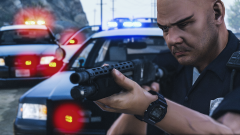 @Emergency112 Thank you. That's a pretty awesome shot too!
 -
-
-
I highly, highly, doubt anyone will be able to make out what is says. I hope you do find out it though!
-
Hello @smoove7, Converting any IV .wft part is very easy. You're going to need ZModeler 2 and 3. When you download any developer part that is in a .wft format simply import it into ZModeler 2. After that export it as a .z3d and you will now be able to open the .z3d in ZModeler 2. If you have any more questions feel free to private message me and I will help you out. Kindest regards, Virzza
-
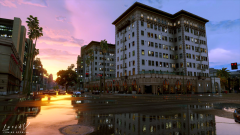 Dude. Lucid V will be my LIFE.
 -
-
.thumb.png.647a35b217b2e1fe6e15e0ccc0c77b3b.png) I will be updating this pack soon everybody with a new Arjent and revised cars
I will be updating this pack soon everybody with a new Arjent and revised cars- 47 comments
- 18 reviews
-
-

- 1
-
-
So just to clarify; you did put all of your modded vehicles in the RDE vehicles.rpf?
-
I think that would be really cool. I'd love to use something like that
-
It comes with the backup files in the download. Install those and you're good.
-
@TheOutSpokenGamer Well since RDE replaces all the main vehicles and adds some it is in it's own DLC. The new path you will navigate to install all your car mods is update\x64\dlcpacks\rde\dlc.rpf\x64\levels\gta5\vehicles\rdevehicles.rpf\
-
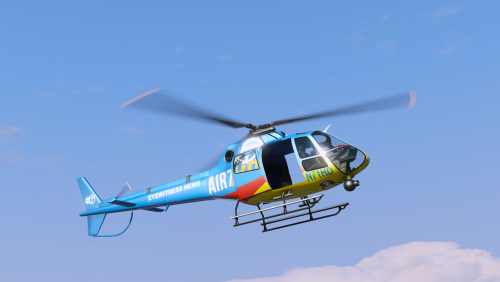 Awesome job buddy :)
 -
-
.thumb.png.3f1a3d937afcd203e0677ada4ee7e37c.png) @PSource Garry can't thank you enough <3
@PSource Garry can't thank you enough <3 -
This is my first DEV release. I hope all modelers can benefit from this release as I am glad I can finally help contribute some more. I would use this to showcase a vehicle and I will for now on :) Garry is a middle aged guy who just wants someone to call his friend. After going through a rough divorce he needs a friend. Well now you have the opportunity to make Garry your friend. If a vehicle developer chooses to do so then you will have Garry riding next to you in no time! Enjoy :) Feel free to convert this to any game.
-
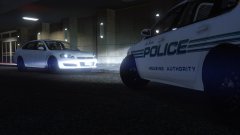 Nice shot :)
 -
-
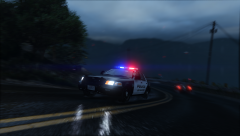 @GrandmasterSwag Just one I put together real quick.
 -
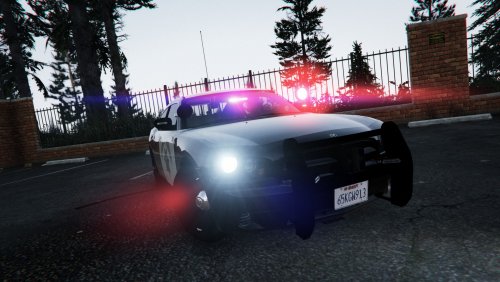 You spent so much time working on these. Really happy to see them released. Top notch and I will play with them forever.
- 17 comments
- 16 reviews
-
-
- 3
-
-
@VWking By looking at your screenshots I think it is safe to say that they already are 100x better than PR's.

.thumb.jpg.4066677156985e22489bfecddc2f6c45.jpg)
.thumb.png.5fbbb989547defaeeb5c22864df62b54.png)
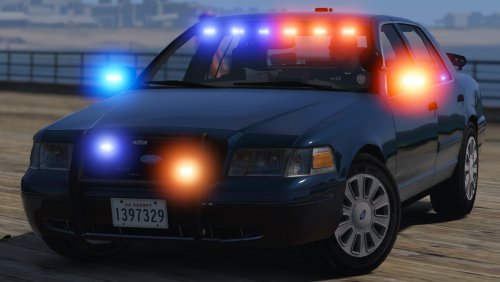

.thumb.png.647a35b217b2e1fe6e15e0ccc0c77b3b.png)
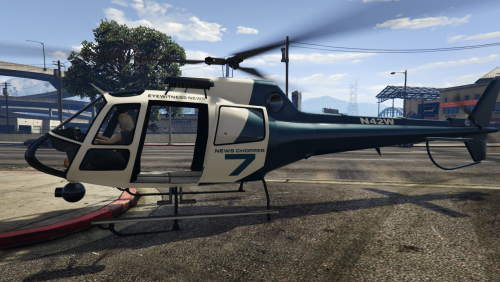
.thumb.png.3f1a3d937afcd203e0677ada4ee7e37c.png)