
Astrum.
Members
-
Joined
-
Last visited
Everything posted by Astrum.
-
 OMG CAN I GET EARLY OMG
 -
-
-
-
 @Drcode3 Anything else? SweetFX, ReShade?
 -
-
This looks amazing! My only suggestion would to add even just one light module on each side of the car so you can see when the lights are on too when you're by the side
-
@Carperino My thoughts exactly!
-
 ...... Jesus Christ
 -
 Pretttty!
 -
Pinnacle of V?
-
Hi there Blxrr, Welcome to the first step towards creating your first vehicle model! It will be a interesting, frustrating, but high rewarding experience. Vehicle modeling is still being understood and broken down but it's progressed very good for the short amount of time that we all have had time to learn. Vehicle modeling for Grand Theft Auto V takes place in the program ZModeler 3. There are some tutorials on how to use the basics of it but you should really take the time to go through the ZModeler 3 forums and learn a bit. You can find the ZModeler 3 forums here! Watch these videos and analyze them to get a basic understanding on how to use ZModeler 3!
-
@PimDSLR I thought so because I have never had that issue with that console.
-
Glass looks pretty weird but maybe it's the ZMod angle?
-
Is this BxBugs base model?
-
-
-
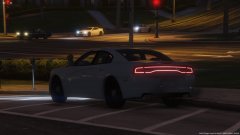 @Lundy ? http://www.lcpdfr.com/uploads/monthly_2016_03/large.271590_screenshots_2016-03-06_00007.jpg.9cc2247aaa8a25203b1b812baa94db74.jpg
 -
-
-
@ineseri I did it then messaged Cyan and he said no problem and did it?...
-
-
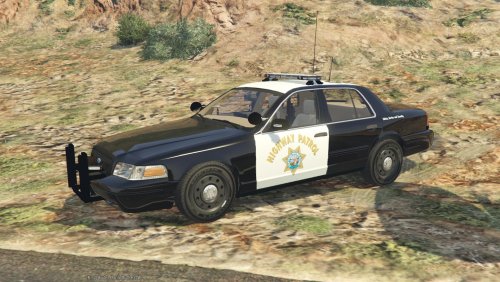
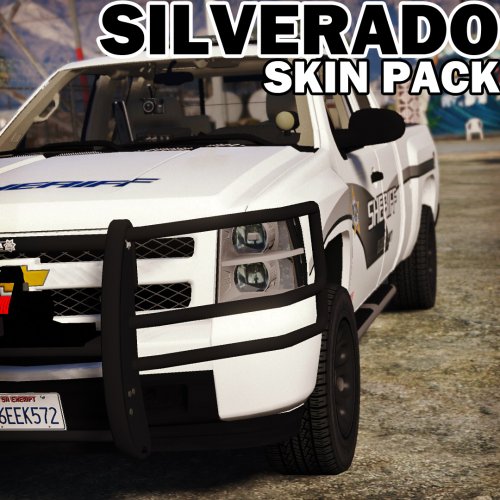
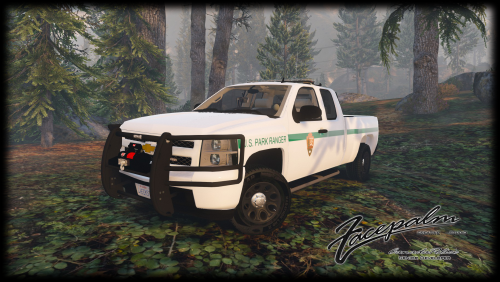
.thumb.png.59e731bc408050aec1ef0d33fac81f26.png) @Lundy I didn't make this - @VWking did. I only uploaded for him as he got an error
@Lundy I didn't make this - @VWking did. I only uploaded for him as he got an error- 11 comments
- 1 review
-
 Let's just say this.... I am excited as f***!
 -
If you want I could try uploading it for you and have a moderator make you the author?



.thumb.png.59e731bc408050aec1ef0d33fac81f26.png)