
CryptEclipse
Members
-
Joined
-
Last visited
Everything posted by CryptEclipse
-
I want to have a control box (doesn't matter what kind) that is ELS mapped but the only problem is that I'm not sure how to do it. Can someone tell me?
-
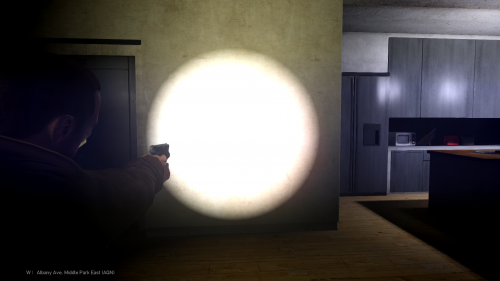 Ever wanted to use a Glock but it didn't have a working flashlight like the M9? Never wanted to use the flashlight mod? You're in luck because today I'm releasing a Glock with a working flashlight that has been converted and mapped by me. This is a beta version of the Glock which means it's still being figured out by me. Anyway, Enjoy!
 -
So I've just imported a regular 2008 CVPI with nothing added and with all of the correct textures imported. When I export everything else, that car is fine. But, when I export the CVPI with nothing added it shows that the cv_stuff doesn't suit settings for gta_vehicle_generic. I'm not sure what the problem is. Note: I had to delete cv_stuff_b out because it wouldn't let my livery show
-
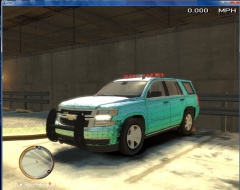 Make sure you scale the ram bar to what they have in real life to
 -
It's fine guys. It doesn't matter. I'll just go off of what I can find
-
Well I don't understand how to do somethings in ZModeler so if you'll somehow teach me the sexy ways of modeling like that, then that'll be something I learn to do and become a better modeler
-
I'm not asking anyone to do anything for me, I'm just asking if anyone has a model like that and if I could have it. I never said anything about someone doing something like that for me. you're not being a dick at all, but some people can't do what others can and fill in the missing spots. There are some features in ZModeler I don't even use and don't really know what they do. It was just a simple question to ask because I know some people have the model. Why can't I?
-
Does anyone have the HQ CVPI model that kind of has Bxbugs tail lights and has the major HQ interior that I can have to make my CVPI?
-
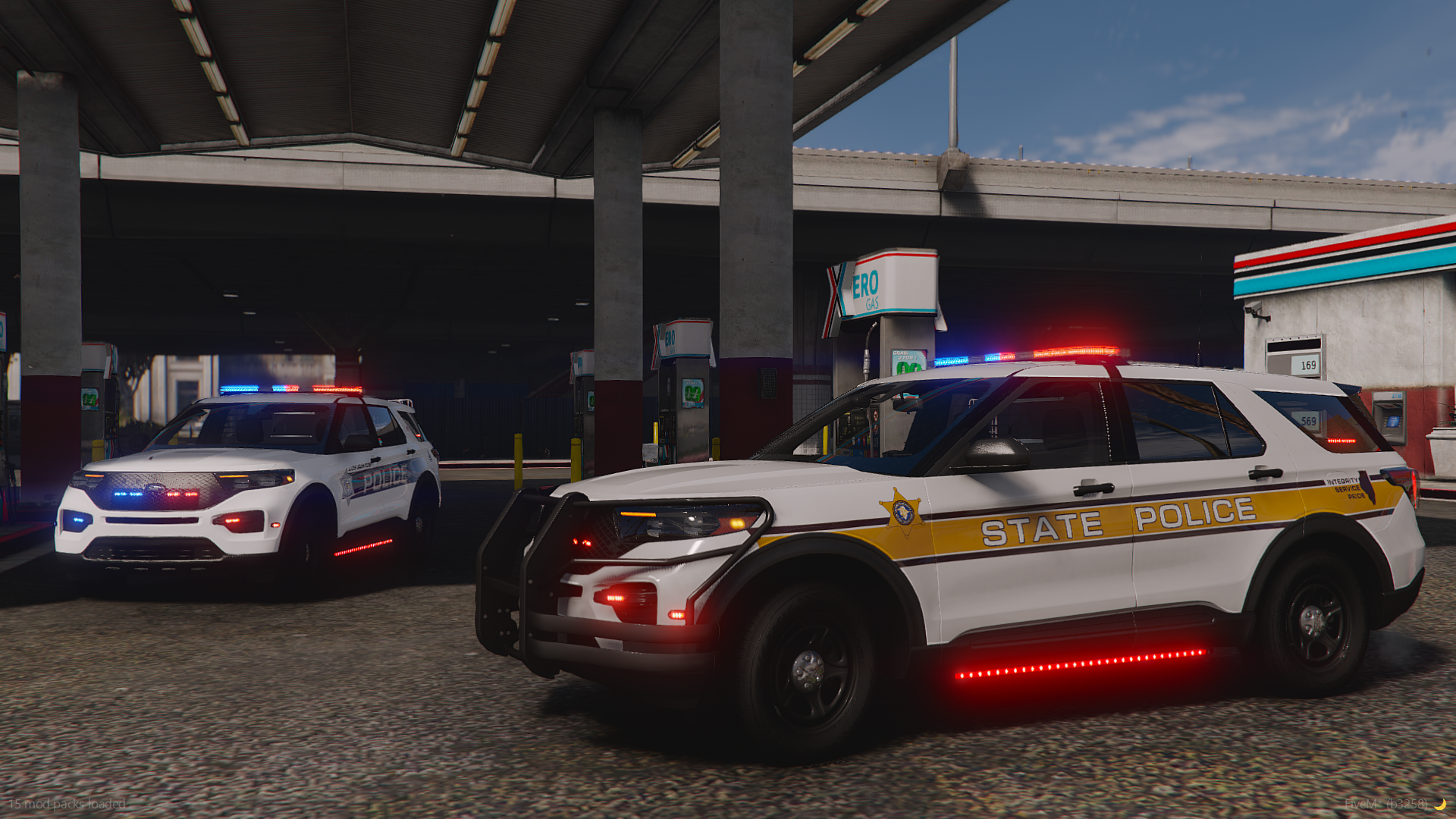
I would definitely be using this but I gotta ask, I want one of these but like a commander mapped ELS version. (As in just the red and blue lights in the side)
- 10 comments
- 1 review
-
 Eh. Not bad, not good. I would've used a different holster though. Basically someone needs to make a better ped with better gear and looks
- 6 comments
- 1 review
-
-
Thank you
-
I know I won't find it anywhere else. I just want to see if anyone has it
-
Couldn't find this anywhere else even though it was already unlocked but the site it was on got taken down
-
I did that and it didn't fix it. I tried it for other cars too but I just used installed 2.2.6 and it works fine now. So... Problem solved
-
How do I fix this?
-
-
I need a unlocked caprice for something that may have to do with a pack I'm making and for a clan which then will be in our pack. Hopefully someone has one and is willing to give it to me
-
I need someone who can beta test my car because I crash even without an ENB and I have equipment in the trunk that may have not been done right. I will send over the ZModeler file and give the car files to beta test. I will only need someone who knows how to go through material and do all of that stuff
-
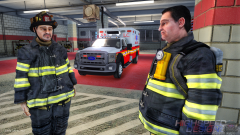 Smooth
 -
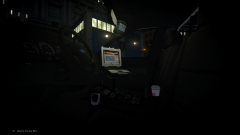
From the album: Advanced CVPI (WIP)
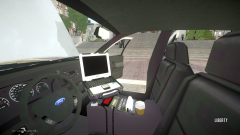
I took off the LCPDFR screen and made the watchguard have black screens -
Utility Crown Victoria with some edited textures
-
You need to add more equipment. Other than that, you're good
-
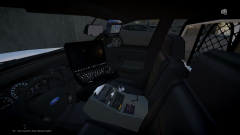
From the album: Advanced CVPI (WIP)
I also added the watchguard -
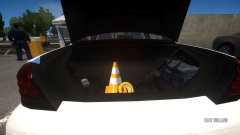
From the album: Advanced CVPI (WIP)
Clean interior. May switch back to original