



strike
Members
-
Joined
-
Last visited
Everything posted by strike
-
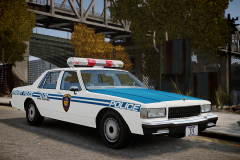 Here. The skin (NJ Transit) is custom made.
 -
From the album: Strike's
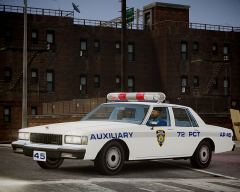
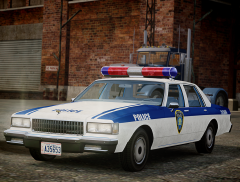
NYC Transit Police 1987 Chevrolet Caprice. NYC Transit Police 1983 GMC Vandura G-1500. NYC Traffic Enforcement. They used to have brown vans and uniforms. I think I'm pretty much done with the pack. -
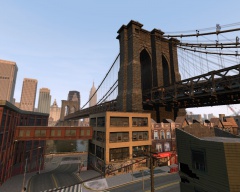 Nice shot, man!
 -
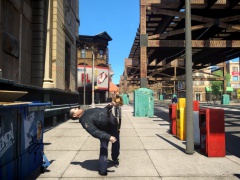 http://www.youtube.com/watch?v=iRZ2Sh5-XuM
 -
Winter.
-
Working at a pharmacy is also a dangerous job, as the next shocking footage shows.
-
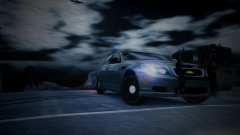 Drugs are bad, mkay?
 -
http://www.youtube.com/watch?v=3bbgFO3hyt0
-
You are just a phony. You got no class. First, you gotta use a cop that has MUSTACHE. A corrupt cop without a mustache is nothing. Now, briefly and for the same you've mentioned WELL, you'd have to freeze (if possible violently using the nightsick and hitting his head against the hood of your cruiser) and extort the gang member. You make him pay you some fine and then cuff and take him inside your car. Now drive him, giving some bad cop style speech, to the enemy gang territory and release him close a group of rival gang members while drawing their attention. Now enjoy the show while you slowly drive away.
-
-
From the album: Strike's
FCV96 showed me some old footage with one of these and I couldn't resist doing it^^ -
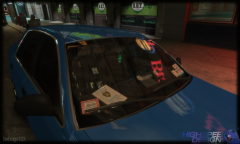 Looks pretty good, one the best dash configuration I think I might have ever seen for GTA.
 -
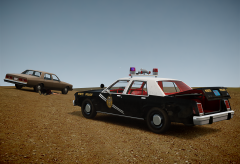
From the album: Strike's
...if you found in the middle of the desert two dead bodies and an abandoned cop car with 500,000$ in the trunk? -
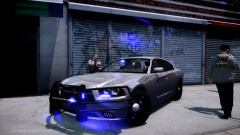 Not suspicious at all.
 -
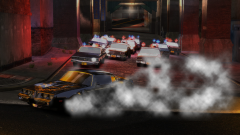 Wow, pretty cool shot.
 -
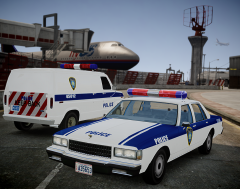
From the album: Strike's
Inspecting a suspicious van in the cargo area of the JFK Airport... -
>Here, made by NYPD98.
-
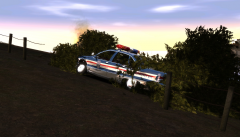 http://www.youtube.com/watch?v=m1ozw3aM9X0
 -
I was messing around with google when I came across with this...
-
 @CG Blaze, you were absolutely right. Already fixed the plate.
 -
![Old and new [TansAM3]](//s3-gallery.int-cdn.lcpdfrusercontent.com/gallery/album_1170/sml_gallery_61676_1170_294436.jpg)
-
Nope, I've installed each car one by one.
-
Hey, thanks for the info. You are probably right as every picture of these units was taken in an airport. I will see if I can find a more detailed picture of one of these plates and fix the texture asap.
-
From the album: Strike's
The part below the tail lights should be white instead of having the stripes but seems to be mapped to the trunk so I can't get rid of them. The same is happening with the NYC Transit Police one, which is holding me back of completing it. By other hand, I've noticed that some PAPD units had some kind of plate in the trunk or bumpers. I'm not sure yet what was it for so I've added a pre 1986 NY plate which looked like the one that I used as example had. -
 Nice!
Nice!


![Old and new [TansAM3]](http://s3-gallery.int-cdn.lcpdfrusercontent.com/gallery/album_1170/sml_gallery_61676_1170_294436.jpg)
