
MSA
Modding Security Agency (MSA)
-
Joined
Everything posted by MSA
-
Nothing to see here.Correct. Maybe a staff member of some kind? I sadly cannot see the future :(Nothing to see here - Move along people. If you feel this topic has been closed in error, please go away.Nothing to see here folks, move along. If you feel this topic has been closed in error, please go away.There is nothing to see here folks, please move along.We're always here!This is correct.There is no truth to this at all. Move along.Nothing to see here.The MSA thanks you for participating in this social experiment. All hail the Supreme Almighty Master!What's going on in here?We're always watching. Never forget that.False. The person below me has, erm, interesting things in our file on them.But my name doesn't have a C in it :(
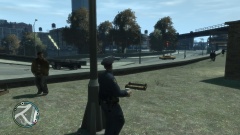 Nothing to see here :)Nothing to see here. Besides, APR Lacroie Aohzy Capajroeh Yieohzy!Nothing to see here :)I dug this up from my archives. Maybe this is something you could use?
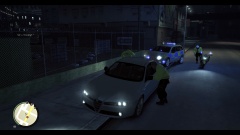 I saw this on the local traffic cam. Great looking car, but I think it has a scratch on the passenger side rear quarter. Might want to buff that out. All jokes aside, great pic.See? Our agents handled the situation wonderfully.Snowden's small potatoes. When it comes to big cases like yours, the FSB can be...compliant.