.png.22897c42e5e93c7e0d52995e3c33fb92.png)
Dippa
Members
-
Joined
Everything posted by Dippa
-
According to your Ragehook log your Policetape mod is crashing. Try removing that first and then see if it will load correctly. For me it is also a good practice to load each plugin manually after the game and LSPDFR is fully loaded using the F4 console.
-
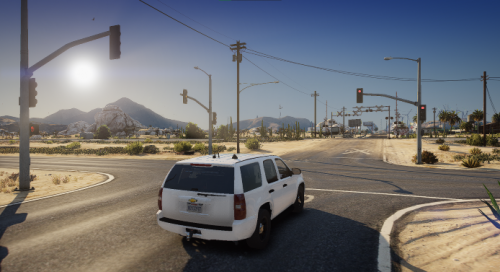 This adds much needed traffic lights AND street lights! it is fantastic! Great work!
- 100 comments
- 19 reviews
-
-

- 1
-
-
I believe route 13. The main hwy that you put two of those awesome traffic lights at?That entire hwy is just dark as can be at night. I think those street lamps on the traffic lights would be great all along both sides of the hwy! I love this mod by the way!
- 100 comments
- 19 reviews
-
-
- 1
-
-
This is very nice work!! Would you consider adding those street light all along the hwy? Bro it would really brighten up that long dark road during night patrols 🙂
- 100 comments
- 19 reviews
-
-
- 1
-
-
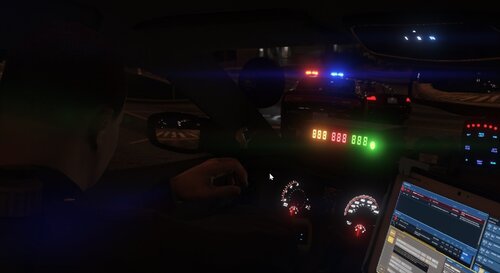 During pursuits you press "N" for the pursuit menu from LSPDFR and turn "Tactics" off when you do not want the AI police to try to pit the suspect. They will just chase the suspect according to your input on the menu.
- 394 comments
- 30 reviews
-
 Ok, thank you! What is happening is I turned my entire sheriff agency into Maryland State Troopers. So I use the sheriff vehicle all over the entire map as the state police. I turned the hwy patrol state police into Maryland State also driving police4 unmarked in full uniform. My police slots 1,2,3 are all regular LSPD police turned PG County police. When I am in the city I changed the INI so the sheriff is the vehicle of choice, however when the callout spawns anywhere that LSPD would norm patrol the sheriff vehicle will spawn but still have the LSPD driver. I know that there is a setting on what agency is used in what area in the LSPDFR main folder so I'm wondering could that have something to do with it. I'm using the stock police, I just edited the uniforms to look like Maryland State Police for the Sheriff and Prince George's County Police for city. This is how my INI is setup: LosSantos = sheriff BlaineCounty = sheriff LosSantosCounty = sheriff StatePolice = police4
- 115 comments
- 10 reviews
-
@NWpilot07 Thank you for adding the option for the lights on trafficstop! I have one other suggestion I think would be great for the traffic stop callouts: could you make the endings so the officer do not "rush off". After he speaks to the driver he runs to his car and just pull off running everything over. Also when picking which police agency the vehicle changes but the officer do not match the agency. For instance, if I choose the sheriff to be the one calling for backup itwill be the sheriff car, but have LSPD officer driving it. Other than this I LOVE THIS CALLOUT PACK!!
- 115 comments
- 10 reviews
-
@NWpilot07 Loving the callout pack! I was wondering is there a way to make the unit have its lights on during the traffic stop callouts? Or possibly have it so we can decide if the lights could be on when we arrive or not? I think that would be awesome! Either way you've done a fantastic job with this!
- 115 comments
- 10 reviews
-
Very nice callout setup! You did a excellent job with the interaction parts and I love the traffic stop callout as well!
- 115 comments
- 10 reviews
-
 I think you did a great job with the callouts. They didn't seem "buggy" and flowed pretty nice. I look forward to more callouts in the near future!
- 127 comments
- 13 reviews
-
-

- 1
-
-
Ok try this. First, open your LSPDFR main folder and look for the file that says "OpenIV.ASI". Delete it. Then open OpenIV and go up to the top left side where it says "Tools" and click it. On the drop menu you will see "ASI Manager" click that. Next, click "uninstall" for the ASI Loader tab. Now, click it again when it says "Install". Under the "Open IV.ASI" tab click "Install" as well. Then close out OpenIV and reboot your PC and tell me if that fixed it?
-
-
Ok tell me this, when you turn on the els can you still here the els buttons like it makes when the lights do work?
-
If you didn't reinstall everything yet, I think I may be able to help with the els. Please let me know before I type this all out lol
-
Are you referring to ELS?
-
-
Yes, I mean the LSPDFR ambient wanted suspects that appear as a red dot as if it was a suspect that previously got away. The new feature since they updated LSPDFR.
- 394 comments
- 30 reviews
-
Hey Rich, is it possible to make it so the plugin do not make units that are in route to transport a suspect or if the unit has a suspect in custody not to respond to ambient suspect chases? I get a lot of units coming to pick a suspect up and soon as they get close and an ambient suspect drive by, they take off after the suspect. Or if they have put the suspect in the car, they will chase the ambient suspect and once they catch him, the prisoners jump out with guns on the suspect also lol.
- 394 comments
- 30 reviews
-
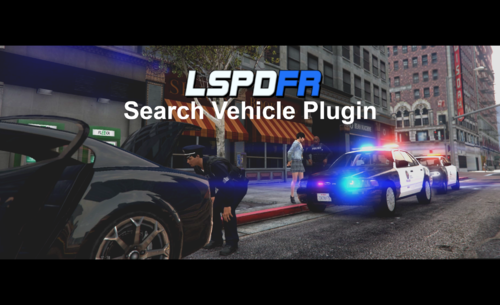 Ahhh ok, so you're not using STP or anything, just the vanilla lspdfr functions? LOL that could be why I've never witnessed the "watch your head" feature before 🤪. I wish every vehicle mod used that secondary light feature because your video looked so fluid and realistic. Thanks for that quick response! 💪
- 72 comments
- 6 reviews
-
Could you share with me how you was able to have your officer searching the ped thatway in the video and placing in the vehicle holding her head? That is pretty awesome! Also I like how you was able to make the front and back of the light bar work independently! Is that because if the way the police vehicle is setup or els function pre-sets? I never saw you open the els menu? LOL I must have been playing my game wrong all of these years or something. 🤦♂️
- 72 comments
- 6 reviews
-
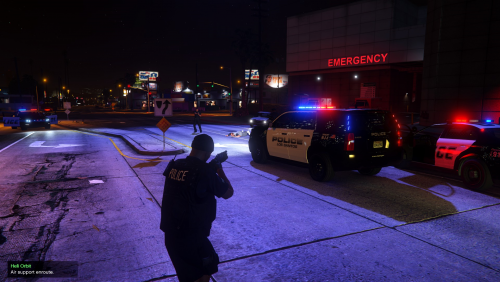 If you are using STP to stop traffic, that would have to be fixed on the STP mod, not this one as this mod only dispatch emergency vehicles around the player location and traffic yields just like normal. STP made it so all traffic stopped including emergency vehicles since the last update that I used anyway.
- 93 comments
- 18 reviews
-
-
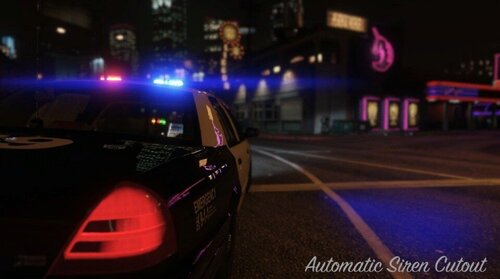 Yes, that would be fantastic too! the AI mimicks the setting i'm using. That would do the job!
- 262 comments
- 35 reviews
-
@Rich you've done a great job! I noticed an opportunity with your plugin! Your plugin now provides us the ability to control AI lights and sirens. Is it possible to make this feature of AI arriving in silent mode (turning lights and sirens off) in the ini, a keybinding opinion ingame? If we had control of that feature on the fly ingame, it would be something we've never had before! This would be great for plugins like PeterU's "silent burglar alarm" callout, where we have to respond in silence...or landlord/tenant callouts that would not require code 3 responses! I think it would be just what is needed to help with realism along with the other great features you've added!
- 262 comments
- 35 reviews
-
Awesome idea @Rich!! Do this work on AI vehicles as well, like when reponding to traffic stop callouts, the AI can have its lights on when you arrive?
- 262 comments
- 35 reviews
.thumb.png.69333a247b9117caac821eda3fa59672.png)