




Mikofiticus
Members
-
Joined
-
Last visited
Everything posted by Mikofiticus
-
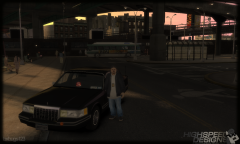 Yes please. I will second this!
 -
Thanks man, I'll have to look into it!
-
This is slightly on topic. How do you get the border on the word? I've been trying to figure that out. If you want to PM me you can. That would be fantastic.
-
-
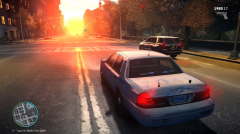
From the album: Multiplayer Madness!
-
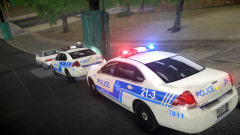 Me too! Lol. I love these models, but I wished they were the rotating lights like we saw in those ELS8 demo vids.
 -
I think eblue is more purple/blue for European cars. I might be wrong, but I thought I read that in the manual.
-
-
Is that also why the Fugitive and the Interceptor are really shiny? I can post screens if you want.
- 89 comments
- 29 reviews
-
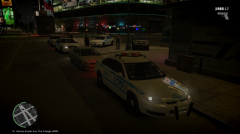
From the album: Multiplayer Madness!
-
-
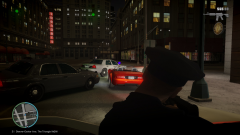
From the album: Multiplayer Madness!
-
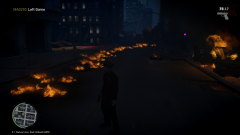
From the album: Multiplayer Madness!
Did someone just hit 88 mph? -
I've been trying all morning to change my cars in TBoGT using SparkIV, but none of the cars are changing. I've been able to change cars a million times, but SparkIV is just not saving or acknowledging that I am trying to import new cars. Has anyone had this issue before?
-
-
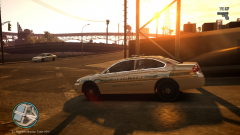 It was my first time playing multiplayer and it was an absolute blast! Some crashes, but it was so fun I didn't care.
 -
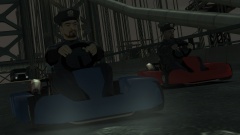 "This ain't the bumper cars on Firefly!" Wait....
 -
From the album: Multiplayer Madness!
VooDoo and I chillin' waiting for the other units. -
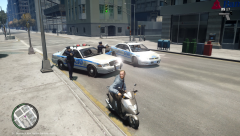
From the album: Multiplayer Madness!
Drunks will be drunks I guess. -
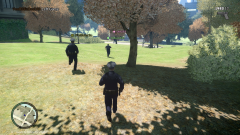
From the album: Multiplayer Madness!
This was pretty fun. -
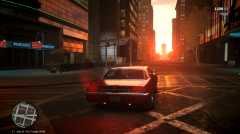
From the album: Multiplayer Madness!
Made my daring escape into the sunset! -
I would love too. Add me on Steam (if that's what you play it on! GT is the same!)
-
I've noticed that with the models (specifically the Granger and the Fugitive), the textures disappear and the car is white when you get 20 or more feet away. Other than that, the pack is awesome. 10/5.
- 89 comments
- 29 reviews
-
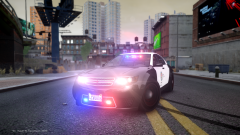 Yeah, like the rims go from black to tan, like my screenshot.
 -
So you use CryENB right? So do you get that weird tan wheel thing with the default cars? I posted a screenshot a while ago showing it.




