Black Jesus
Members
-
Joined
-
Last visited
Everything posted by Black Jesus
-
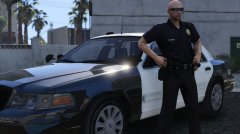 @Lundy Found a flickr and a couple of youtube vids with a 10-11. Are they really that uncommon? https://www.flickr.com/photos/smhurda/17431356170/ https://www.youtube.com/watch?v=53STF_QMT-Y https://www.youtube.com/watch?v=b5D_d403B_0
 -
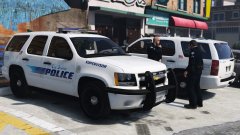 Yea, I may edit this and the rx2700 cvpi. The one amber seems stupid looking now that I look back on it lol
 -
within 72 hours
-
Already did a vid with it. I got perms for the wheels, so I'm gonna edit it and release it soon
-
From the album: Black Jesus GTA V WIPs
© Black Jesus
-
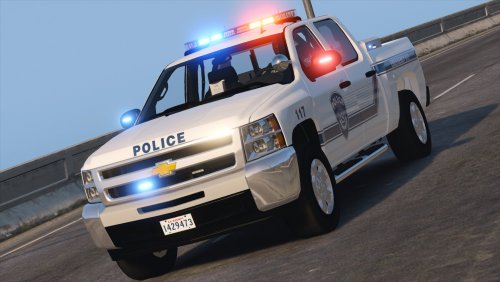 Pretty much right. The whole explorer base model I can't release with since it's policefanatic's/bxbug's. So I need to convert my own, or get an fpiu I can use publicly, which I'm currently trying to get.
- 27 comments
- 19 reviews
-
-

- 1
-
-
Based off no particular agency, and is meant to be used with RDE to fill up those noose slots with different lore-friendly vehicles. Use the .meta I provided to get the vehicles dials to work, and hands on the wheel. Thanks to @Illusionyary for the lighting suggestion
- 27 comments
- 19 reviews
-
-
- 18
-
-
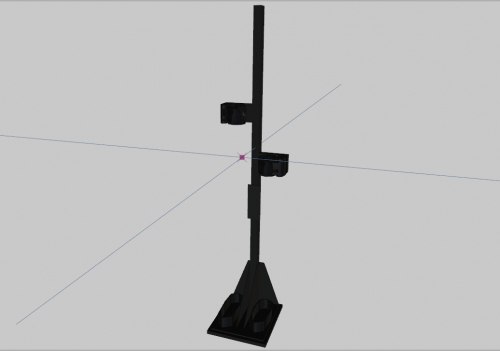 I suck at 3ds Max so I made this gun rack based off Progard's self supporting gun mounts using the primitives in zmod. Not the best, but not the worst.
 -
 Next one will be anime related, don't worry
 -
From the album: GTA 5 Pics Black Jesus
-
Go to to the vehicle.meta, scroll down to the vehicle you want, Ctrl+F to search for "diffusetint", edit the value to "0x00FFFFFF". It should now default to no tint whenever it spawns. Edit: whoops, didn't notice someone already posted a fix, ignore me lol
-
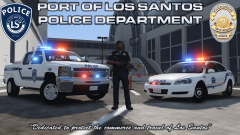
From the album: Black Jesus GTA V WIPs
© Black Jesus
 Nah man I'm good with the ones I have, thanks again doe lol
Yea
Nah it's alright. I'm gonna use avengers instead, but thanks m8
I'm trying to keep the lighting to one company, and I don't have perms for small FS deck lights, which is why I was considering my setup. But since I had 2 whelen lights on my truck, so I might actually do 2 avengers
Nah man I'm good with the ones I have, thanks again doe lol
Yea
Nah it's alright. I'm gonna use avengers instead, but thanks m8
I'm trying to keep the lighting to one company, and I don't have perms for small FS deck lights, which is why I was considering my setup. But since I had 2 whelen lights on my truck, so I might actually do 2 avengers
From the album: Black Jesus GTA V WIPs
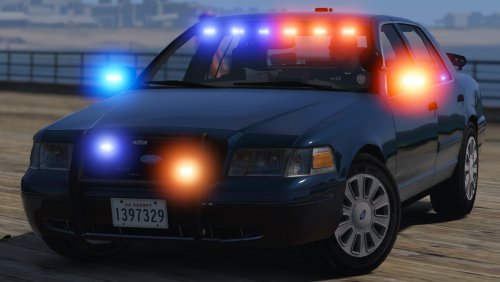
Still have to line up the trunk part of the skin, add an extra spawning rear deck bar, and maybe some lights around the rear plate. Ignore the antennas, they're chrome but I forgot the textures.© Black Jesus
 The baks are there by accident, just leave the first .ytd. The textures are in there for both wheels.
- 70 comments
- 26 reviews
 Boooooooooooooooooo
From the album: Black Jesus GTA V WIPs
© Black Jesus