



East Coast Mods
Members
-
Joined
-
Last visited
Everything posted by East Coast Mods
-
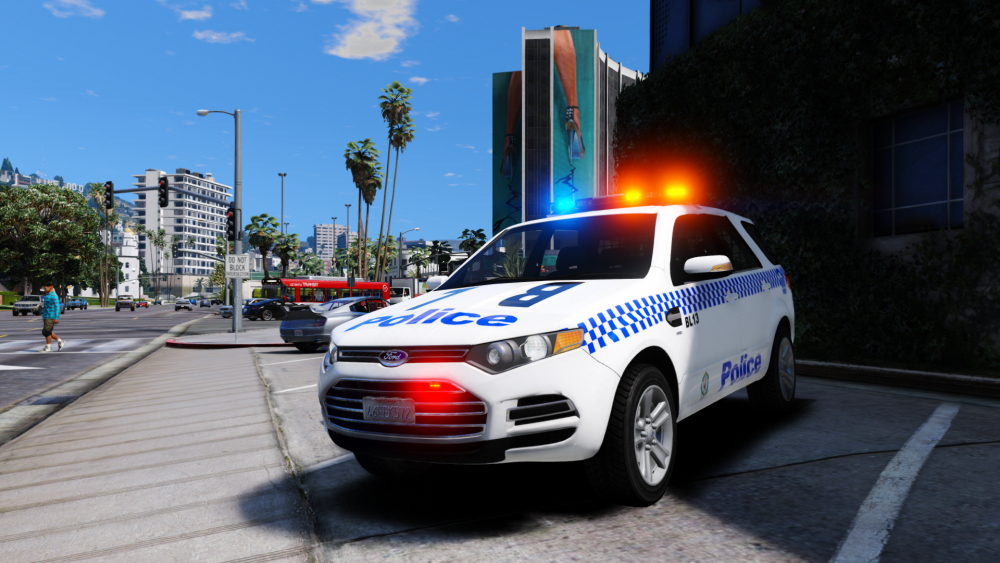
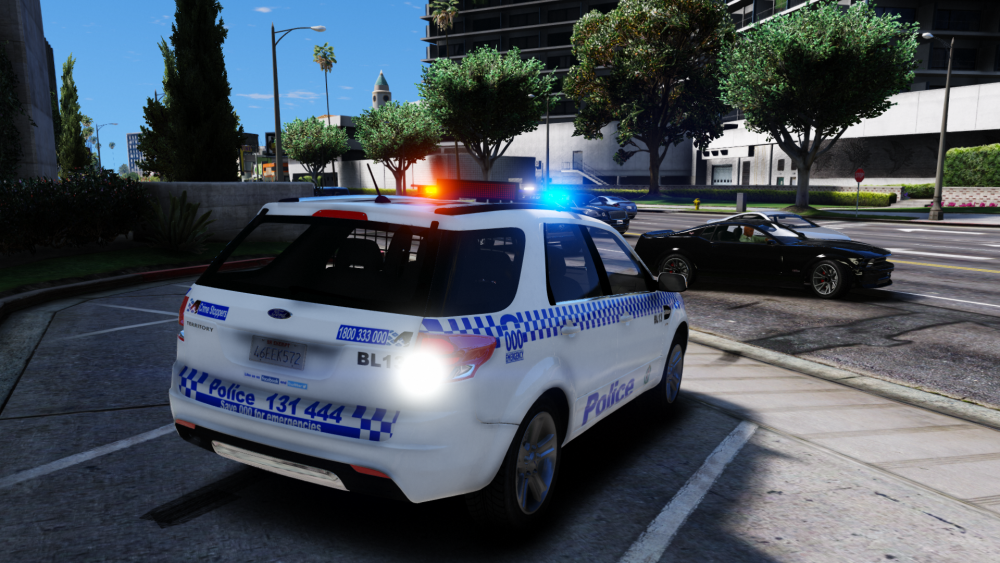
Police on scene to a break and enter.
-
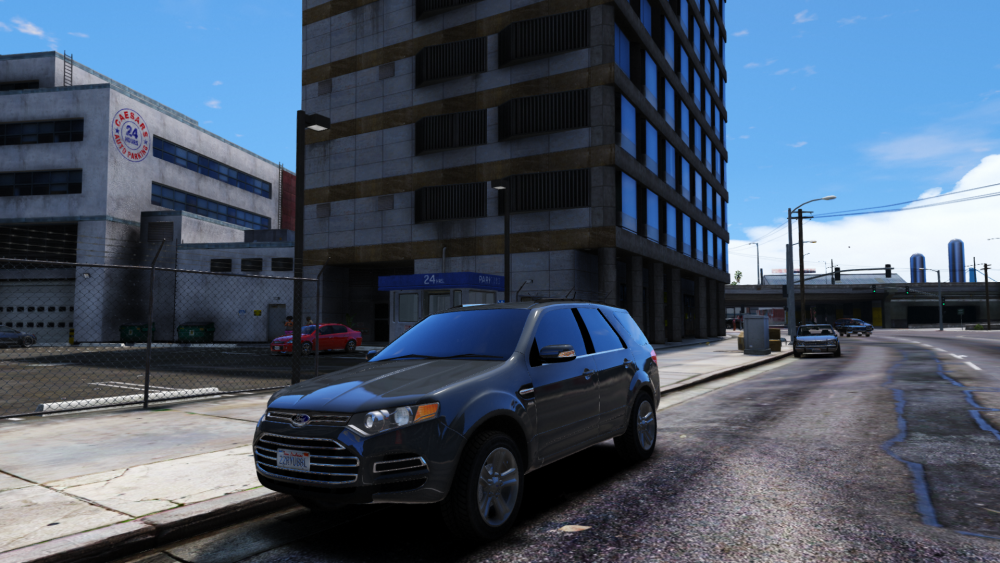
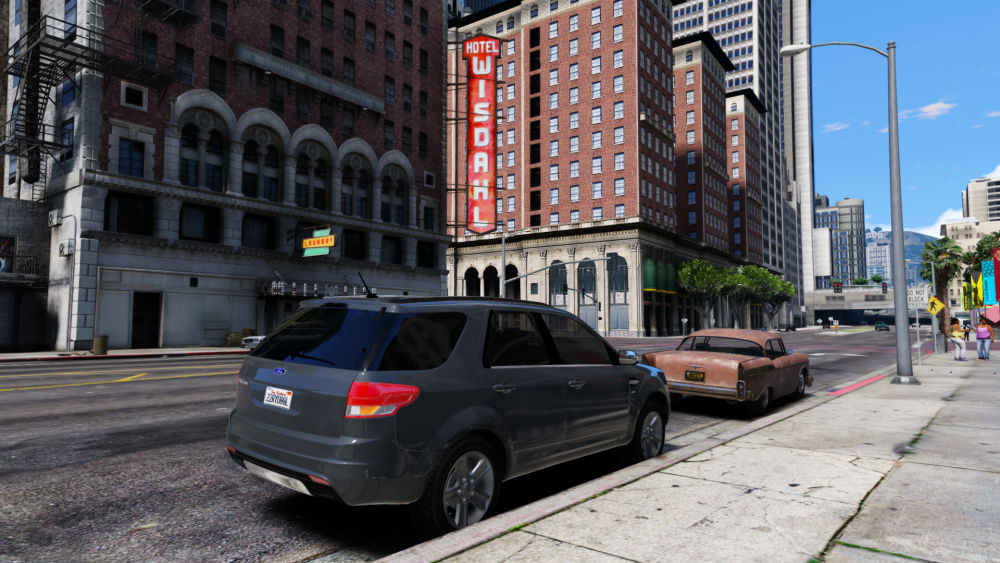
Distraction 2.0
-
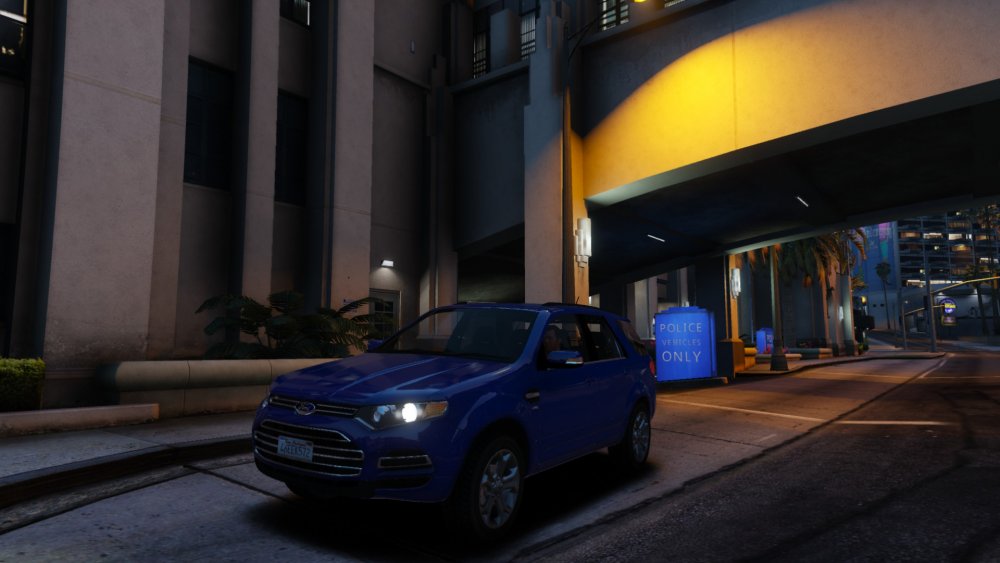
ayeeeeeeeeeeee in gta iv
-
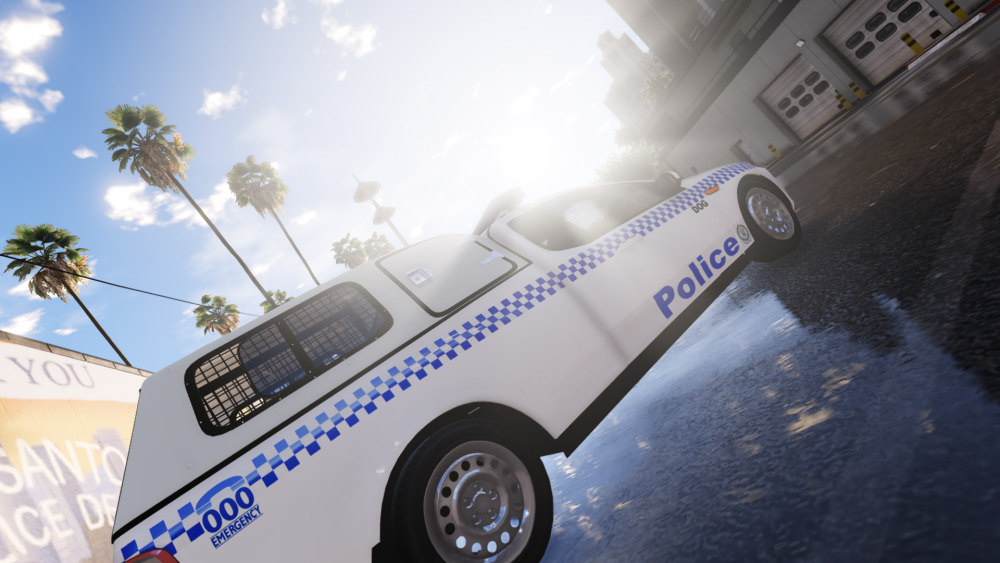
I got some of the old clan packs, Throw back thursday?
-
When I feel like releasing stuff.Look a distraction :O
 If your paranoid about terroism, then terrorism has already won. Have trust in the emergency servies and the people above that nothing will happen and be on with your day.before you were bornIf there were updates he would of posted, leave the poor bloke be. Apparently reshaders do stuff?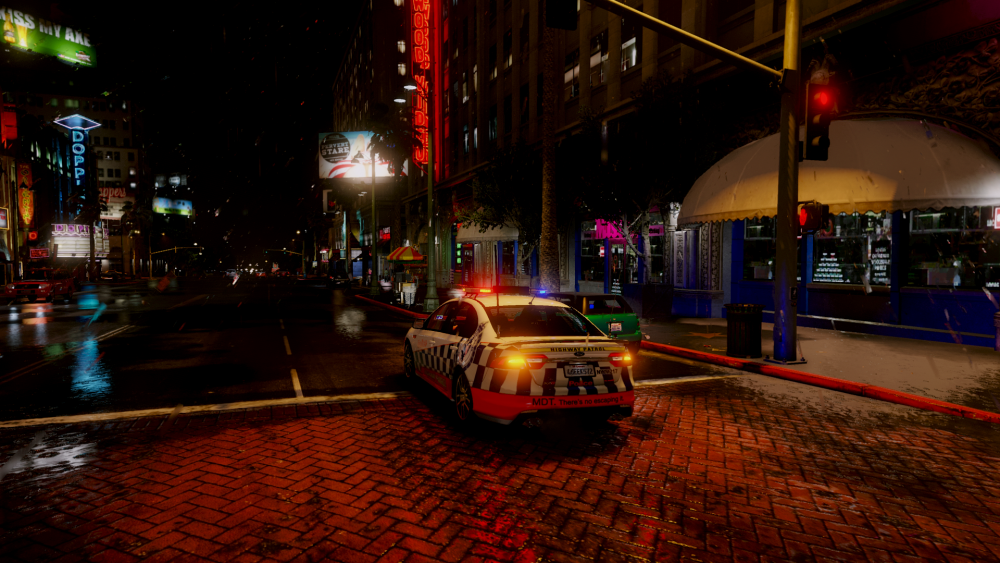
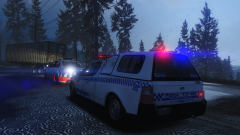
From the album: Moose's Grand Theft Auto Five Mods
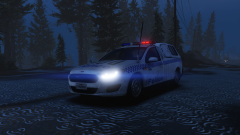
From the album: Moose's Grand Theft Auto Five Mods
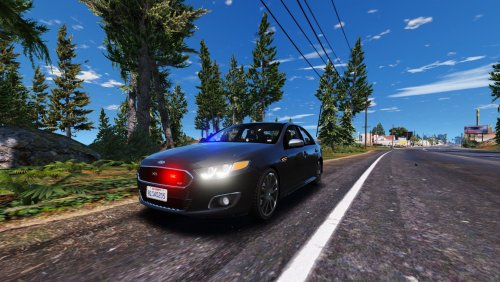 Lool wtf if you even read anything on the file you would see it's els or installed it, but lool because of your dumb comment.
- 31 comments
- 2 reviews
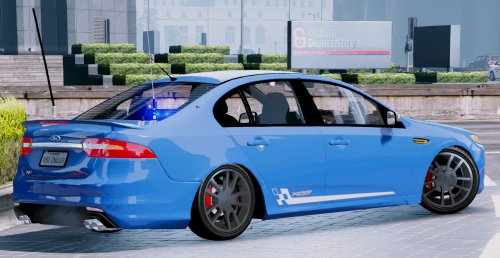 Sexy sexyPolice on scene to a break and enter in the construction zones in North Los Santos city.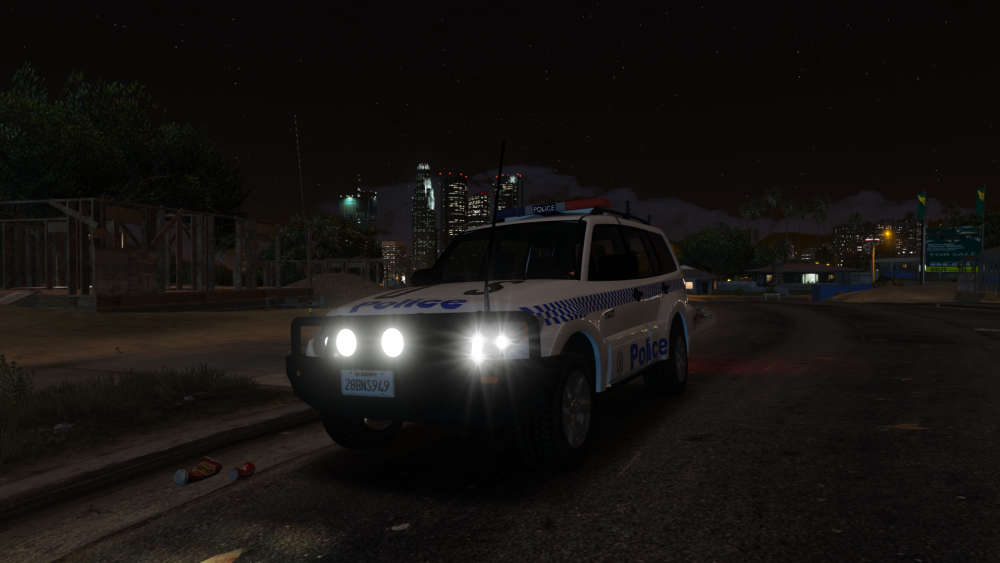
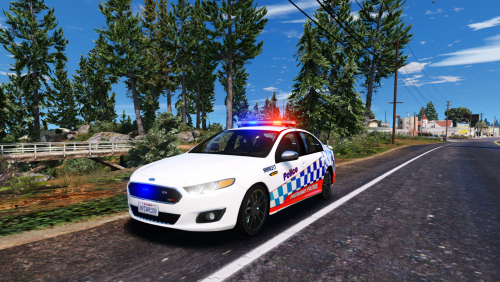 There is the initial first two skins made by skilfulcorpse, pretty sure he was gonna make a pack or something.
- 7 comments
- 5 reviews
-
-

- 1
-
I'm usually at 60 just fraps is retarded, don't use it anymore 😂
You literally download els and drop and drag it into our directory, when you download it there will be a read me, follow it.- 31 comments
- 2 reviews




Account
Navigation
Search
Configure browser push notifications
Chrome (Android)
- Tap the lock icon next to the address bar.
- Tap Permissions → Notifications.
- Adjust your preference.
Chrome (Desktop)
- Click the padlock icon in the address bar.
- Select Site settings.
- Find Notifications and adjust your preference.
Safari (iOS 16.4+)
- Ensure the site is installed via Add to Home Screen.
- Open Settings App → Notifications.
- Find your app name and adjust your preference.
Safari (macOS)
- Go to Safari → Preferences.
- Click the Websites tab.
- Select Notifications in the sidebar.
- Find this website and adjust your preference.
Edge (Android)
- Tap the lock icon next to the address bar.
- Tap Permissions.
- Find Notifications and adjust your preference.
Edge (Desktop)
- Click the padlock icon in the address bar.
- Click Permissions for this site.
- Find Notifications and adjust your preference.
Firefox (Android)
- Go to Settings → Site permissions.
- Tap Notifications.
- Find this site in the list and adjust your preference.
Firefox (Desktop)
- Open Firefox Settings.
- Search for Notifications.
- Find this site in the list and adjust your preference.