



East Coast Mods
Members
-
Joined
-
Last visited
Everything posted by East Coast Mods
-
-
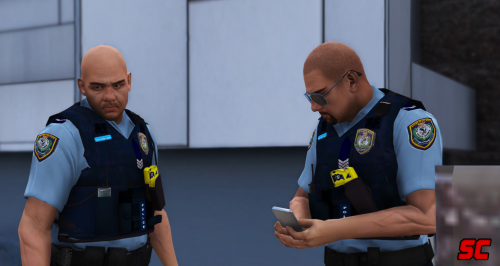 The whole changing leg thing is to do with lspdfr not much I can do sadly, uhm I tried to but I'm still not to great with per modelling maybe I'll have a look more in the future.
- 15 comments
- 6 reviews
-
-
-
What is wrong with you, do you need help?
-
Did yo you install Aussie flash patterns?
-
That's such a rare comment
-
Rfs / cfa fire truck what do I win
-
vb is woeful
-
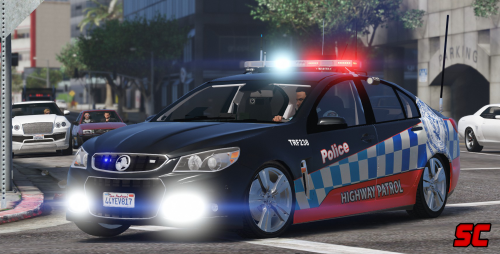
"three years in the making"In the words of a rich wise man, "Moose your models are rushed". The rich wise man previously spent three years making a product, to later be rushed to release.You said the cab was from bpm correct? How come you don't know who did it then?My dog has better excuse'sIf the site can stay up longer then five minutes. 🤔🙄 but thats none of my business 😉What a funny joke hahah.Mac released a vicpol xr6 & I released a nsw pol xr8. Now im doing the XR6 with all the new stuffzSo after spending all day playing around with these pain in the ass interior lighting, I finally managed to get it looking nice. Trial and error was worth it oml. Note: the dials still look brighter then Macs future.
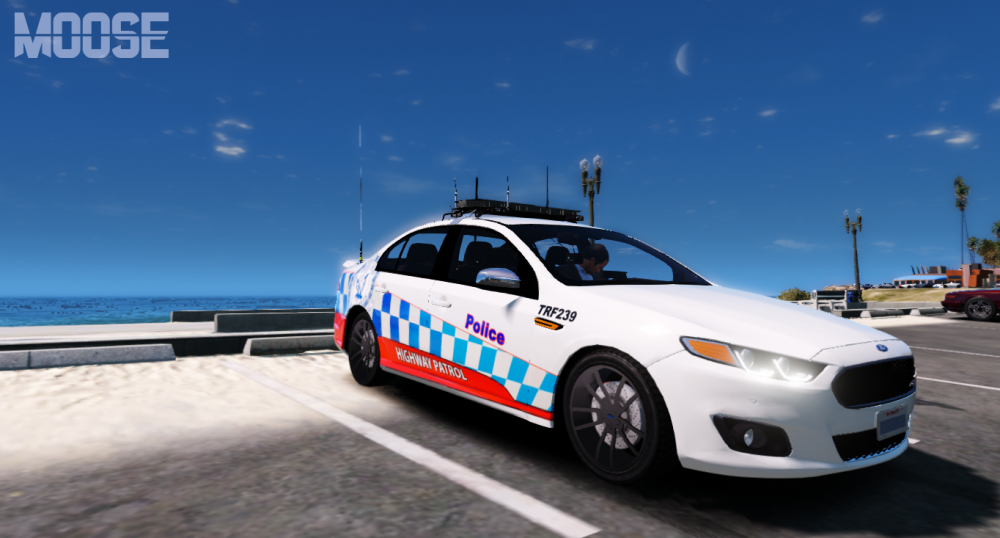
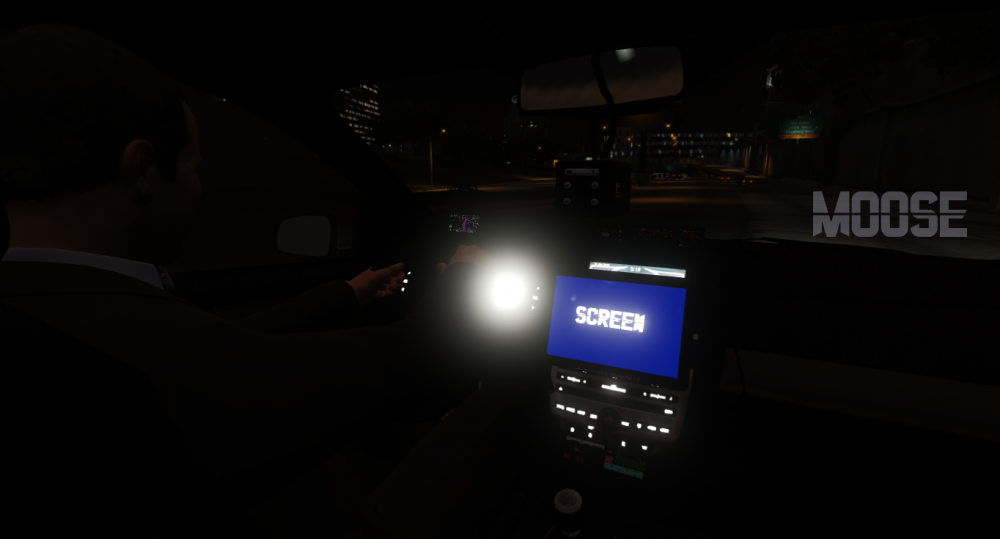 Gta only supports 8.Can you see tassie?And you wonder why no one likes Tasmania ? ;)Go back to bed old man.





Account
Navigation
Search
Configure browser push notifications
Chrome (Android)
- Tap the lock icon next to the address bar.
- Tap Permissions → Notifications.
- Adjust your preference.
Chrome (Desktop)
- Click the padlock icon in the address bar.
- Select Site settings.
- Find Notifications and adjust your preference.
Safari (iOS 16.4+)
- Ensure the site is installed via Add to Home Screen.
- Open Settings App → Notifications.
- Find your app name and adjust your preference.
Safari (macOS)
- Go to Safari → Preferences.
- Click the Websites tab.
- Select Notifications in the sidebar.
- Find this website and adjust your preference.
Edge (Android)
- Tap the lock icon next to the address bar.
- Tap Permissions.
- Find Notifications and adjust your preference.
Edge (Desktop)
- Click the padlock icon in the address bar.
- Click Permissions for this site.
- Find Notifications and adjust your preference.
Firefox (Android)
- Go to Settings → Site permissions.
- Tap Notifications.
- Find this site in the list and adjust your preference.
Firefox (Desktop)
- Open Firefox Settings.
- Search for Notifications.
- Find this site in the list and adjust your preference.