



East Coast Mods
Members
-
Joined
-
Last visited
Everything posted by East Coast Mods
-
 When you press download two files come up, 1. the els config and 2. the car files.
- 18 comments
- 3 reviews
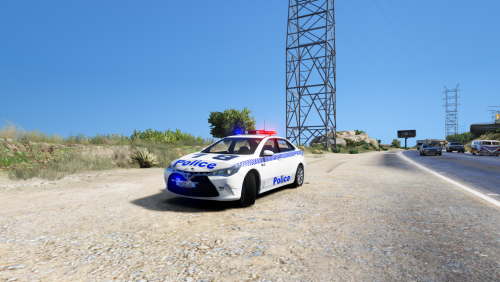
_________________________________ NSWPF General Duties Toyota Camry By MooseYTY ___________________________________ About This Model was designed and based of the NSWPF Toyota Camry model use in real life. Credits Toyota Camry Purchased By Mr Fui, converted and textured to grand theft five by MooseYTY Code 3 RX2700 & Led's Moddeled by MooseYTY Interior Police Gear By MooseYTY Skin By MooseYTY Terms of use This model is not to be uploaded to any other site without the permission of MooseYTY. This model is also not to be used in any pack or in modified servers for GTA V. Legal action will be taken if terms of use is broken.- 18 comments
- 3 reviews
-
-

- 8
-
Iload.com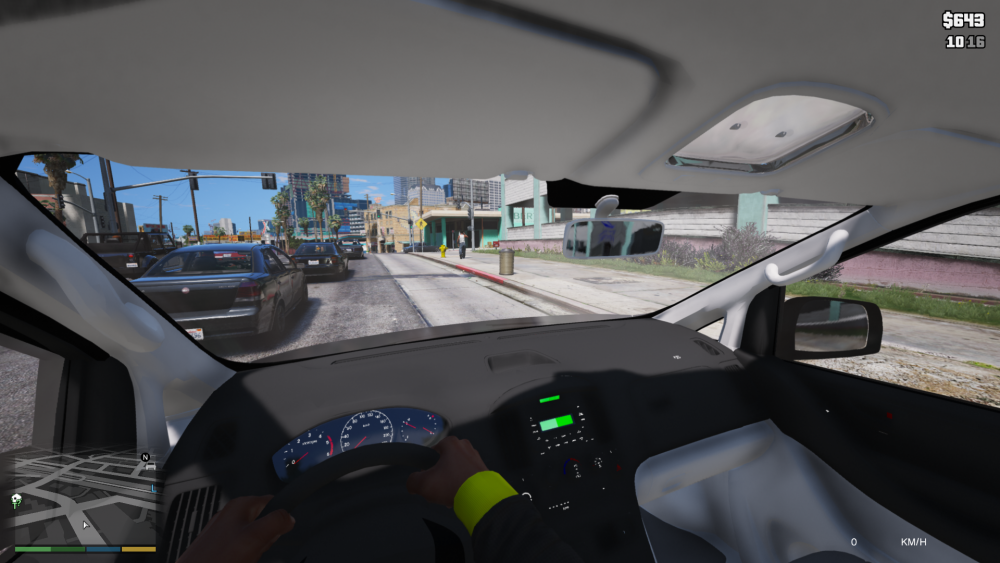
 Name a better trio.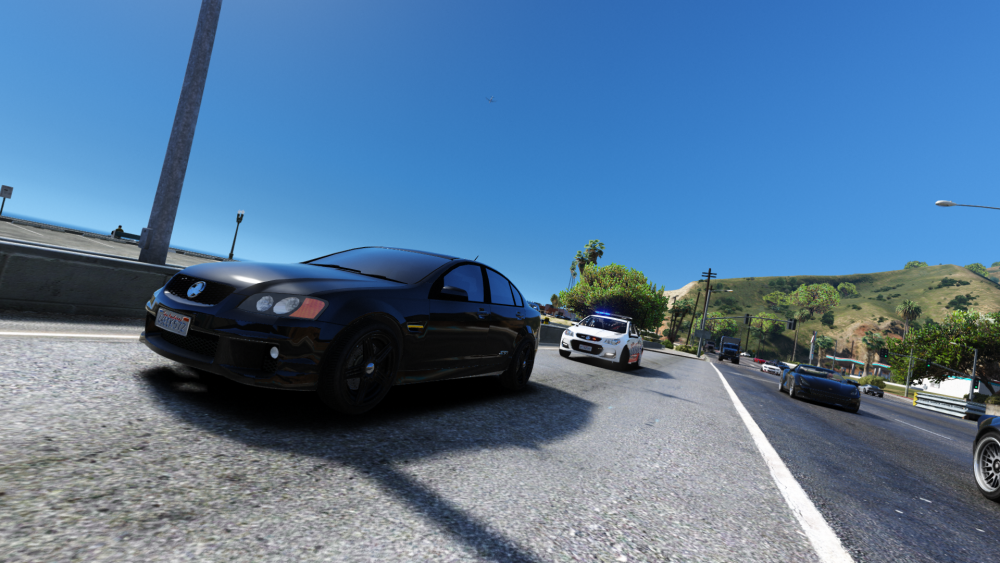
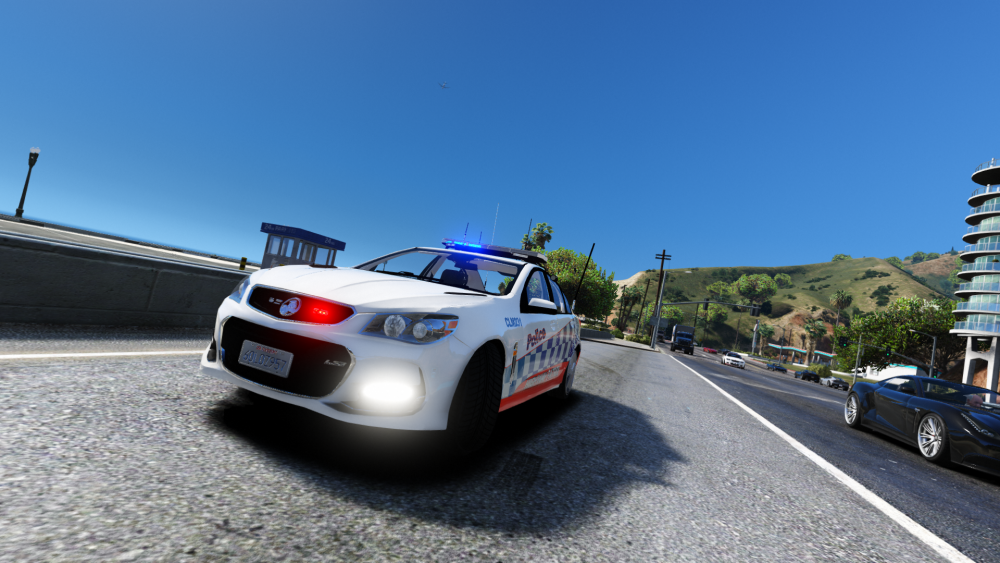
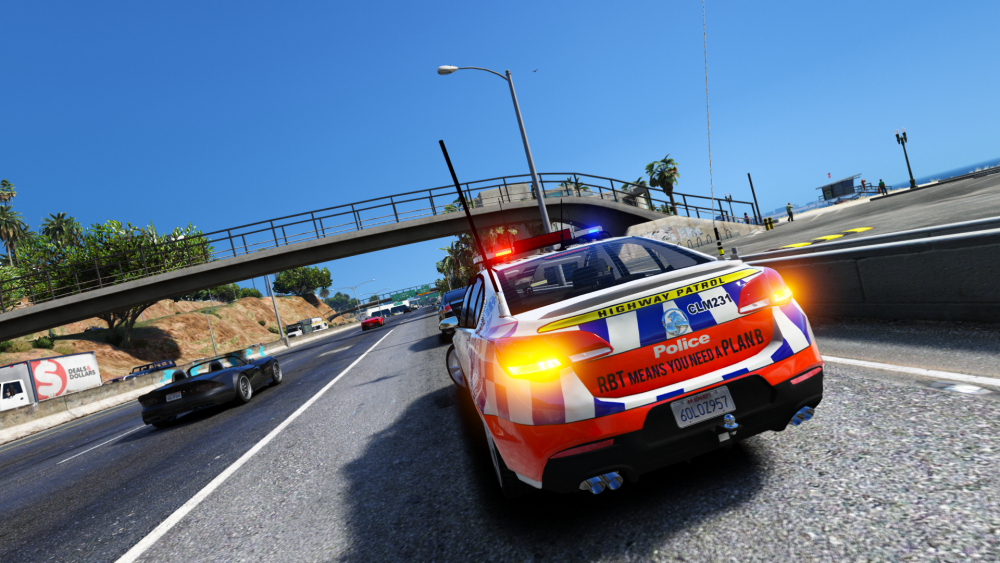
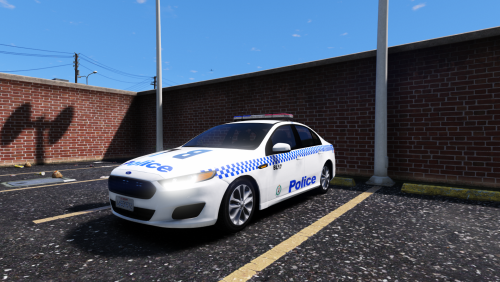 ___________________________________ NSWPF General Duties Ford Falcon FGX XT By MooseYTY ___________________________________ About This Model was designed and based of the NSWPF Ford falcon fgx xt model use in real life. Credits Ford Falcon XR6 Purchased by bronny rapper, converted and textured to grand theft five by Macgregor, Edited heavily by MooseYTY Code 3 RX2700 & Led's Moddeled by MooseYTY Interior Police Gear By MooseYTY Skin By Skilfullcorpse Terms of use This model is not to be uploaded to any other site without the permission of MooseYTY. This model is also not to be used in any pack or in modified servers for GTA V. Legal action will be taken if terms of use is broken.
- 8 comments
- 1 review
-
-
- 3
-
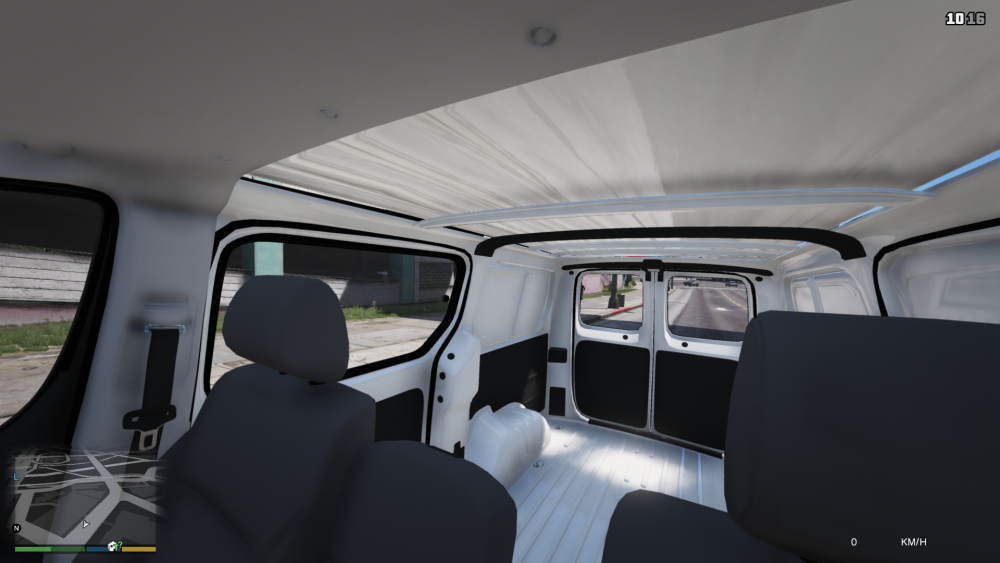
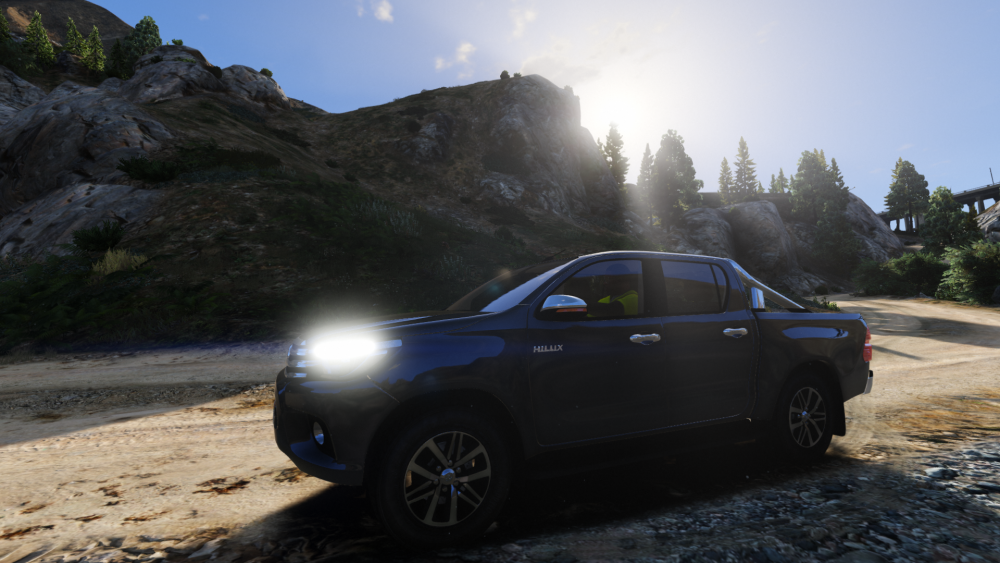
Tradie's best mate.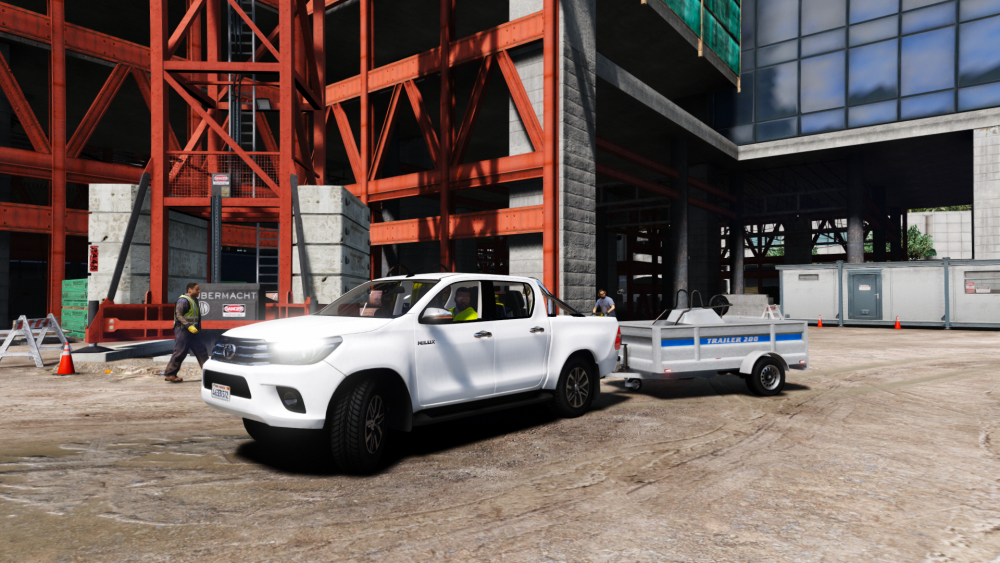
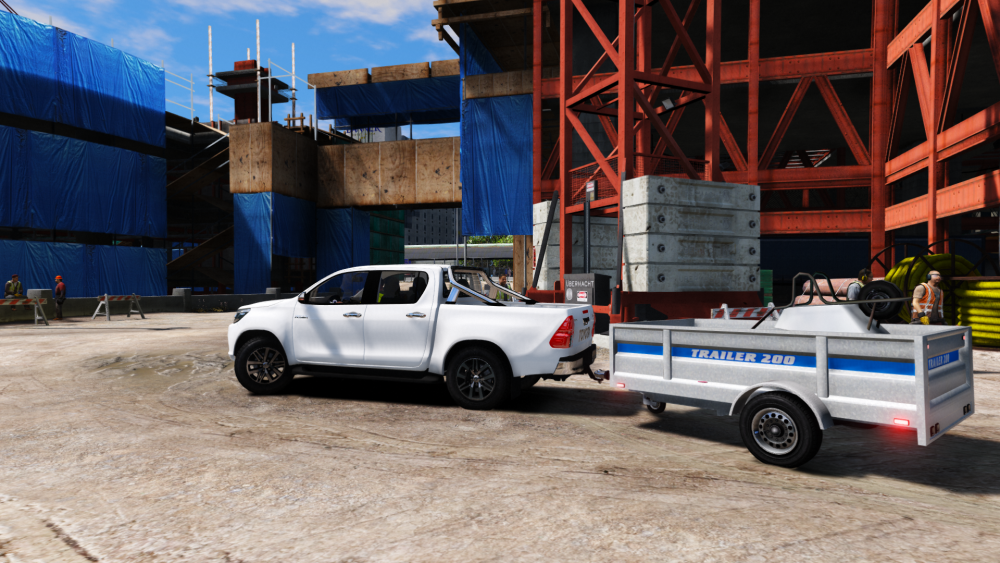 Something seems fitting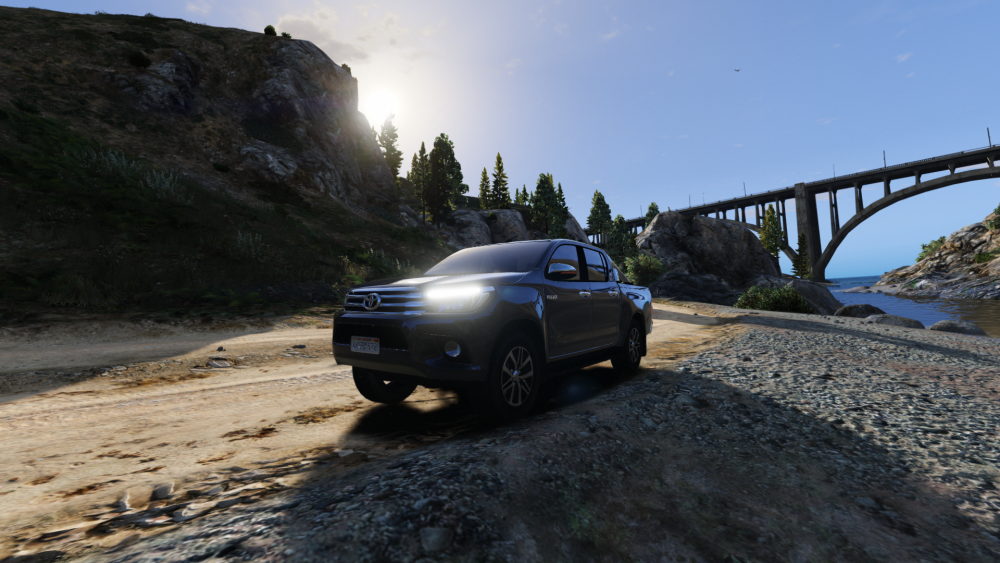
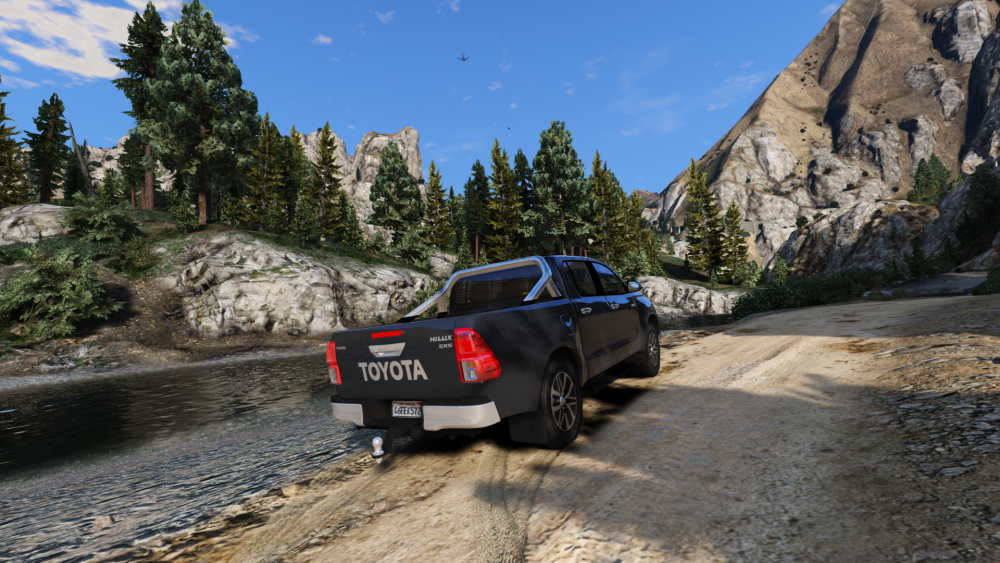
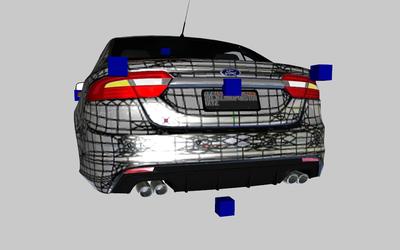
 The old xt bumper vs the new one :D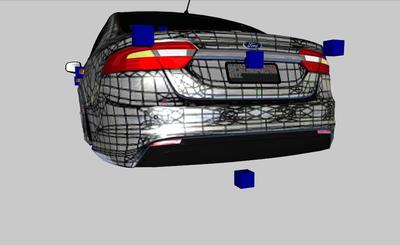
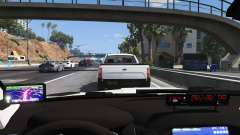
From the album: Moose's Grand Theft Auto Five Mods
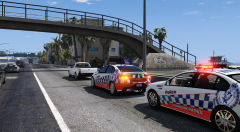
From the album: Moose's Grand Theft Auto Five Mods
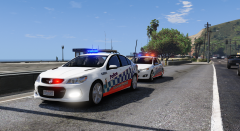
From the album: Moose's Grand Theft Auto Five Mods
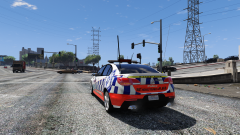
From the album: Moose's Grand Theft Auto Five Mods
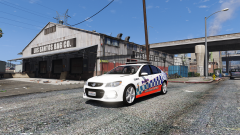
From the album: Moose's Grand Theft Auto Five Mods


Account
Navigation
Search
Configure browser push notifications
Chrome (Android)
- Tap the lock icon next to the address bar.
- Tap Permissions → Notifications.
- Adjust your preference.
Chrome (Desktop)
- Click the padlock icon in the address bar.
- Select Site settings.
- Find Notifications and adjust your preference.
Safari (iOS 16.4+)
- Ensure the site is installed via Add to Home Screen.
- Open Settings App → Notifications.
- Find your app name and adjust your preference.
Safari (macOS)
- Go to Safari → Preferences.
- Click the Websites tab.
- Select Notifications in the sidebar.
- Find this website and adjust your preference.
Edge (Android)
- Tap the lock icon next to the address bar.
- Tap Permissions.
- Find Notifications and adjust your preference.
Edge (Desktop)
- Click the padlock icon in the address bar.
- Click Permissions for this site.
- Find Notifications and adjust your preference.
Firefox (Android)
- Go to Settings → Site permissions.
- Tap Notifications.
- Find this site in the list and adjust your preference.
Firefox (Desktop)
- Open Firefox Settings.
- Search for Notifications.
- Find this site in the list and adjust your preference.