



East Coast Mods
Members
-
Joined
-
Last visited
Everything posted by East Coast Mods
-
His gotta figure that out first
-
Oh ok I thought 11 and 12 were reserved for extra's?
-
True I only did one test and gave up, els use'/ extras 1-10, have a flick over the user guide
-
Issues like lights turning on in the wrong spot?
-
Just gonna go hide under my rock
-
Beef
-
I'm pretty sure mine is in my template pack other wise I'll send it to you when I am home from work
-
This looks so good keep up the work fellassss
-
Sorry i thought i was going to wait for els but i rushed it to get it to work with the default lights.
-
Releaseeeee Not rushed !!
-
- 1 review
-
-

- 1
-
-
Bahhaha els will never come out, els is the most pointless script or plugin to date now that we have aussie flash patterns. Mine will be done with a week or two just modeling the interior of the sprinter now.
-
I am
-
Looks decent, get some pics with the lights on?
-
Looks decent, get some pics with the lights on?
-
That looks pretty good, nice job
-
Good old macgregor has something brewing
-
Well wait till hindterohumster
-
Tease lol
-
$10 bucks says he asks for a roo bar
-
Correctomondo
-
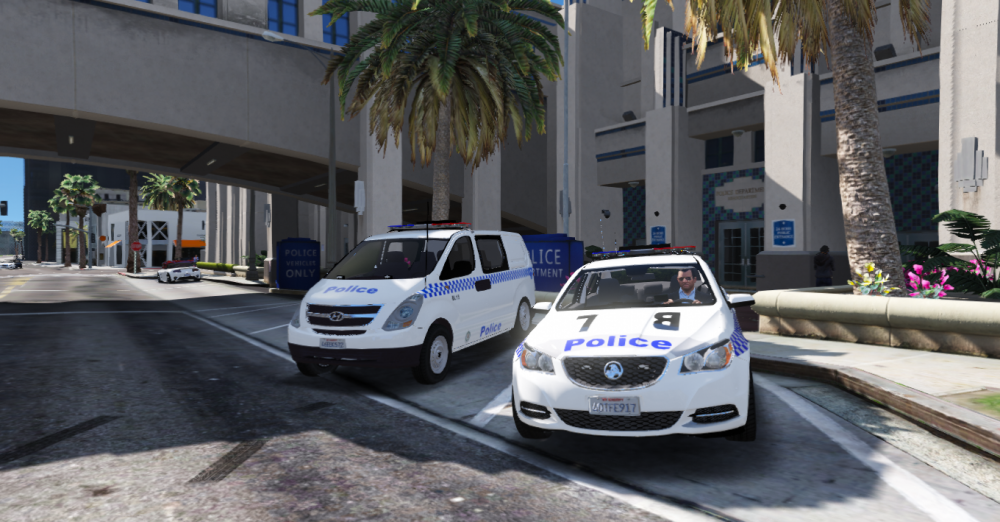
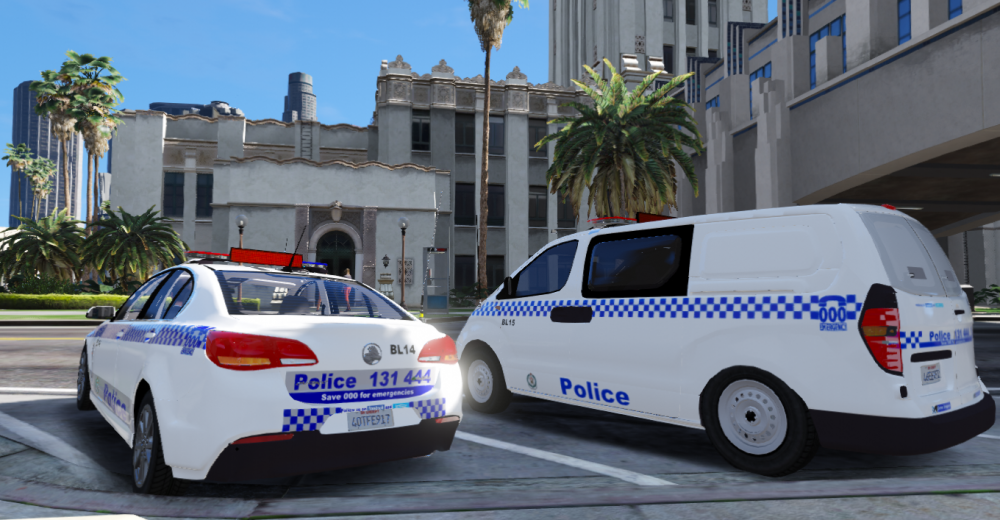
Mac's VF S2 Looking even sexier with NSW Pol Gear <3 North West Metro receiving their first Holden VF S2 as the they look to replace the old Holden Commordore ve's & vf's.
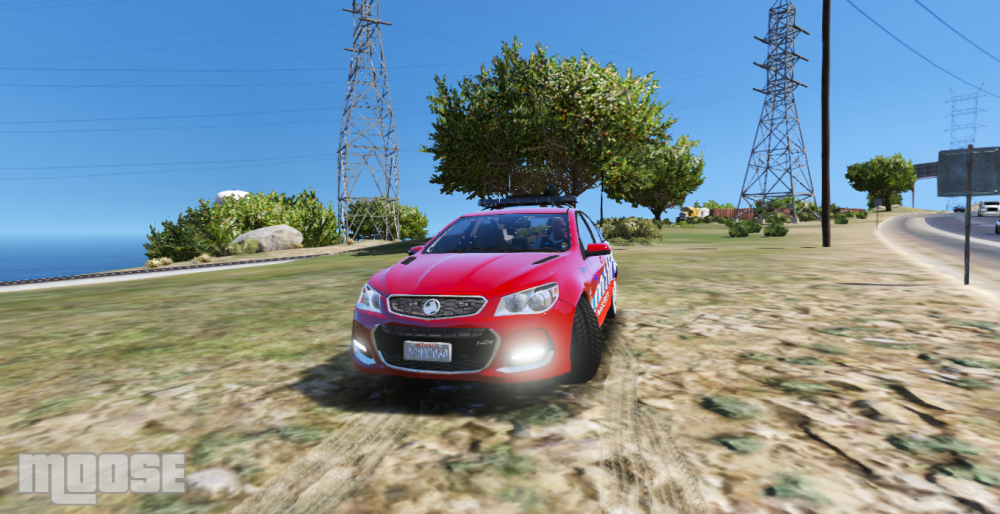
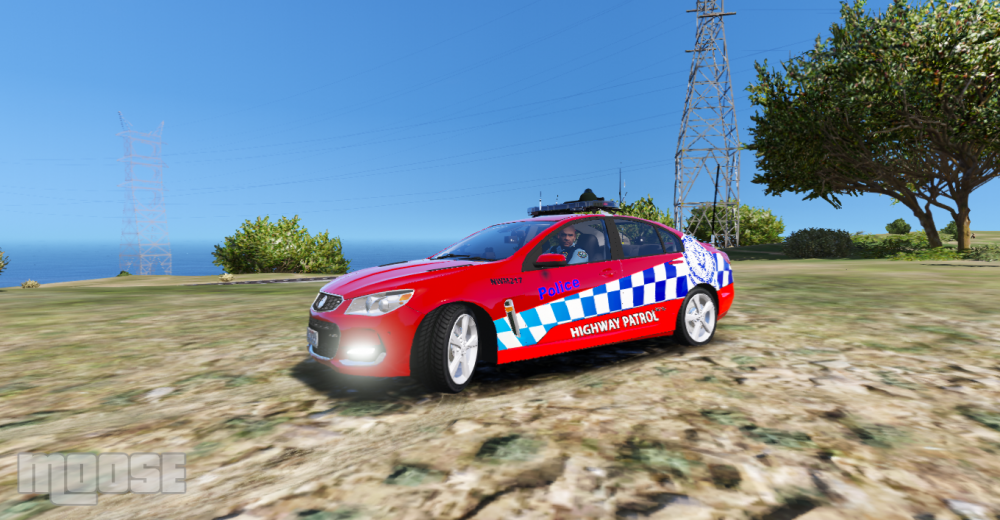
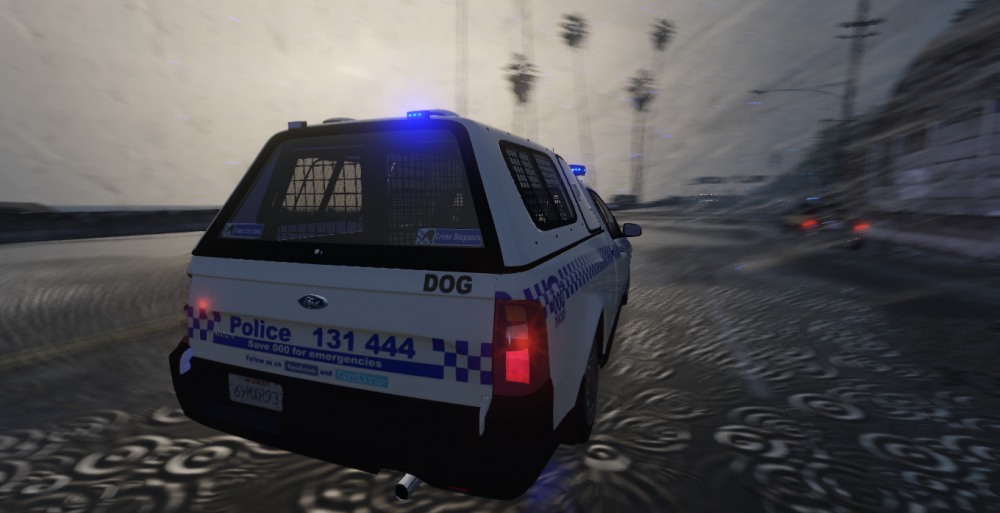
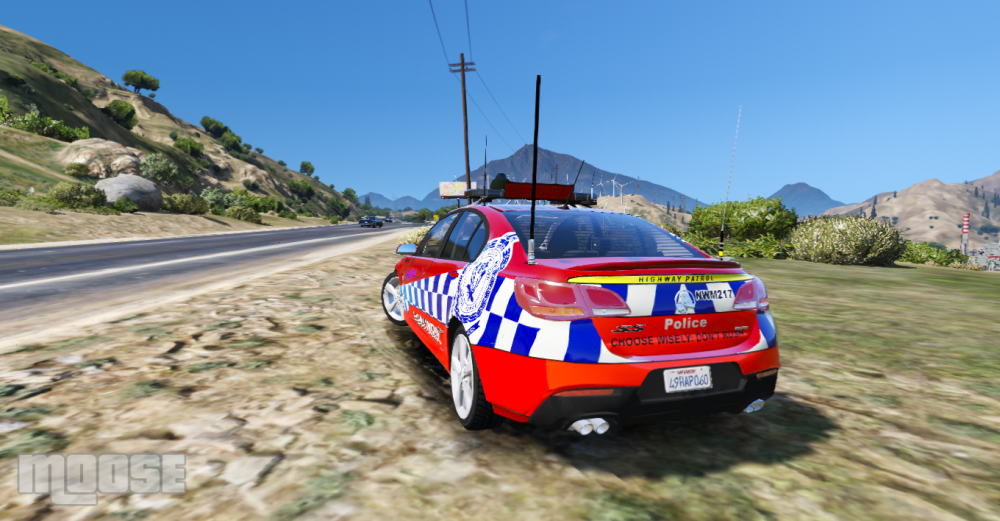 Dog 13 respondinggggggggg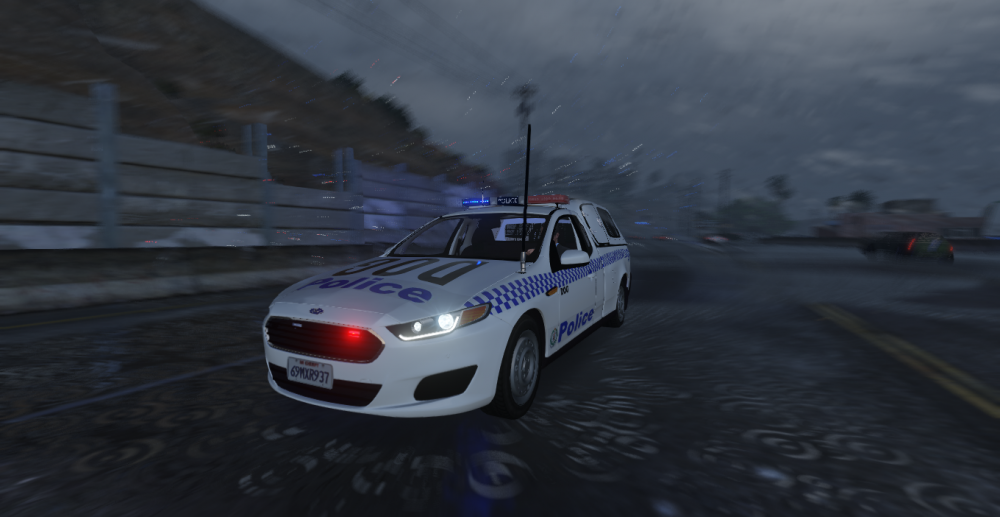
 Unlikely sorry fellas, stuck at work all weekend.


