




East Coast Mods
Members
-
Joined
-
Last visited
Everything posted by East Coast Mods
-
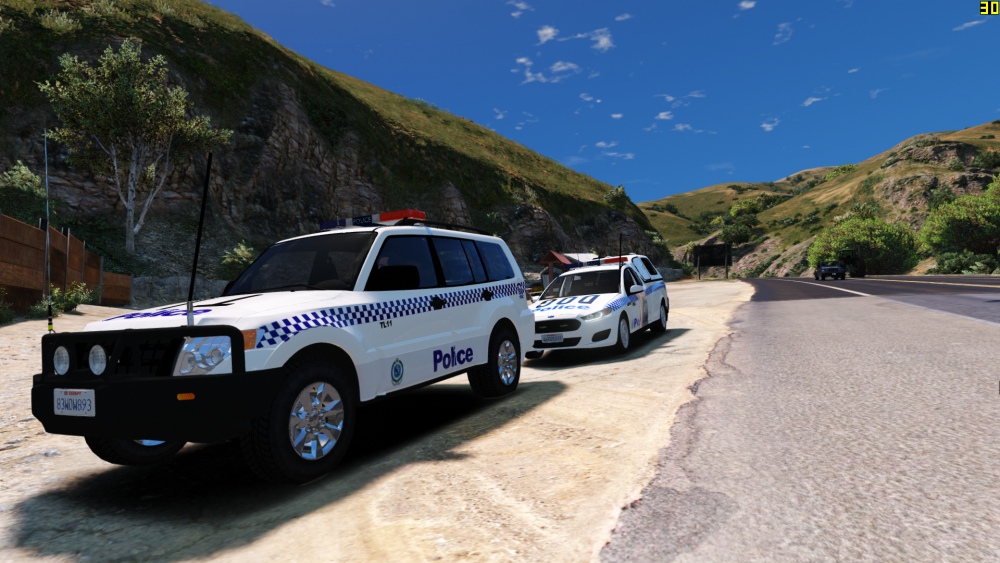
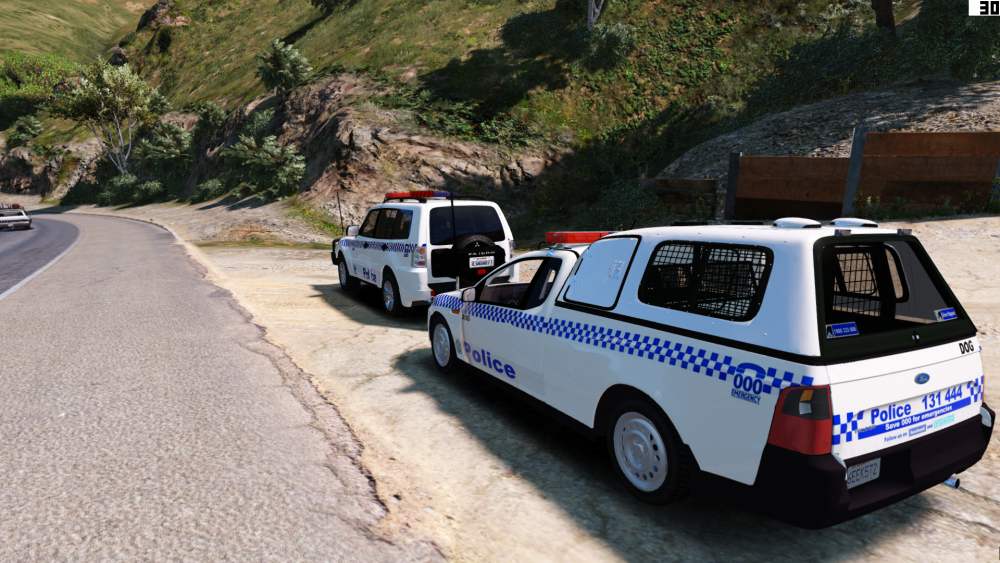
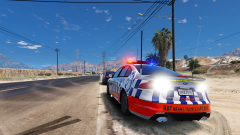
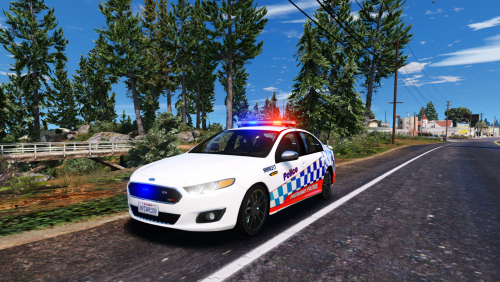
Dog 26 assisting Blue Mountains Local Police.
-
-
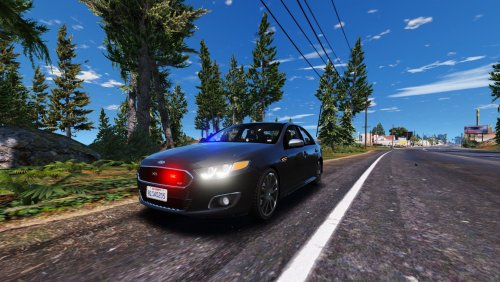 mods-updated-update.rpf-common-data drag the handling out copy and paste the line over the car you want it to replace, make sure you change the "taxi" to the cars handling.
- 31 comments
- 2 reviews
-
You put the handling where you put every other handling line, thought it was just common knowledge
- 31 comments
- 2 reviews
-
46eek572Boom releasedI redid my defender. The new defender is on the fgx :DI find 0.50 stable@Macgregor Should be named to the rim god, look at the new wheelllll

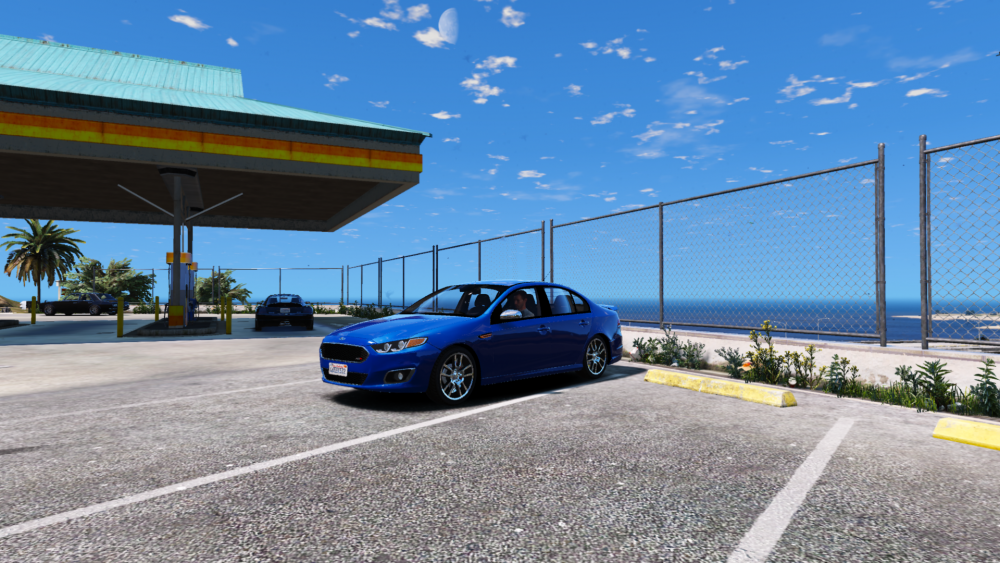
From the album: Moose's Grand Theft Auto Five Mods
#Trusttheprocess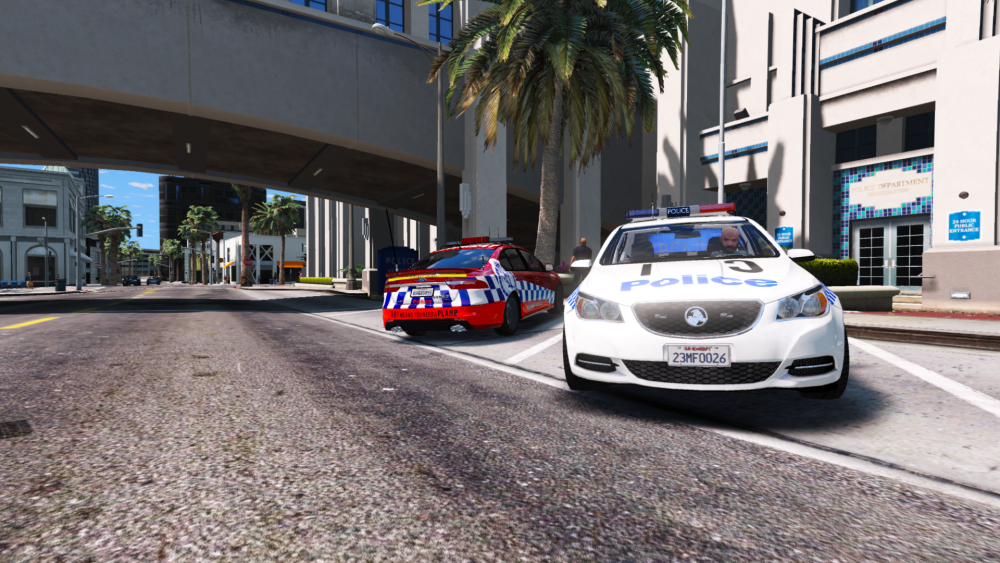 Car probs doesnt have seat dummies or you installed it in the wrong areaSexy sexy sexy..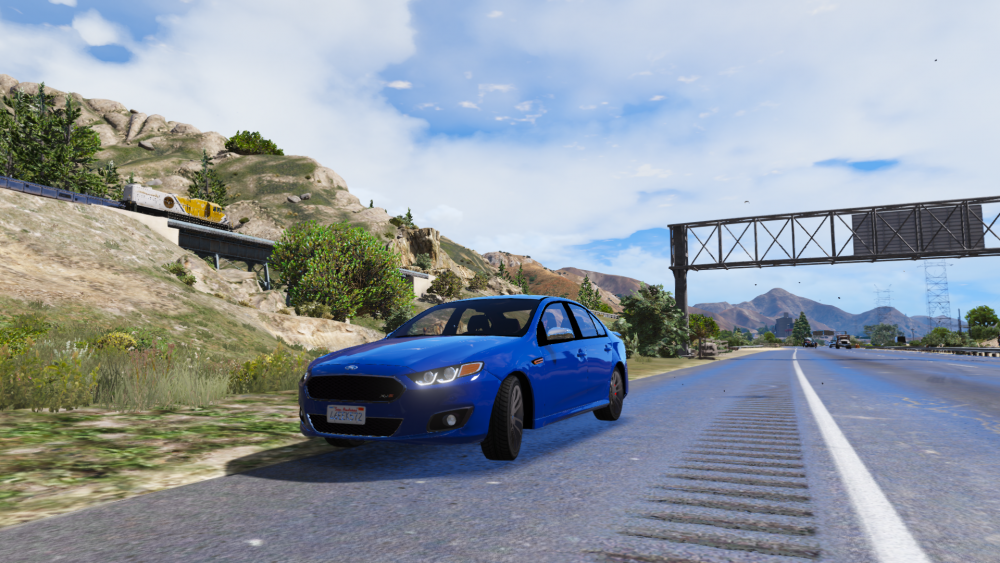
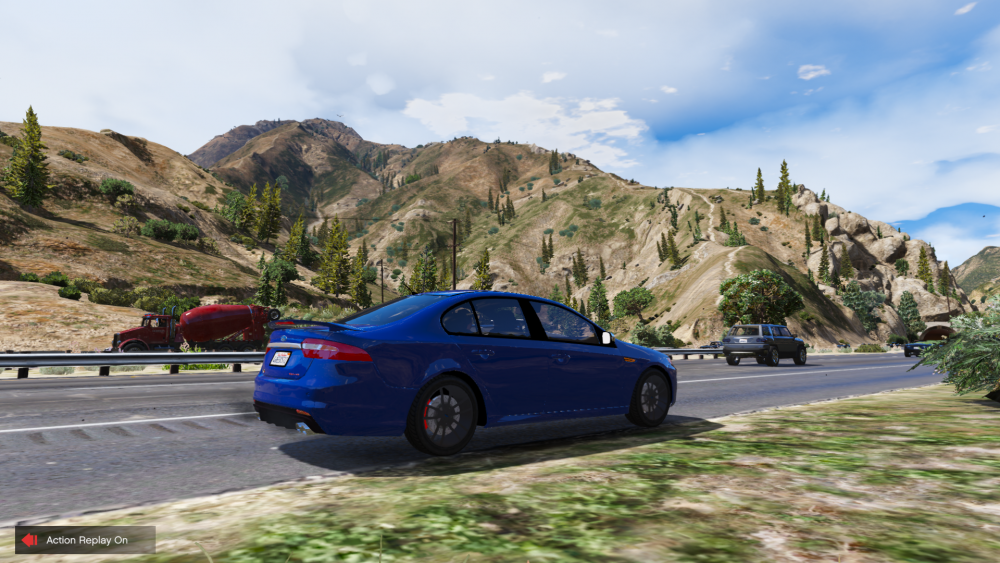 That's the Victorian standard for yahChange the window tintDid you install it in the right place?Why did you upload it in the first place?Looks like a Volks T5







Account
Navigation
Search
Configure browser push notifications
Chrome (Android)
- Tap the lock icon next to the address bar.
- Tap Permissions → Notifications.
- Adjust your preference.
Chrome (Desktop)
- Click the padlock icon in the address bar.
- Select Site settings.
- Find Notifications and adjust your preference.
Safari (iOS 16.4+)
- Ensure the site is installed via Add to Home Screen.
- Open Settings App → Notifications.
- Find your app name and adjust your preference.
Safari (macOS)
- Go to Safari → Preferences.
- Click the Websites tab.
- Select Notifications in the sidebar.
- Find this website and adjust your preference.
Edge (Android)
- Tap the lock icon next to the address bar.
- Tap Permissions.
- Find Notifications and adjust your preference.
Edge (Desktop)
- Click the padlock icon in the address bar.
- Click Permissions for this site.
- Find Notifications and adjust your preference.
Firefox (Android)
- Go to Settings → Site permissions.
- Tap Notifications.
- Find this site in the list and adjust your preference.
Firefox (Desktop)
- Open Firefox Settings.
- Search for Notifications.
- Find this site in the list and adjust your preference.