



East Coast Mods
Members
-
Joined
-
Last visited
Everything posted by East Coast Mods
-
Are your lights under the chassis dummy like below?
-
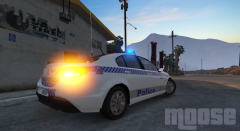
From the album: Moose's Grand Theft Auto Five Mods
Release Part 2.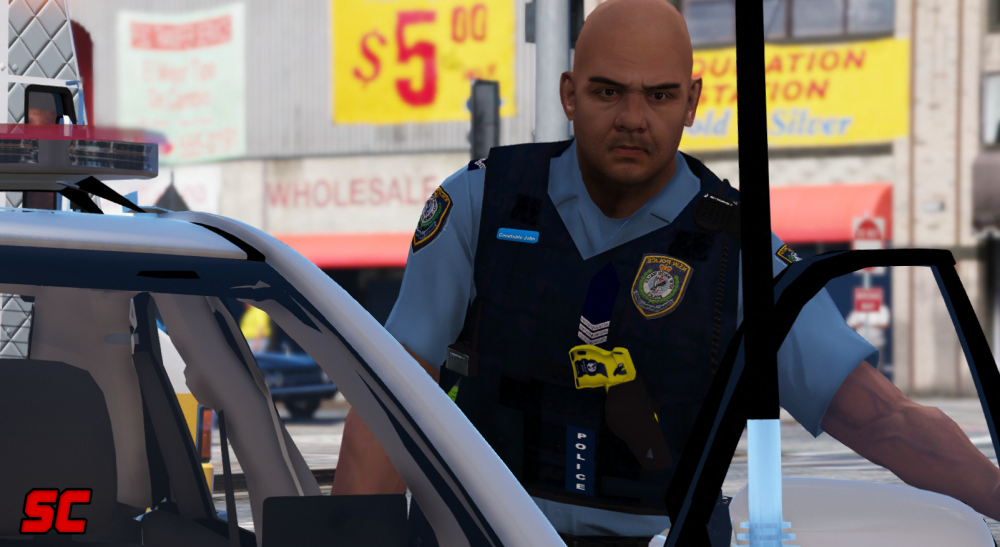 First of two release's tonight! :PIts the new trend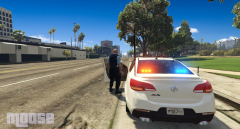
From the album: Moose's Grand Theft Auto Five Mods
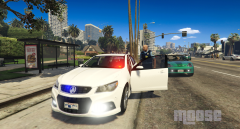
From the album: Moose's Grand Theft Auto Five Mods
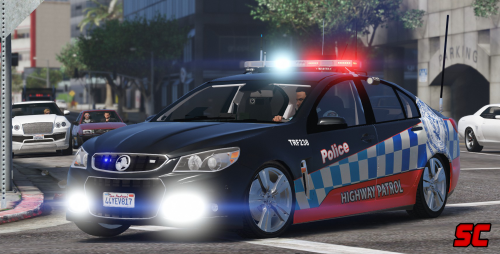
New South Wales Police Highway Patrol on scene to a reports of a vehicle on fire.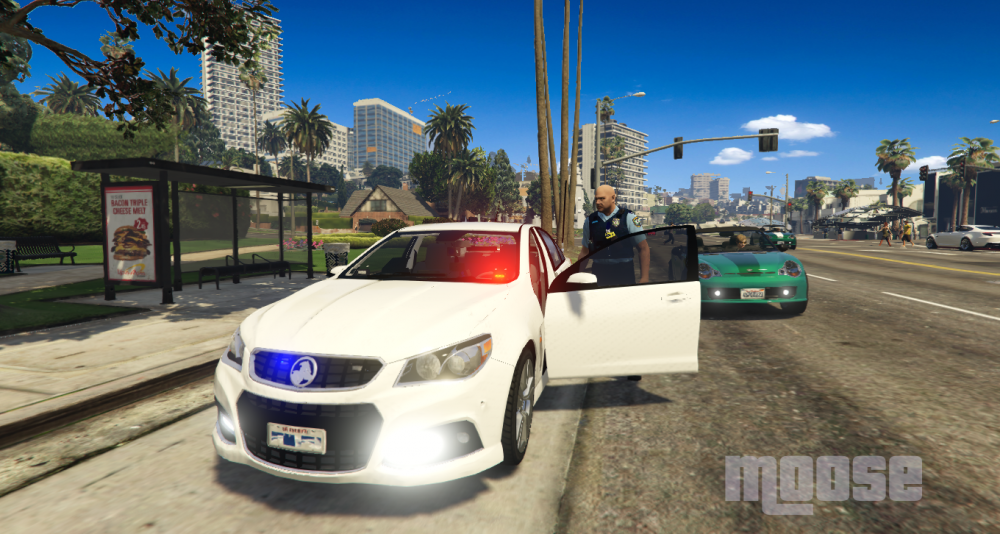
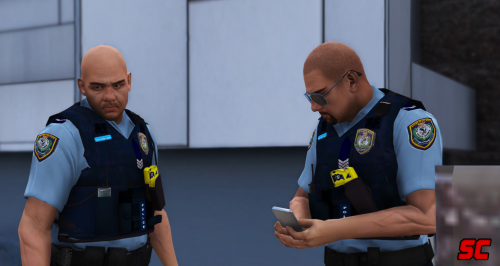
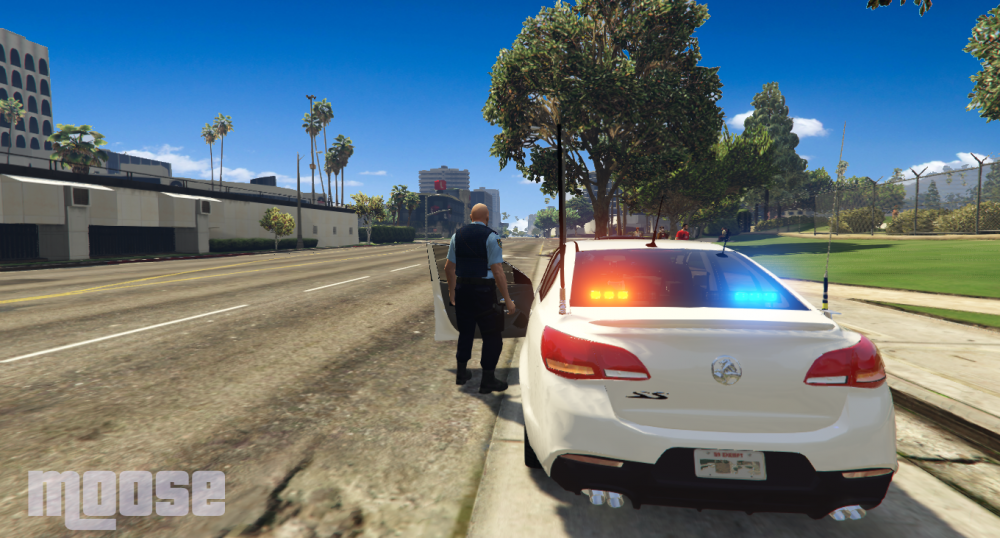 The bike could also be released this weekend we will see how we goNew South Wales Police Ped model is close to being finished, release should be this weekend hopefully Photo Cred to Skilful
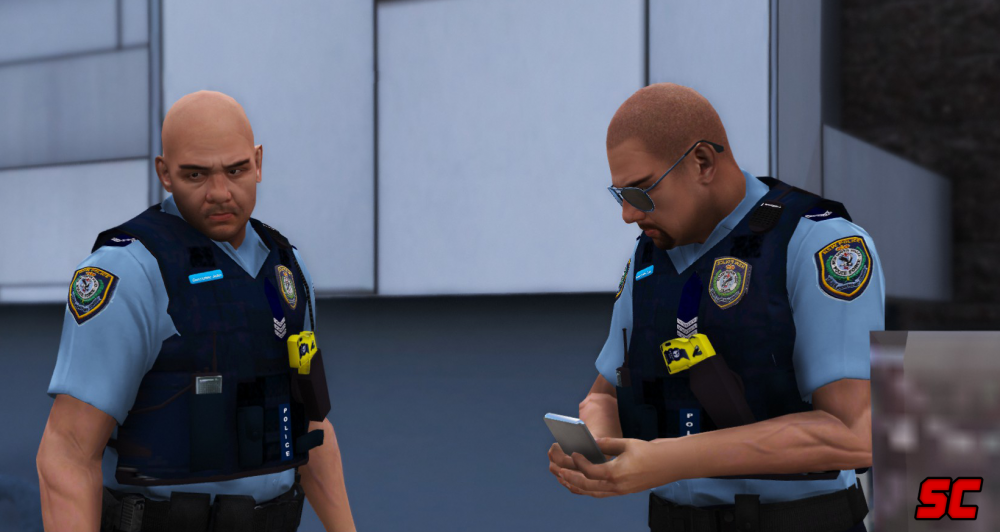 I've put that model on hold for the moment as I'm waiting for the s2.I am slowly working on a general Australian ped, will have the cargo pants thigh holster ect. just waiting for a load baring vest
From the album: Moose's Grand Theft Auto Five Mods
From the album: Moose's Grand Theft Auto Five Mods
Its basically done, im just to lazy to finish it off. Ill have some free tiime on the weekend I might try finish it off.Blue Mountains police's new car to add to their fleet.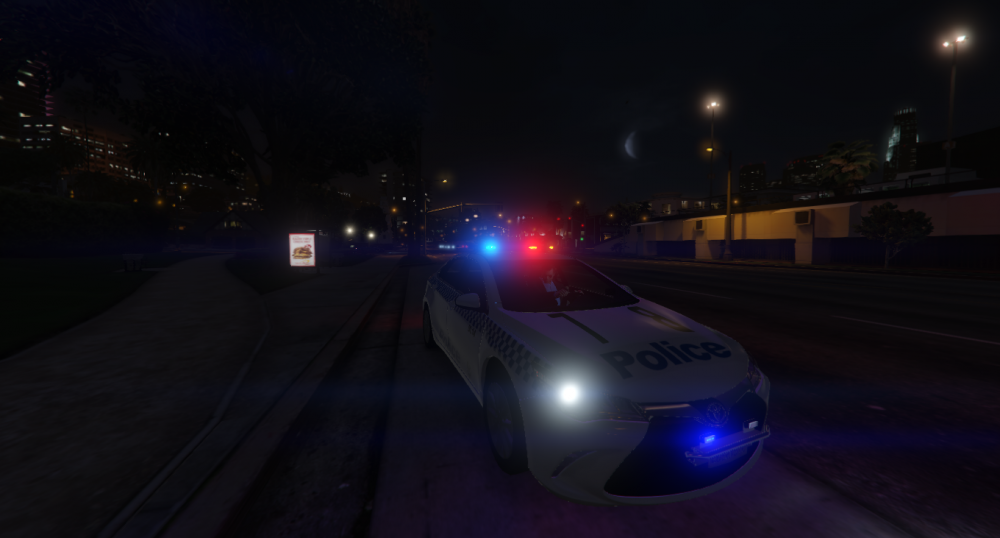
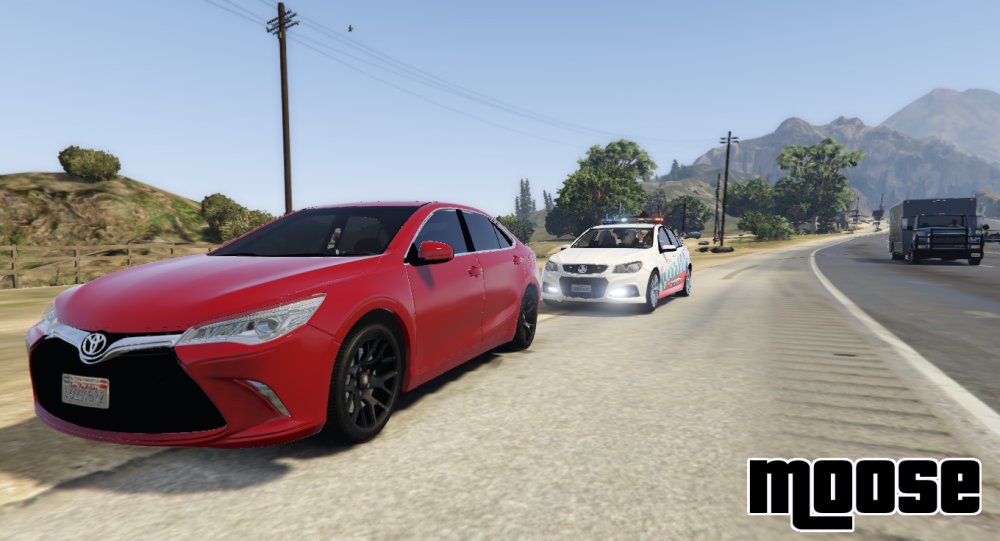
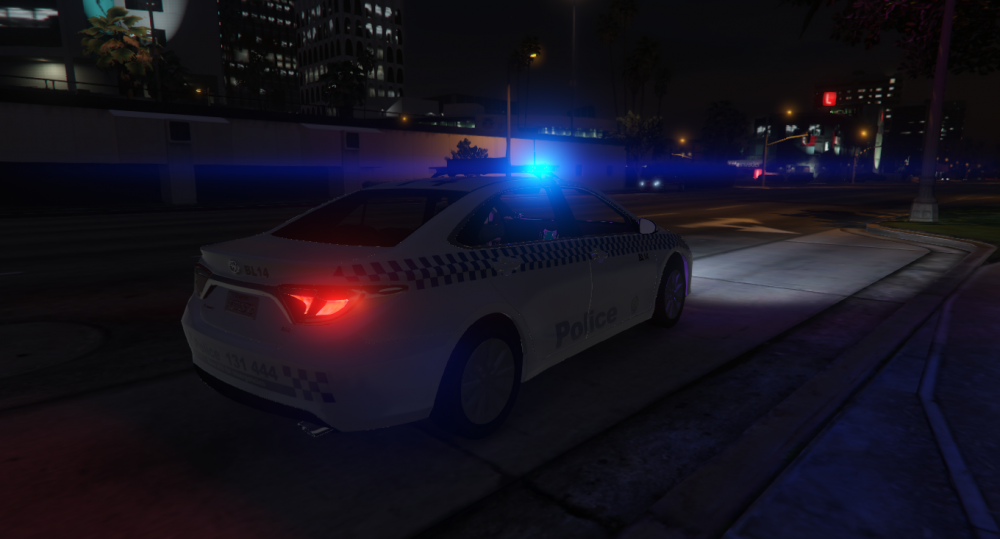 Newly purchased Toyota Camry caught going 170 km/h. Driver was issue'd a fine and lost 3 demerit points.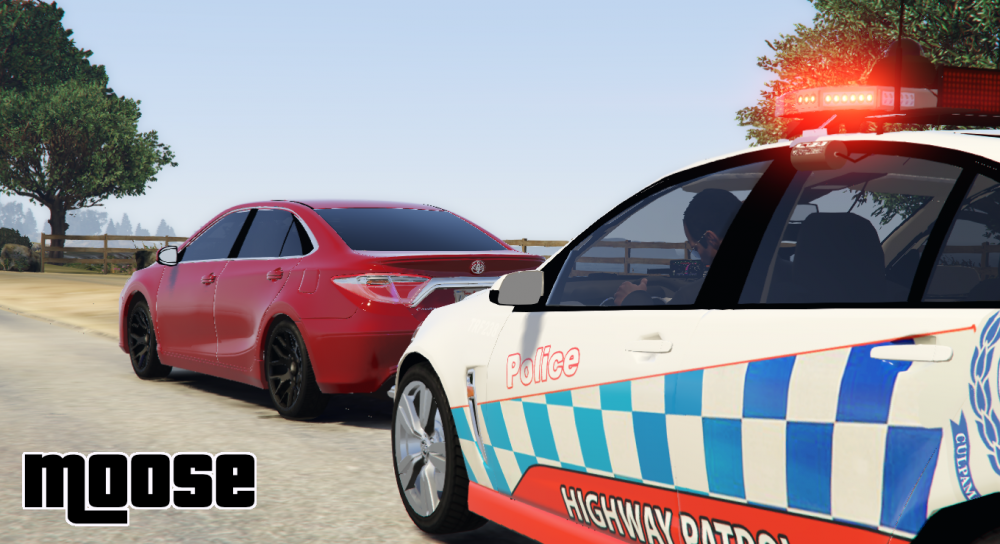









Account
Navigation
Search
Configure browser push notifications
Chrome (Android)
- Tap the lock icon next to the address bar.
- Tap Permissions → Notifications.
- Adjust your preference.
Chrome (Desktop)
- Click the padlock icon in the address bar.
- Select Site settings.
- Find Notifications and adjust your preference.
Safari (iOS 16.4+)
- Ensure the site is installed via Add to Home Screen.
- Open Settings App → Notifications.
- Find your app name and adjust your preference.
Safari (macOS)
- Go to Safari → Preferences.
- Click the Websites tab.
- Select Notifications in the sidebar.
- Find this website and adjust your preference.
Edge (Android)
- Tap the lock icon next to the address bar.
- Tap Permissions.
- Find Notifications and adjust your preference.
Edge (Desktop)
- Click the padlock icon in the address bar.
- Click Permissions for this site.
- Find Notifications and adjust your preference.
Firefox (Android)
- Go to Settings → Site permissions.
- Tap Notifications.
- Find this site in the list and adjust your preference.
Firefox (Desktop)
- Open Firefox Settings.
- Search for Notifications.
- Find this site in the list and adjust your preference.