
Justice890
Members
-
Joined
-
Last visited
Everything posted by Justice890
-
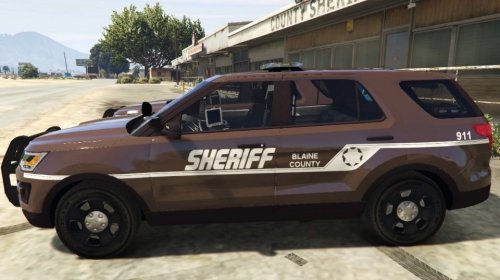 @GTAMAN561 My biggest suggestion would be to make sure that your skins flow with the vehicle. I would tweak the lines so they were nigher in the back and lower in the front, and less of a straight line, as the Explorer itself is that way.
 -
Thanks, I will continue work on them this coming weekend, I should have at least 2 more done by Sunday night (UTC-8 PST)
-
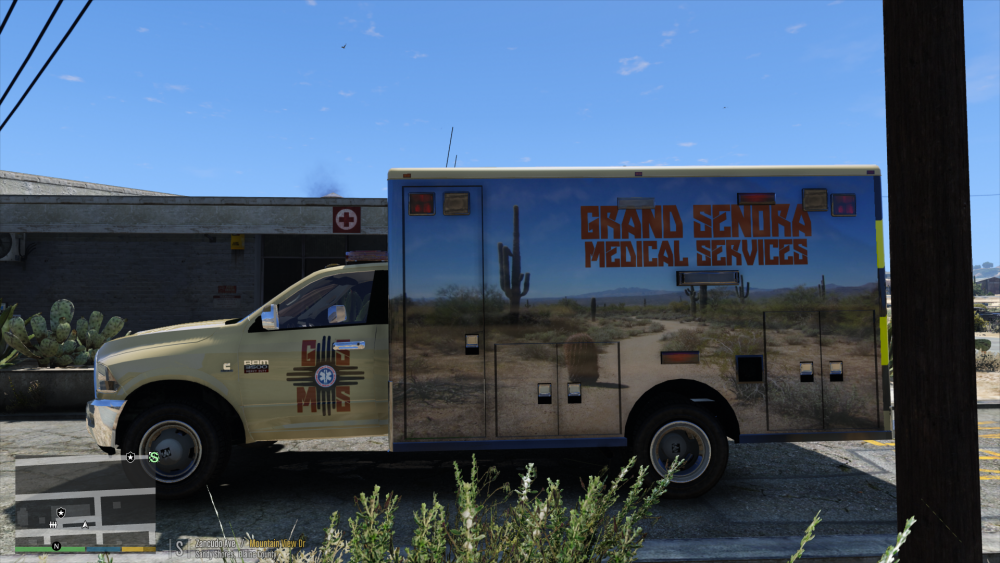
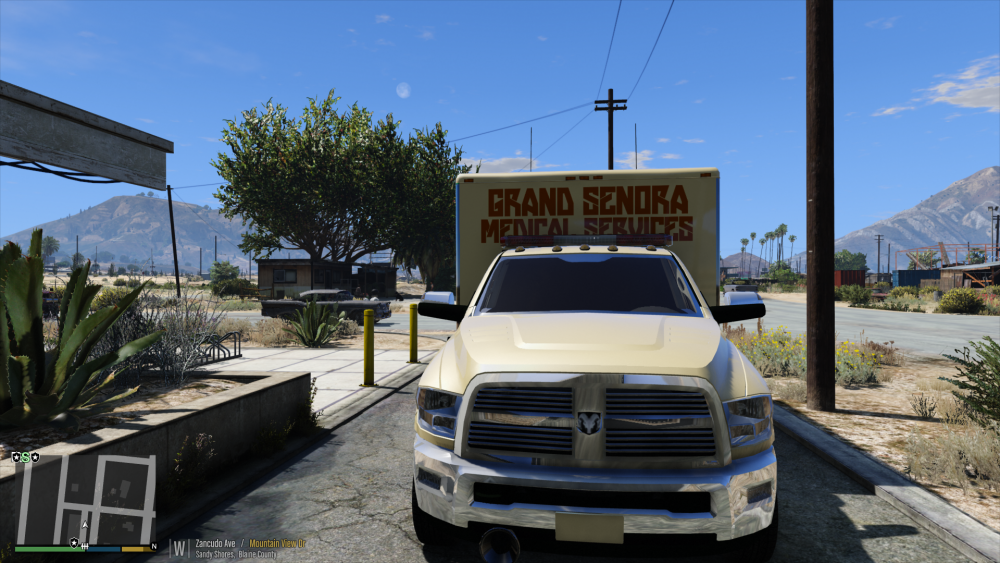
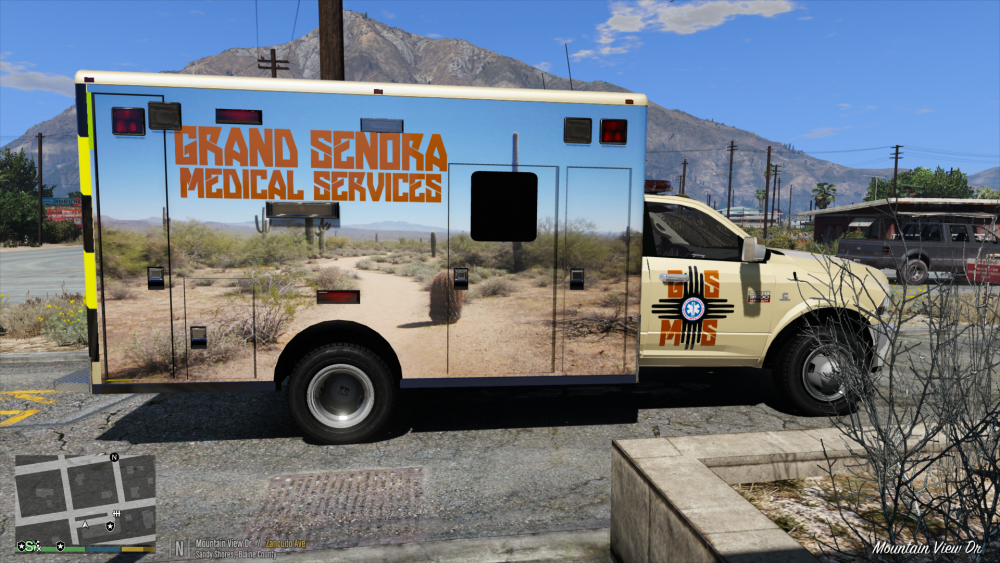
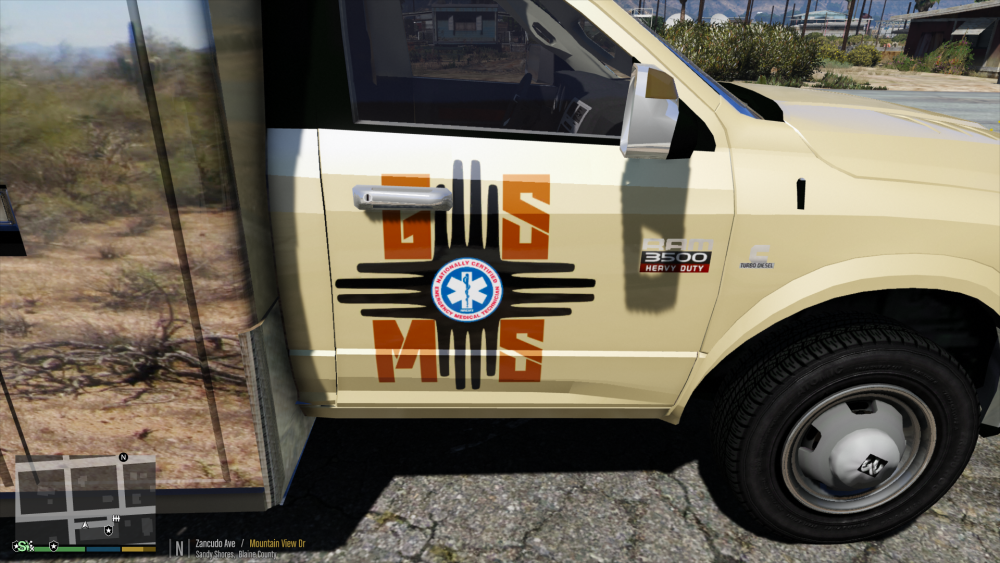
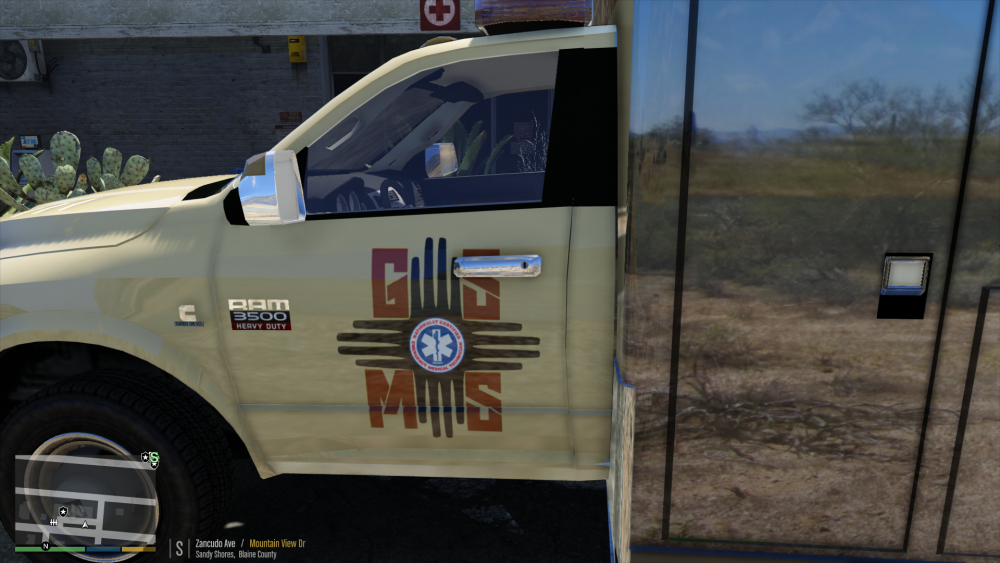
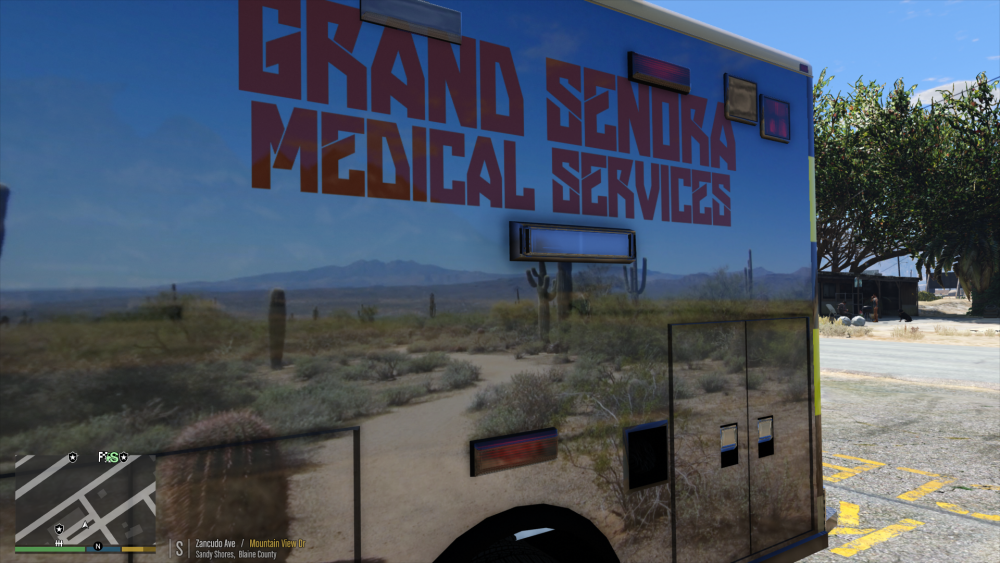
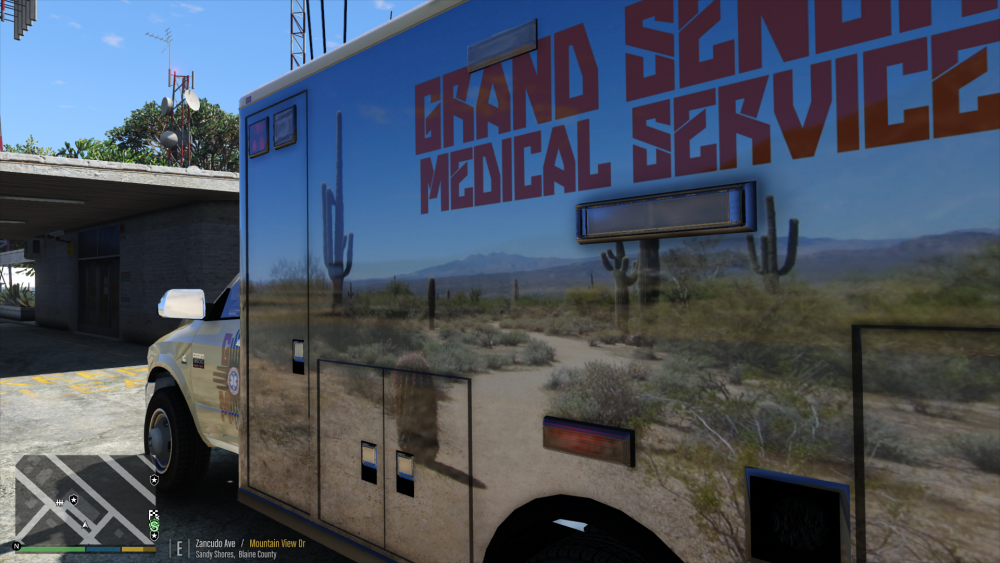
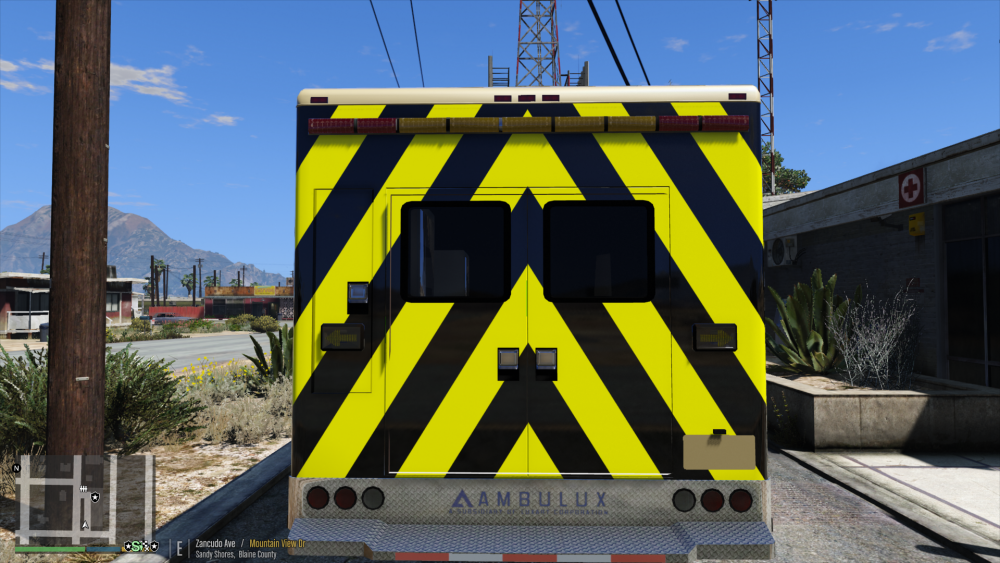
Second skin has been completed. Grand Senora Medical Services.
-
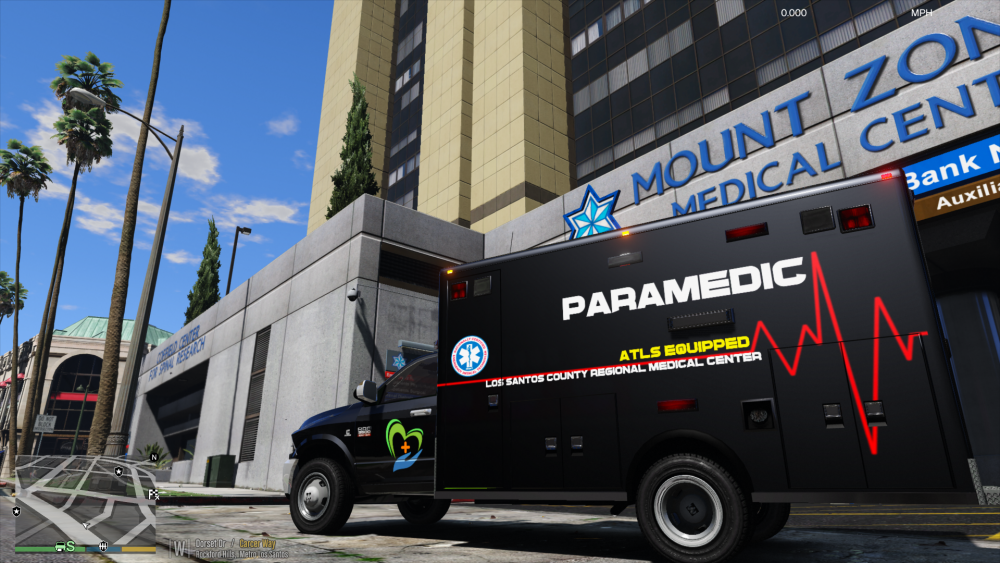
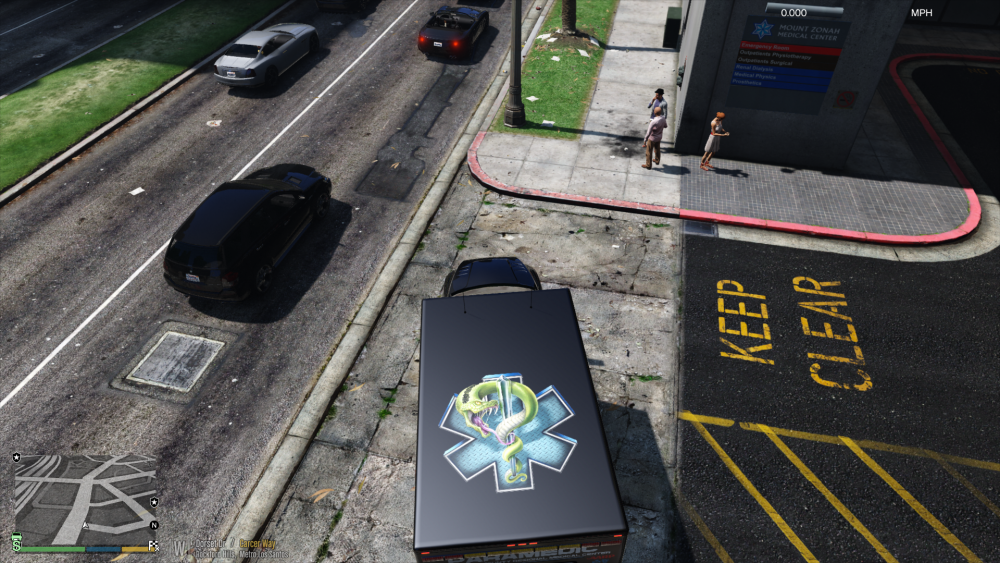
I got tired of the regular old ambulance from GTA V, so I downloaded the Rambulance from @GlitchGamer I have begun creating some new skins for it, so I figured I would share them here, as I do them. The first skin I have created is an Advanced Trauma Life Support equipped paramedic unit based out of Los Santos County Regional Medical Center. Next will be a Blaine County skin, so keep your eyes peeled for it.
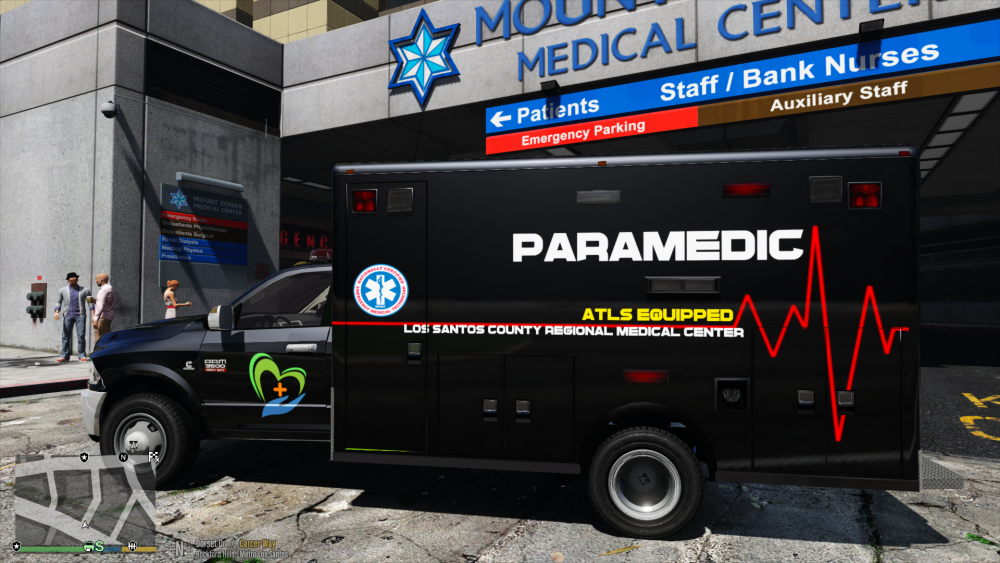
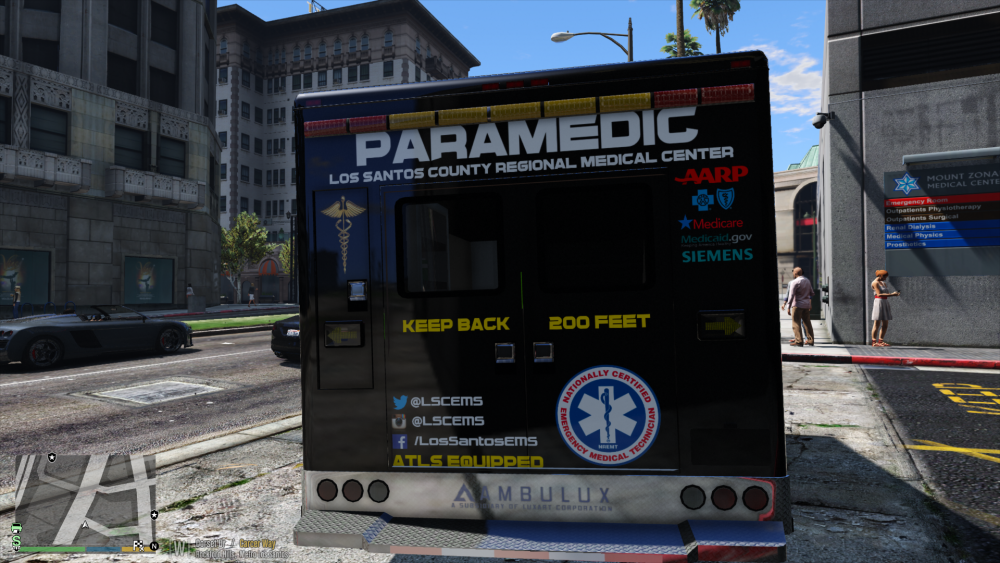
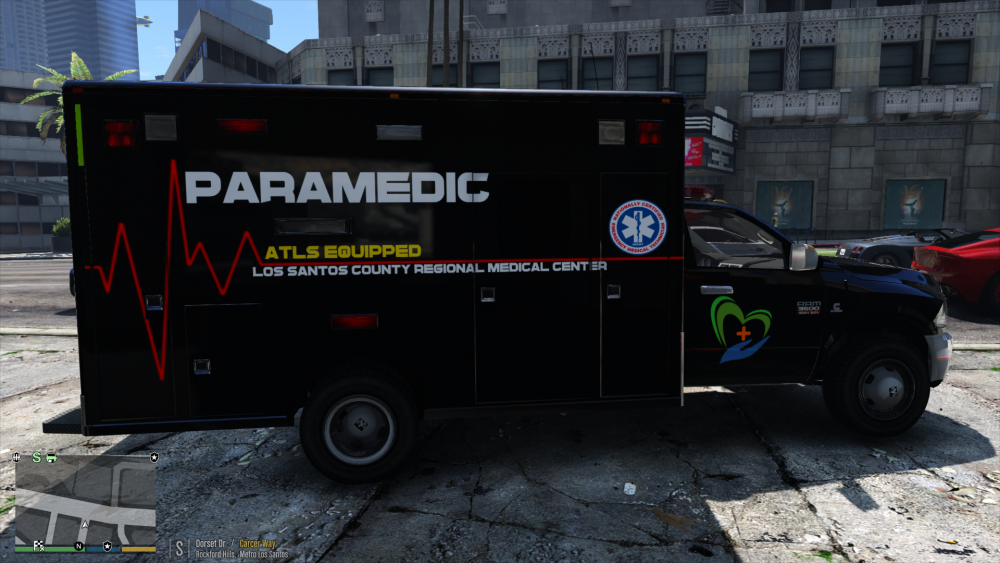
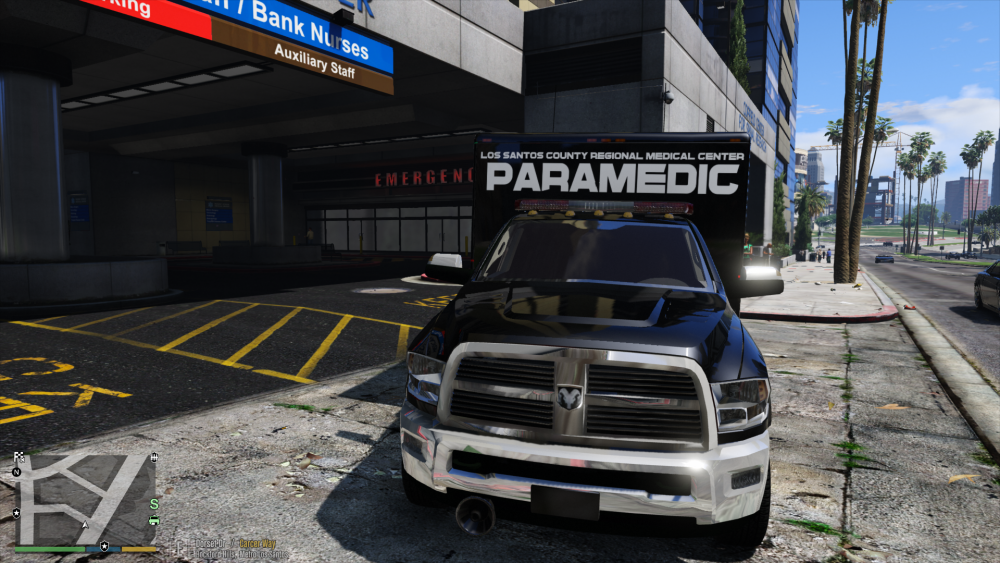
-
@ASTK9 Do you have this installed? If you do not, then that is your issue. The lights themselves aren't very bright without this. So they may be on, just not showing up. I have attatched some photos to show the difference in having RadianceV installed. @Thehurk Maybe you can chime in on this?
.thumb.png.56becf7db2517b3256a5392f483eb43f.png)
.thumb.png.2cf732a7099447a8ed2db9f25ffcd6be.png)
-
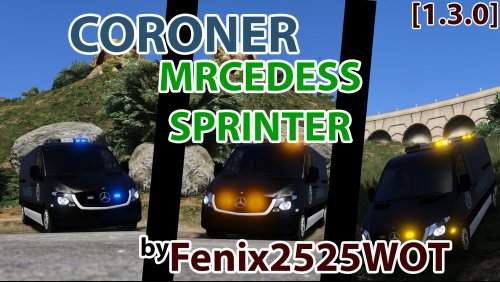 Great model, I used it for several of my live stream videos. Here's one of them that showcases your model at the end.
- 39 comments
- 12 reviews
-
-

- 1
-
-
All you need to do is download LCPDFR, and transfer all of the files directly into your GTA 4 root directory. There are the basic GTA 4 police cars, or you can look in the GTA 4 Mods section of this site and look in the models part. There are an immense amount of vehicles there. Just about every vehicle has installation instructions, but if you can't figure it out, we will be more than happy to help you. There will be instructions in your download of exactly what to do.
-
@Byzantine95 you can either honk your horn at them and they will move slightly forward or you can use mimic included in the Traffic Policer script by @Albo1125
-
This is why I never post on these anymore. Moderation comes and deletes all of what we did, so a game that could be fun, ends up just being aggravating.
-
way to delete about 4 pages and 123 numbers
-
This is very intriguing. Could you please post your rage log file for us to take a look?
-
Same here, not sure if i like it. I personally like symmetry, and this is very asymmetrical.
-
-
-
Just a different skin pack for Blaine County. Open to suggestions. Thanks to @FRGamer for the amazing model, and for taking the screenshots while I'm away from home for work.
-
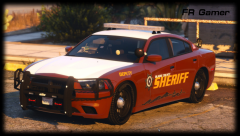
From the album: [WIP] Blaine County Skin Pack
Just another BCSO skin for those of us who love Blaine County Thanks @FRGamer for making the model and taking the screens for me -
From the album: [WIP] Blaine County Skin Pack
-
From the album: [WIP] Blaine County Skin Pack
-
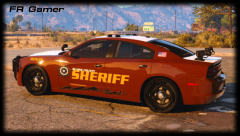
From the album: [WIP] Blaine County Skin Pack
Just another BCSO skin for those of us who love Blaine County Thanks @FRGamer for making the model and taking the screens for me -
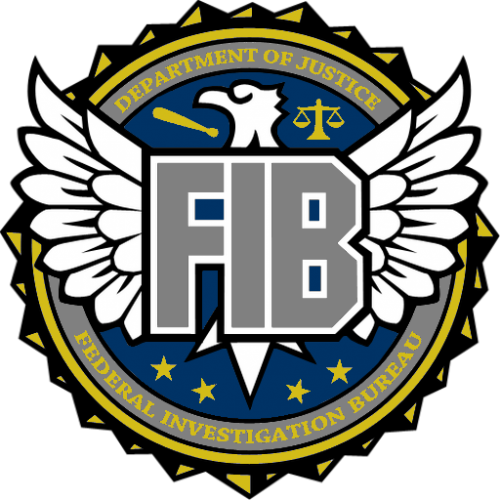 Inconsistent letter capitalization, on the rear of the vehicle it says FBI above the FIB logo, why are there California plates on a federal vehicle, and that font used is very robotic and unprofessional looking, something that a government agency would never use on anything other than a D.A.R.E. vehicle. You really need to put more effort into your work before a public release. Just sending this to a friend or posting it in the gallery or forums for comment would have saved you a lot of grief about this skin.
 -
2
-
1...
-
4
-
I love it. Can't wait for you to release it so I can use it,
-


.png.2c41b119119df998133ab8a584a92098.png)
.png.6494642fa882b9e26bff703e8e07877e.png)